Install REDUNDEAD on MAC OS X
To install REDUNDEAD on a Mac OS X operating system, follow the instructions below:
- Navigate to the REDUNDEAD download.
- Double-click the compressed REDUndead_v# download to extract the files.
- Open the extracted folder.
- Right-click the REDUndead_v#.pkg file and select Open from the drop-down menu.
- Click Continue.
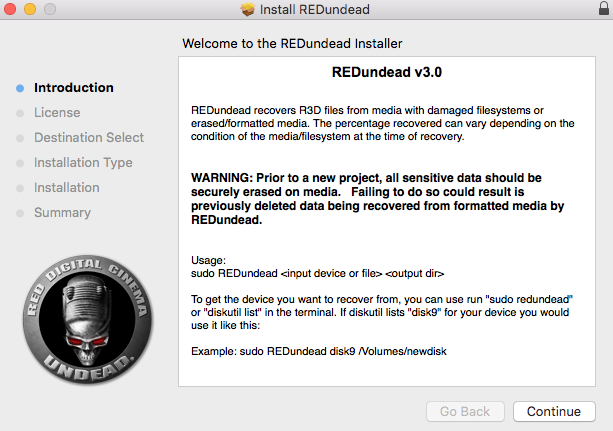
Figure: Click Continue
- Click Continue.
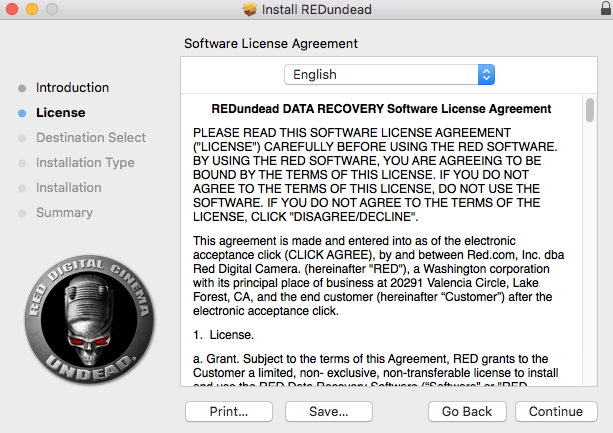
Figure: Click Continue
- Click Agree.
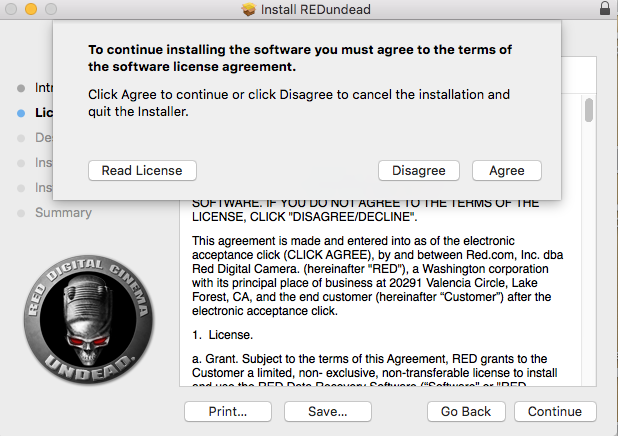
Figure: Click Agree
- Click Continue.
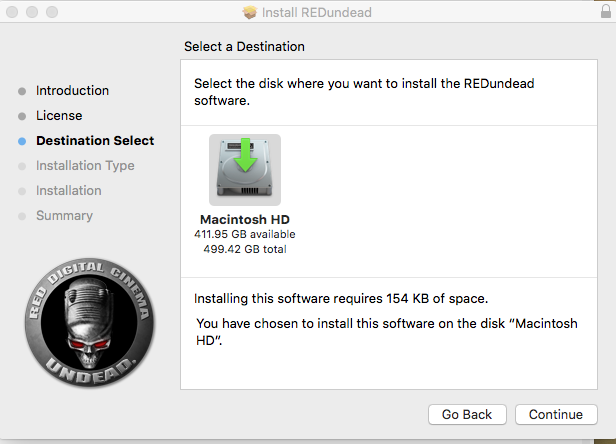
Figure: Click Continue
- Click Install.
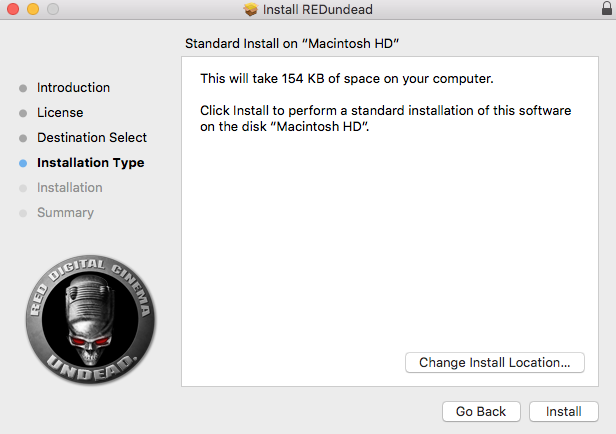
Figure: Click Install
-
Click Close when the installation is complete.
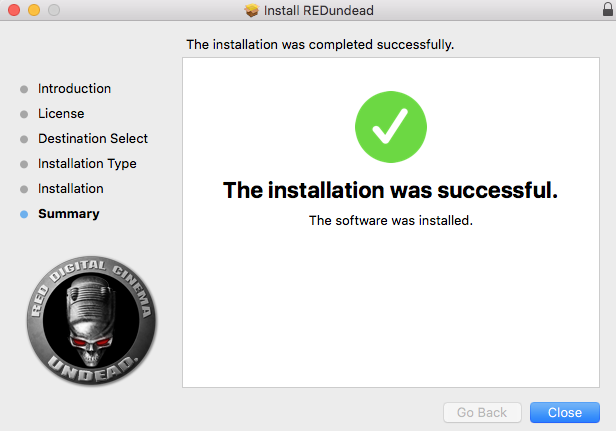
Figure: Click Close
-
Go to Applications > Utilities and open Terminal.
- Enter sudo REDundead into the command prompt line.
-
Enter your computer password if prompted.
If the installation is successful, REDUNDEAD outputs the text displayed in the image below.
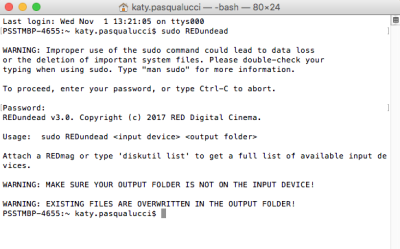
Figure: Confirm REDUNDEAD