Power
|
This section includes: |
Attaching the Batteries
Insert at least one compatible battery (refer to Batteries) in the left battery slot. Slide the battery until it clicks.
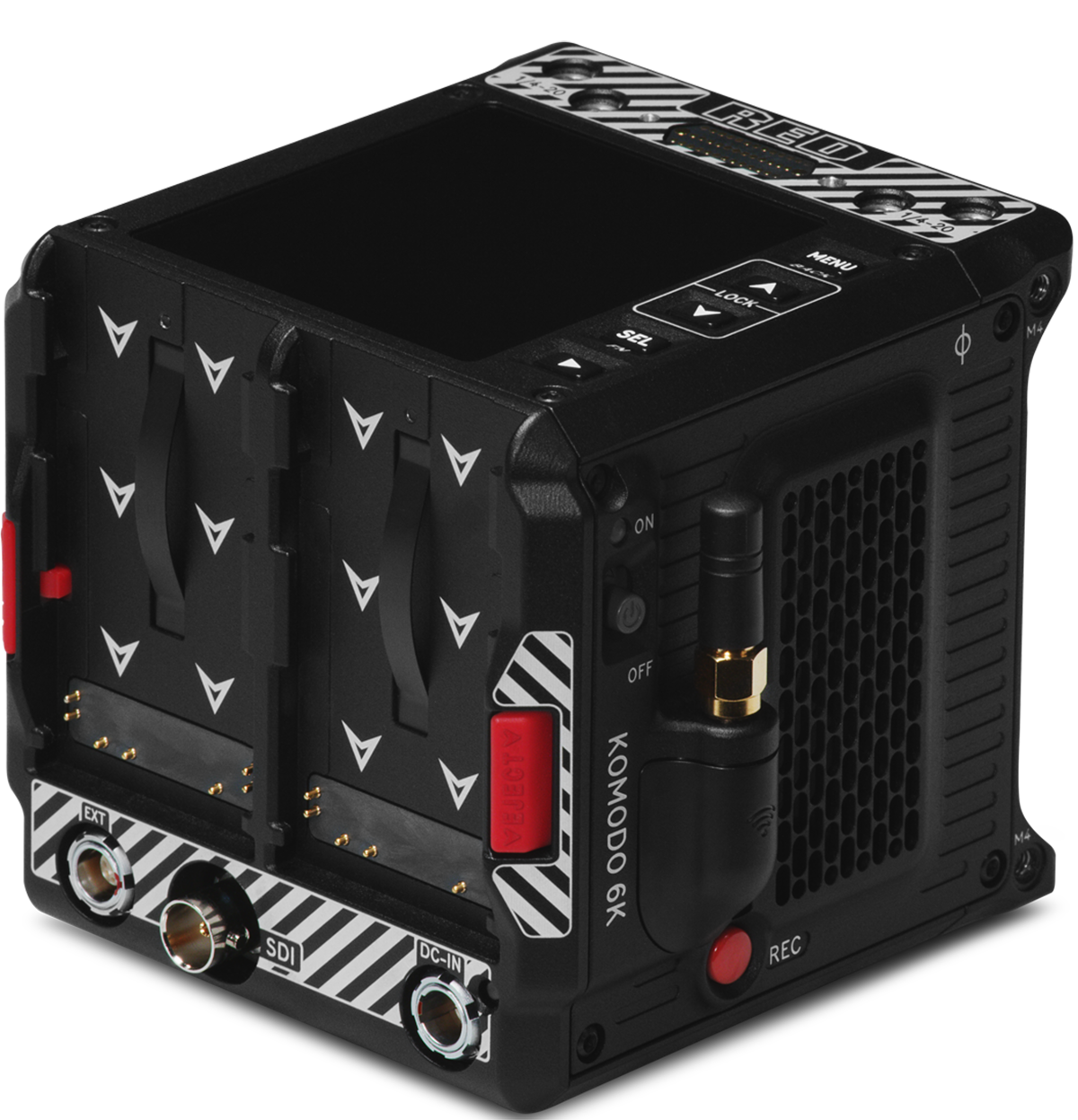
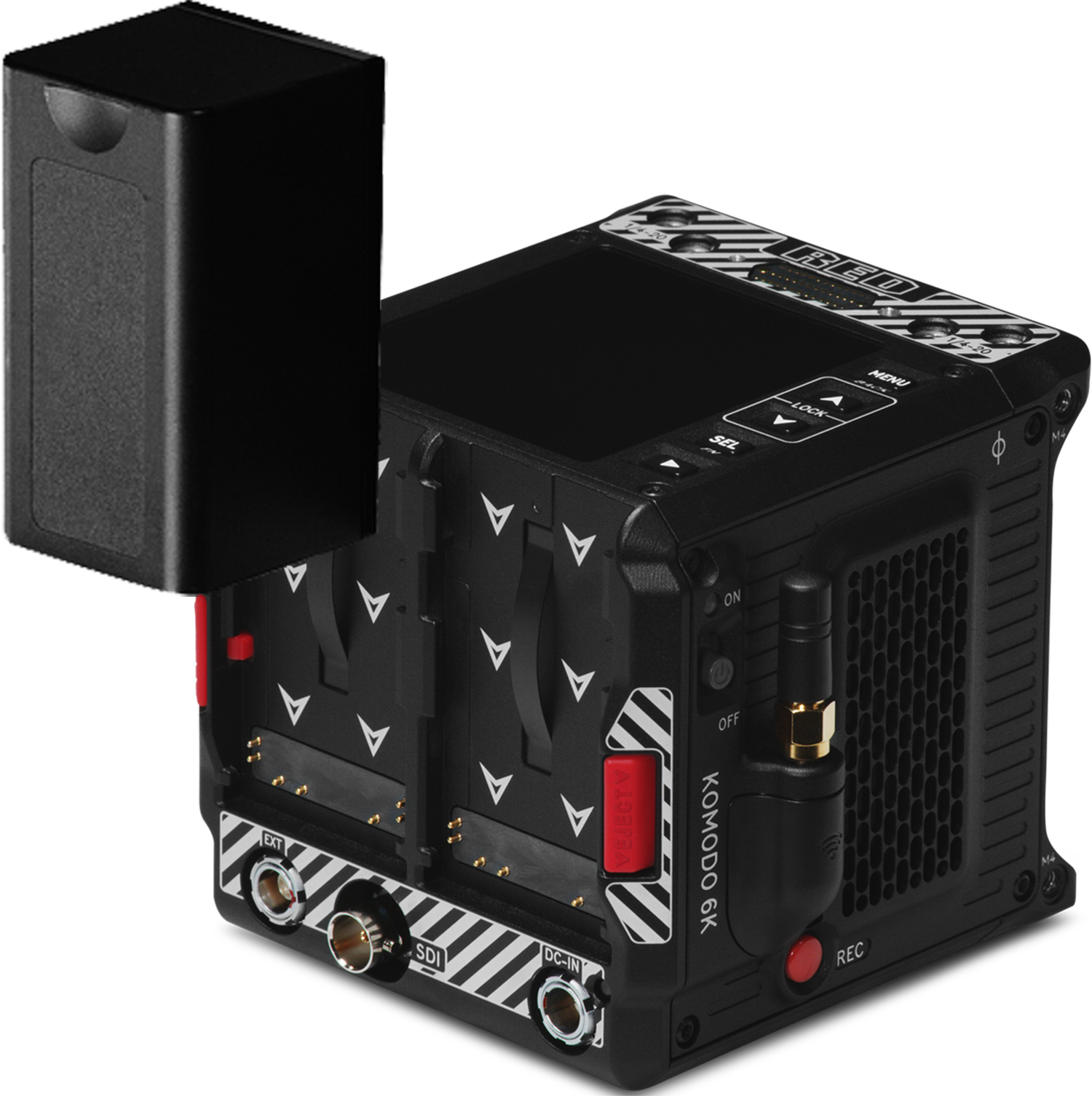
The camera can charge the batteries when they are attached to the camera and the DC power Adaptor is connected. The camera charges the batteries only when the camera is off and the power Adaptor is connected. While the batteries are charging the DC Power LED will blink amber.
NOTE: Some unapproved batteries will not charge on the camera.
Removing the Batteries
You can hot swap a dead battery when you have another charged battery attached, and you can continue recording while you make the swap.
- While holding the attached battery, press the Eject Button.
- Slide and lift the battery out.