Media Info
Use Media Info to display the CFast media card information.
Access Media Info from the LCD Touchscreen Media menu:
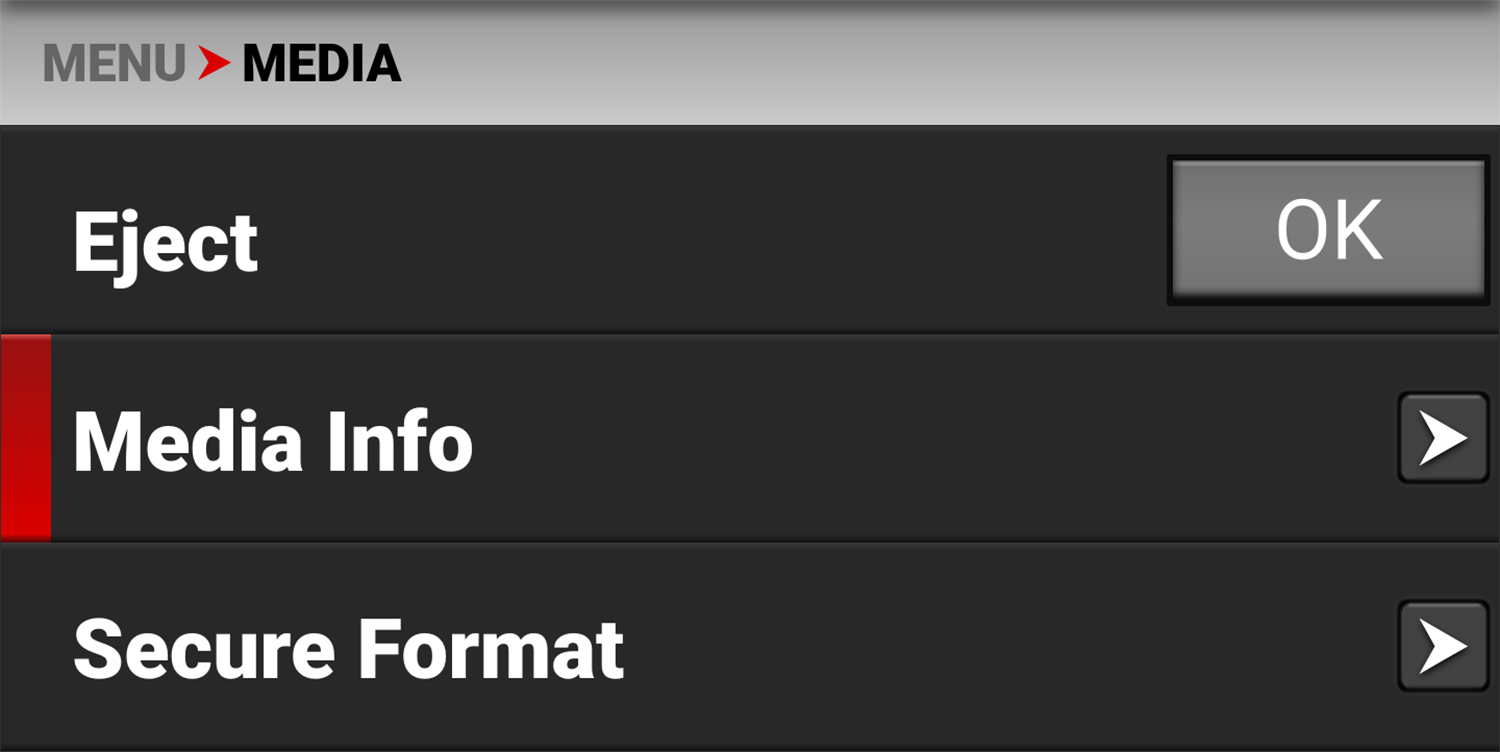
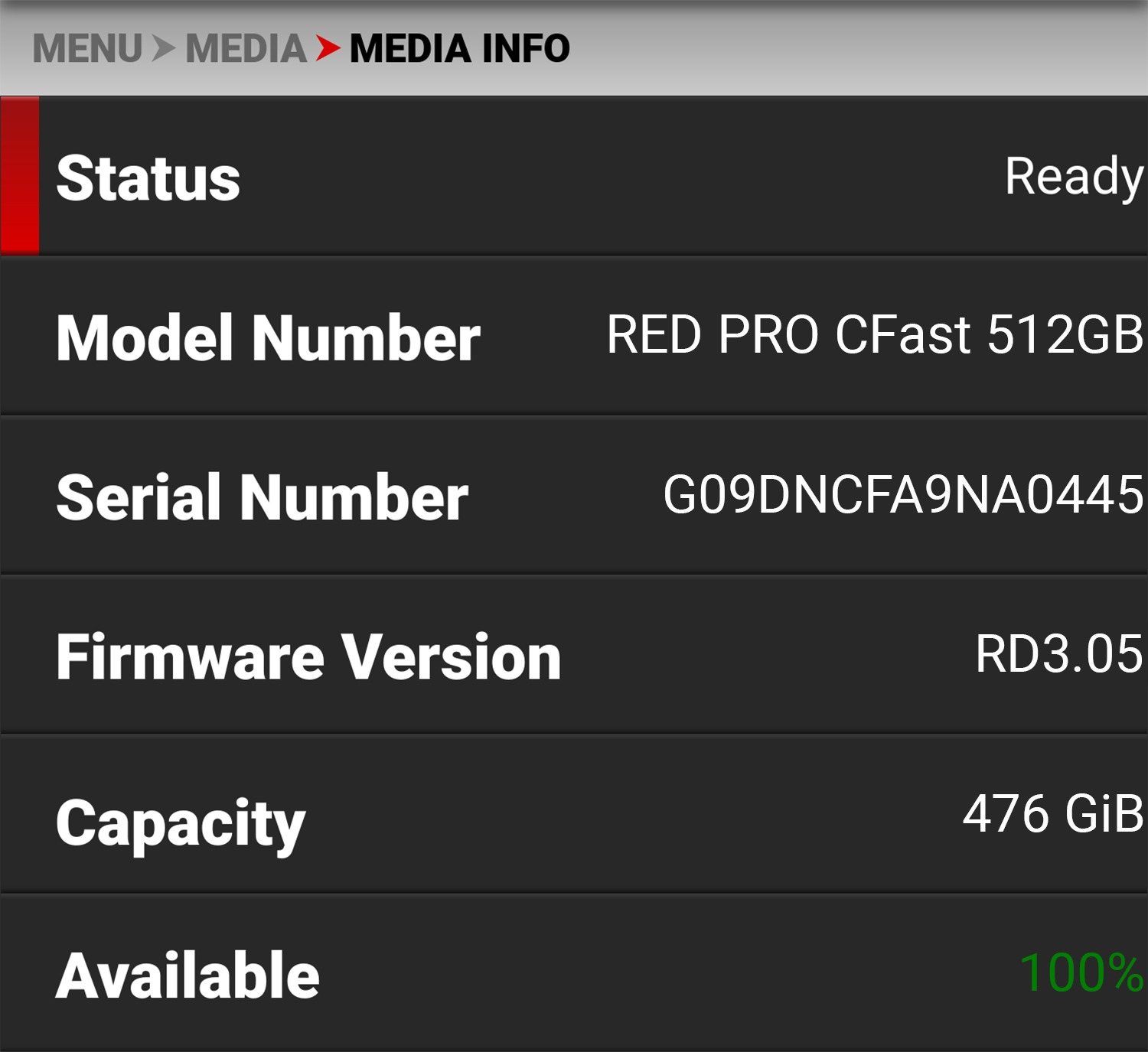
Media Info displays the following:
|
setting |
Details |
|---|---|
|
Status |
Displays the CFast media card status |
|
Model Number |
Displays the CFast media card model number |
|
Serial Number |
Displays the CFast media card serial number |
|
Firmware Version |
Displays the CFast media card firmware version |
|
Capacity |
Displays the CFast media card total capacity |
|
Available |
Displays the CFast media card's remaining storage |
|
Time Remaining |
Displays the recording time remaining on the CFast media card |