LCD
Use LCD to configure the LCD Touchscreen settings.
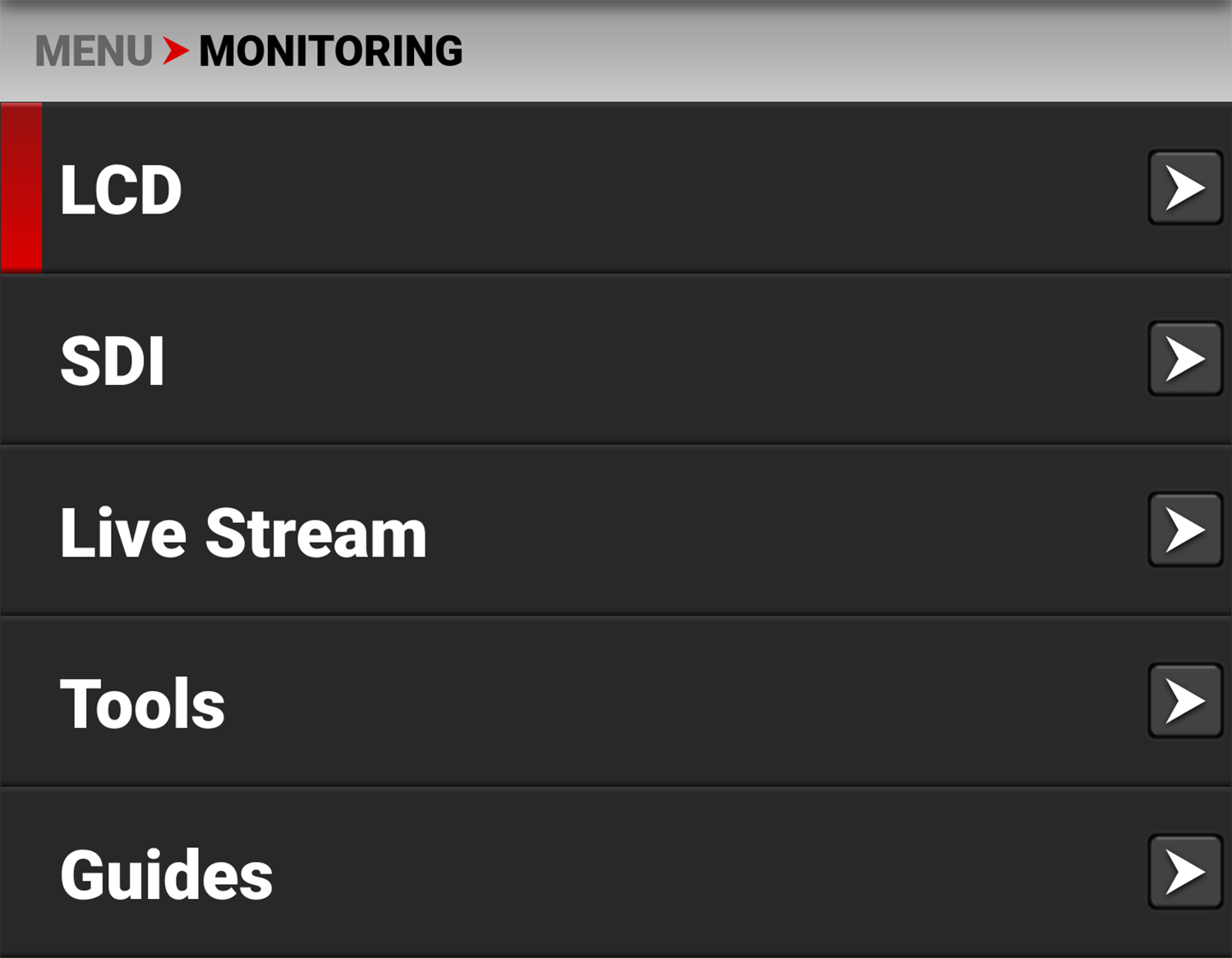

The LCD settings you can configure include:
|
Items |
Details |
|---|---|
|
Adjust the LCD touchscreen brightness |
|
|
Select the Image / LUT, or RWG and Log3G10 image preview look |
|
|
Enable or disable the camera guides |
|
|
Enable or disable the camera tools |
|
|
Enable or disable LCD magnification |
|
|
Enable or disable the prism finder mode (horizontally flip the LCD) |
Brightness
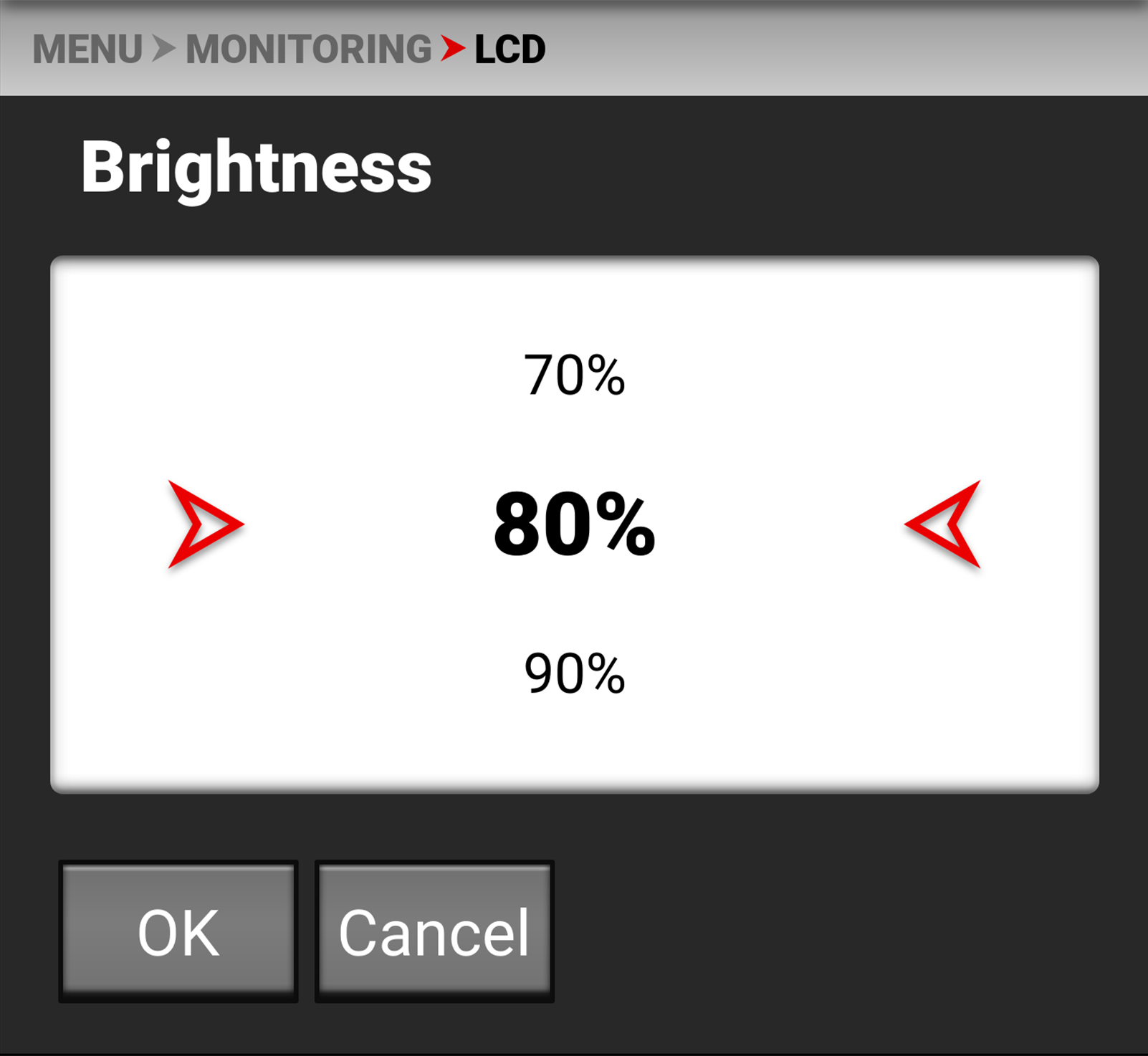
You can adjust the camera's top LCD brightness from 10% to 100%. The default is 80%
Look
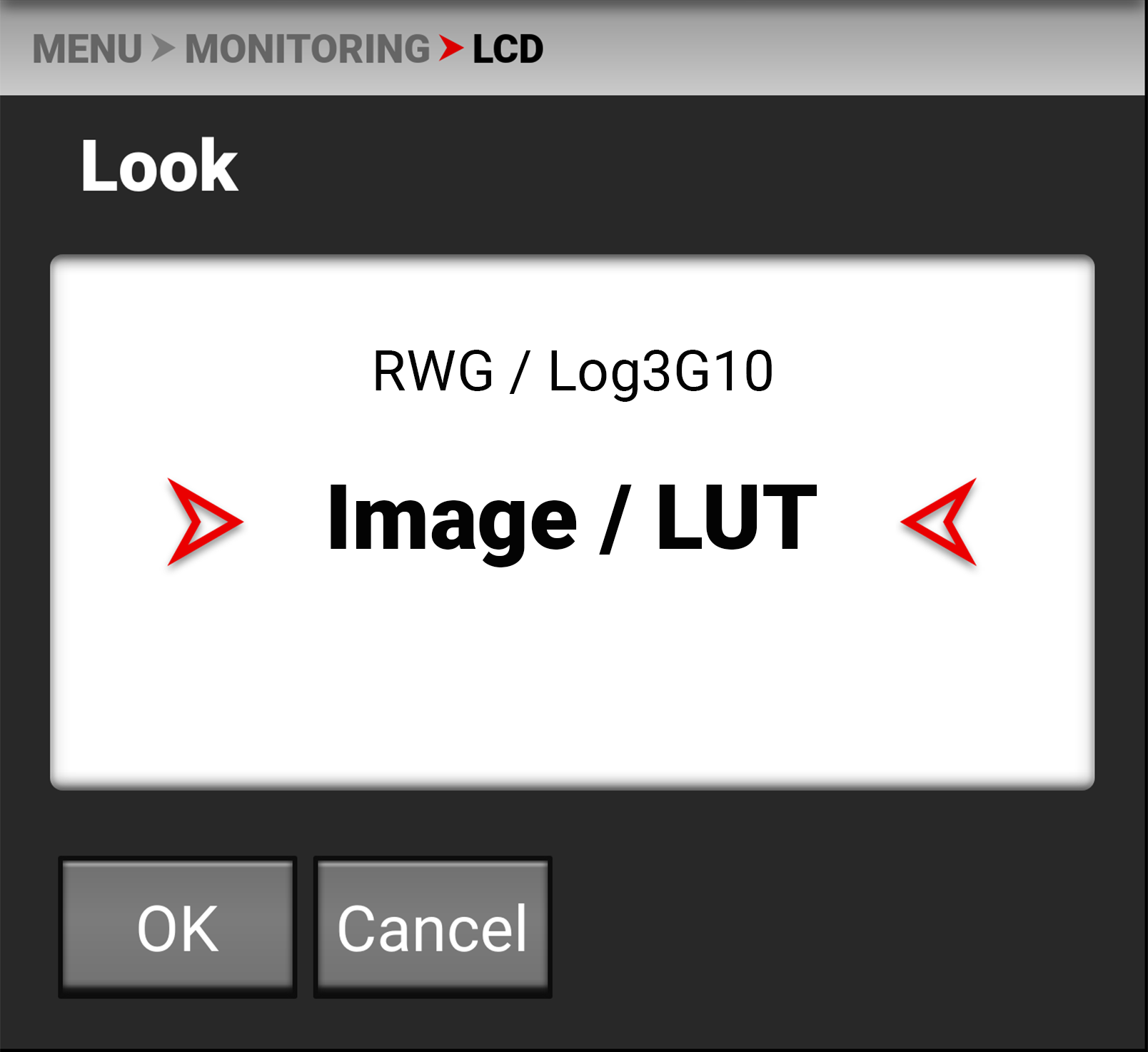
You can select the look of the image preview on the LCD. The selections include:
- REDWideGamutRGB / Log3G10
- Image / LUT (default).
Guides
Use the toggle to enable (default) or disable the camera guides.


Tools
Use the toggle to enable (default) or disable the camera tools.


Magnify
Use the toggle to enable or disable (default) LCD magnification.


Prism Finder Mode
Use the toggle to enable or disable (default) the LCD flip view.

