R3D Quality
Use R3D Quality to select the R3D data rate the camera uses to record the image files.
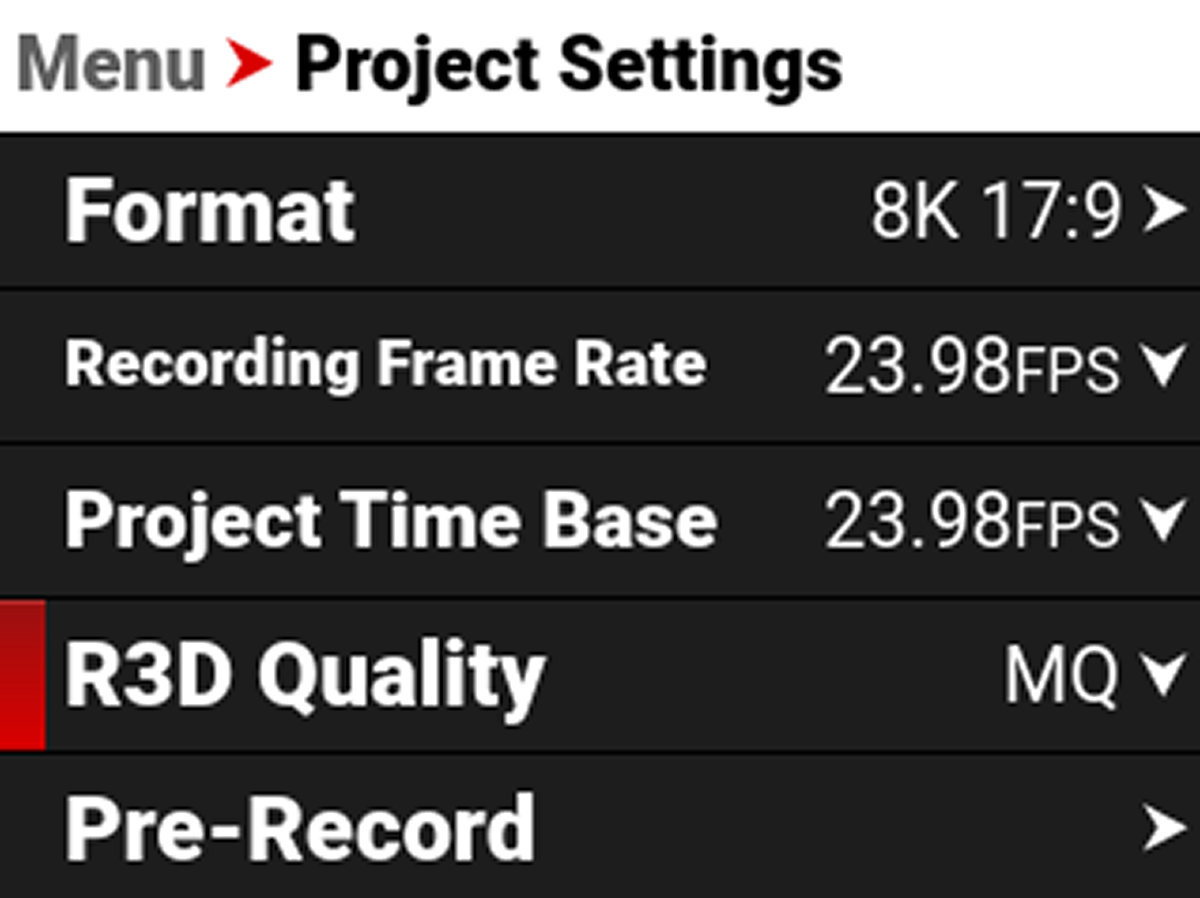
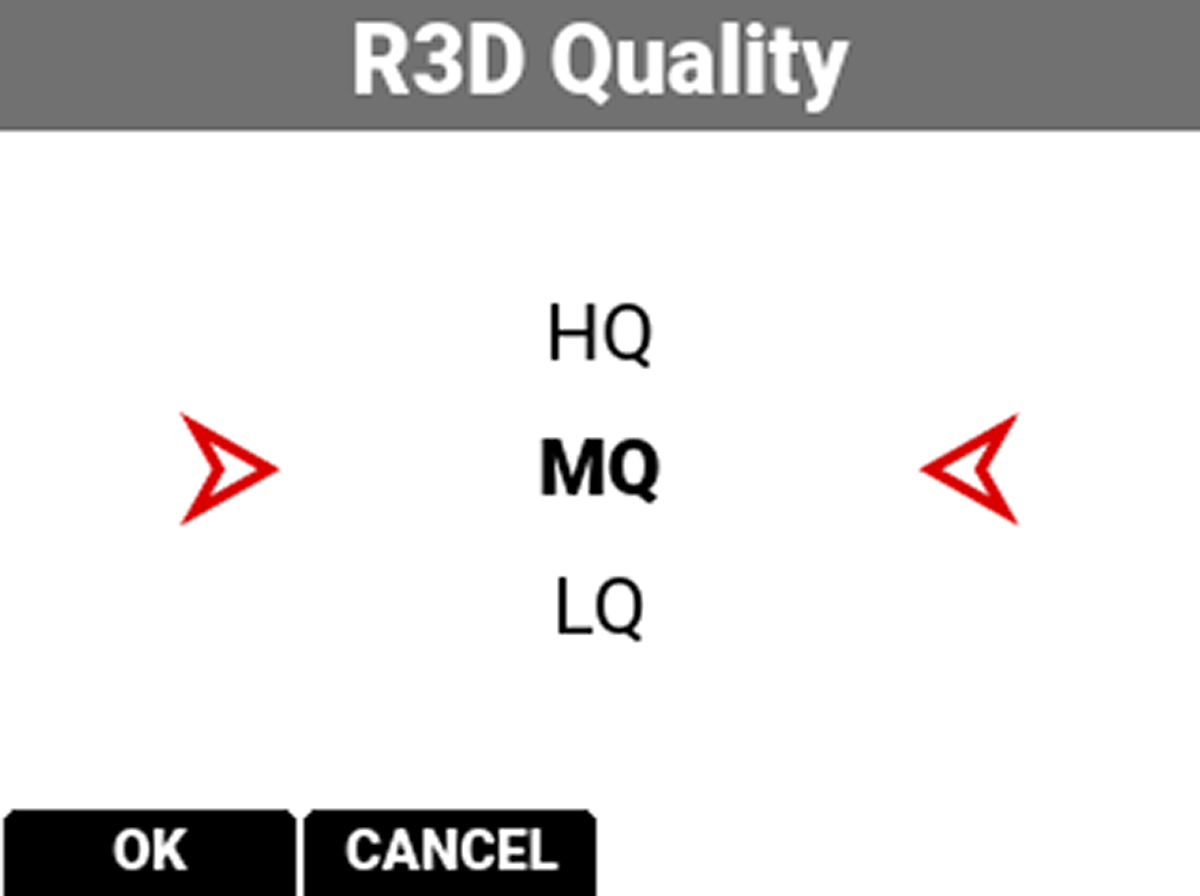
The R3D Quality selections include:
- HQ - High data rate and less recording time
- MQ - Medium data rate (default) and longer recording time
- LQ - Lowest data rate and longest recording time
For high complexity scenes, VFX, and stills from motion workflows, RED recommends the HQ setting. For cinema (non-VFX) and high-end TV, RED recommends the MQ setting. For TV, online content, documentary and interviews, RED recommends the LQ setting.