Slate
Use the Slate menu to assign a camera ID and camera position the camera adds when recording clips.
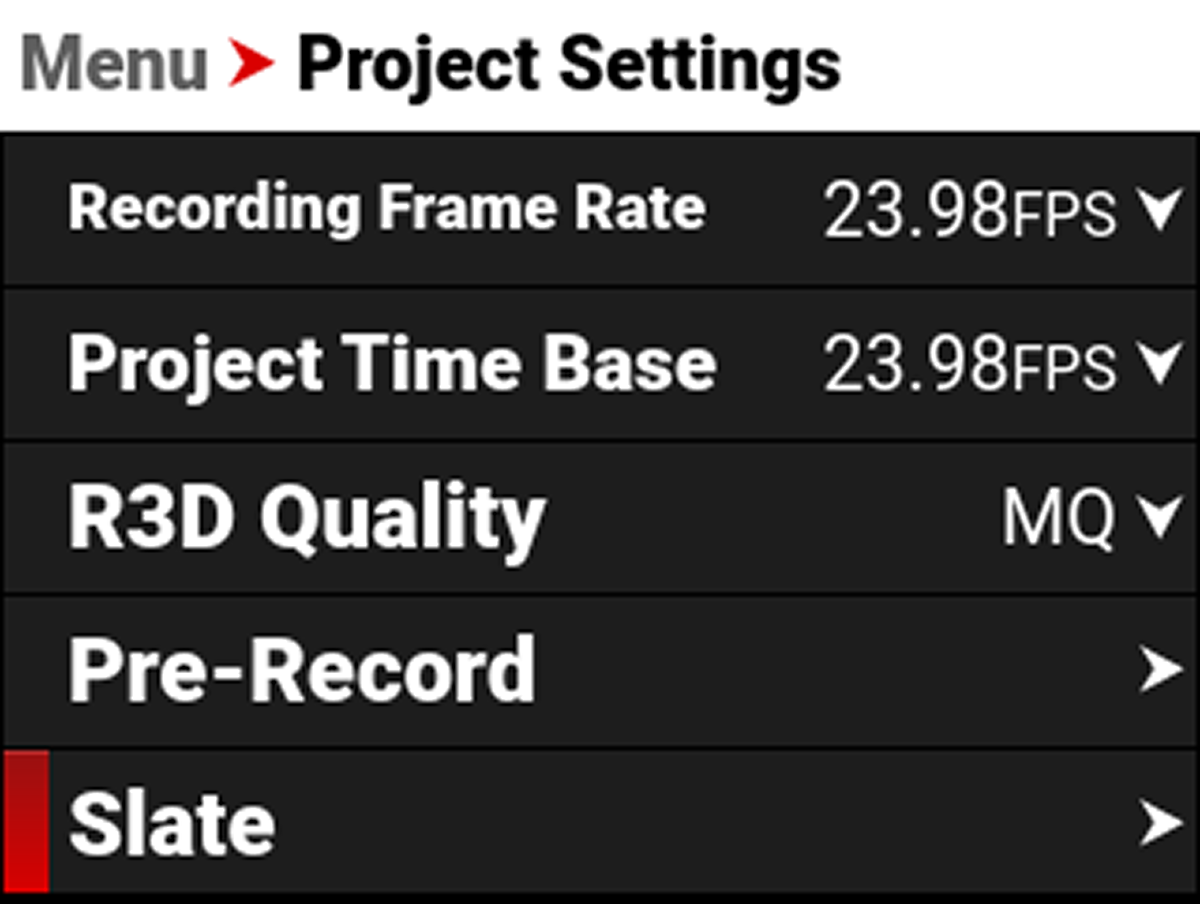
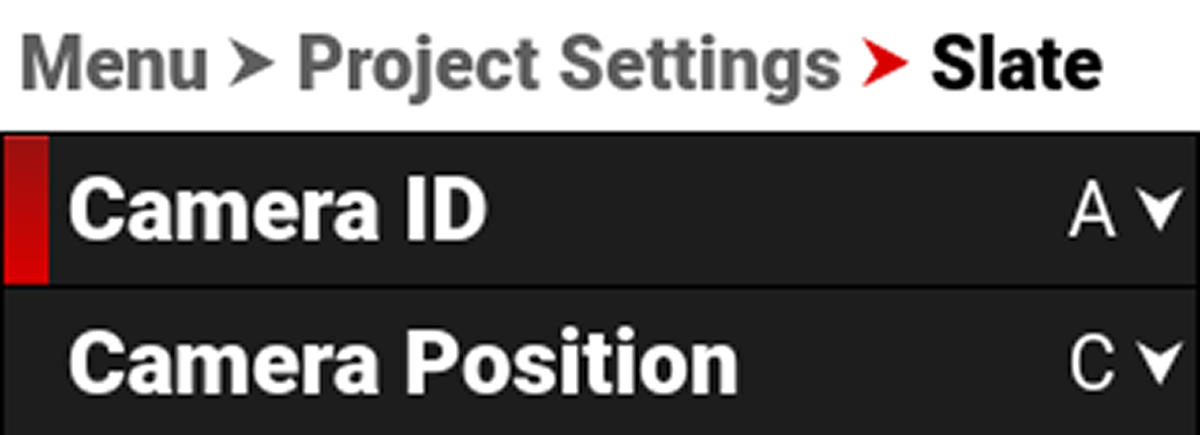
The settings you can assign to a clip include:
- Camera ID (also populates in the Media menu when formatting media)
- Camera Position (also populates in the Media menu when formatting media)
Camera ID
Use Camera ID to assign a camera ID when the camera records clips.
NOTE: You can also change the Camera ID by using Secure Format (refer to Secure Format).
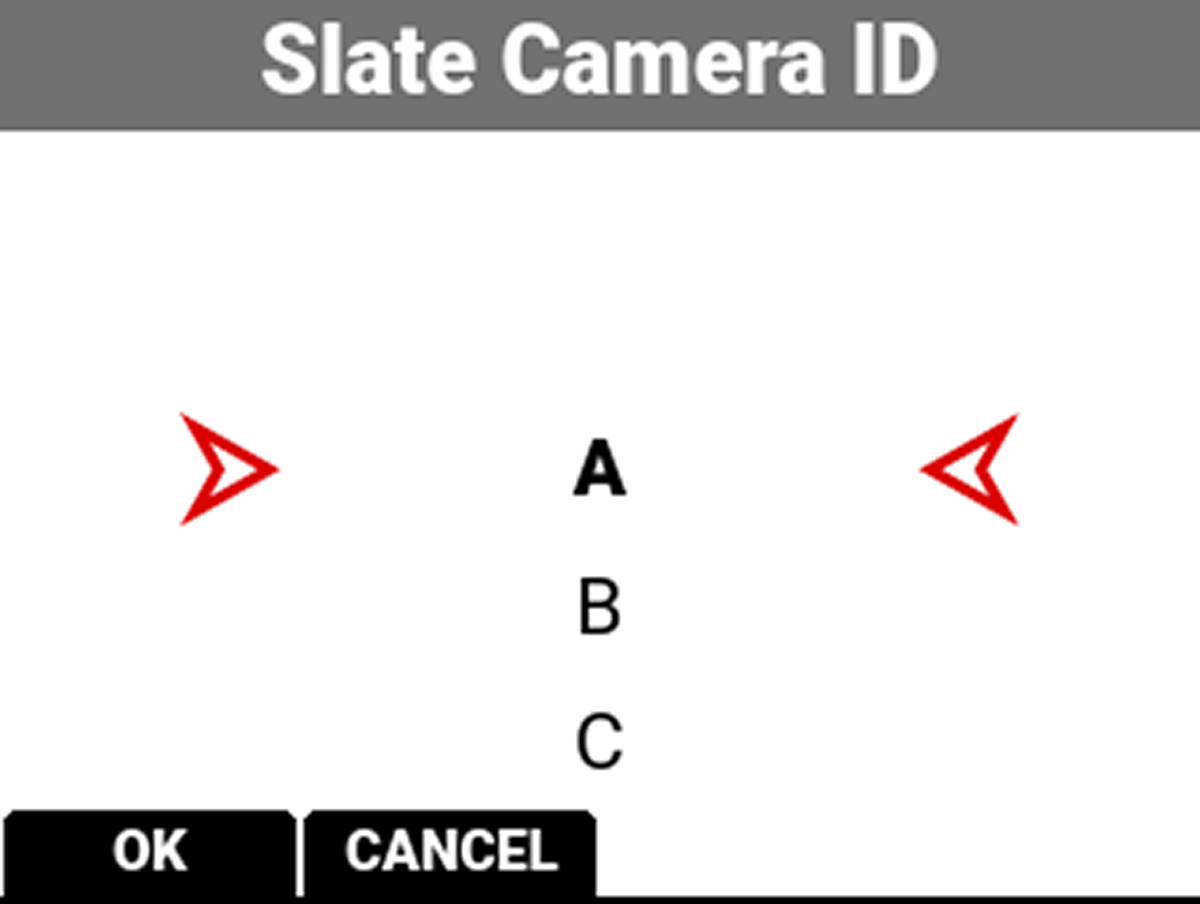
The camera IDs you can assign when recording a clip include the letters A-Z.
Camera Position
Use Camera Position to assign a camera position letter when the camera records clips.
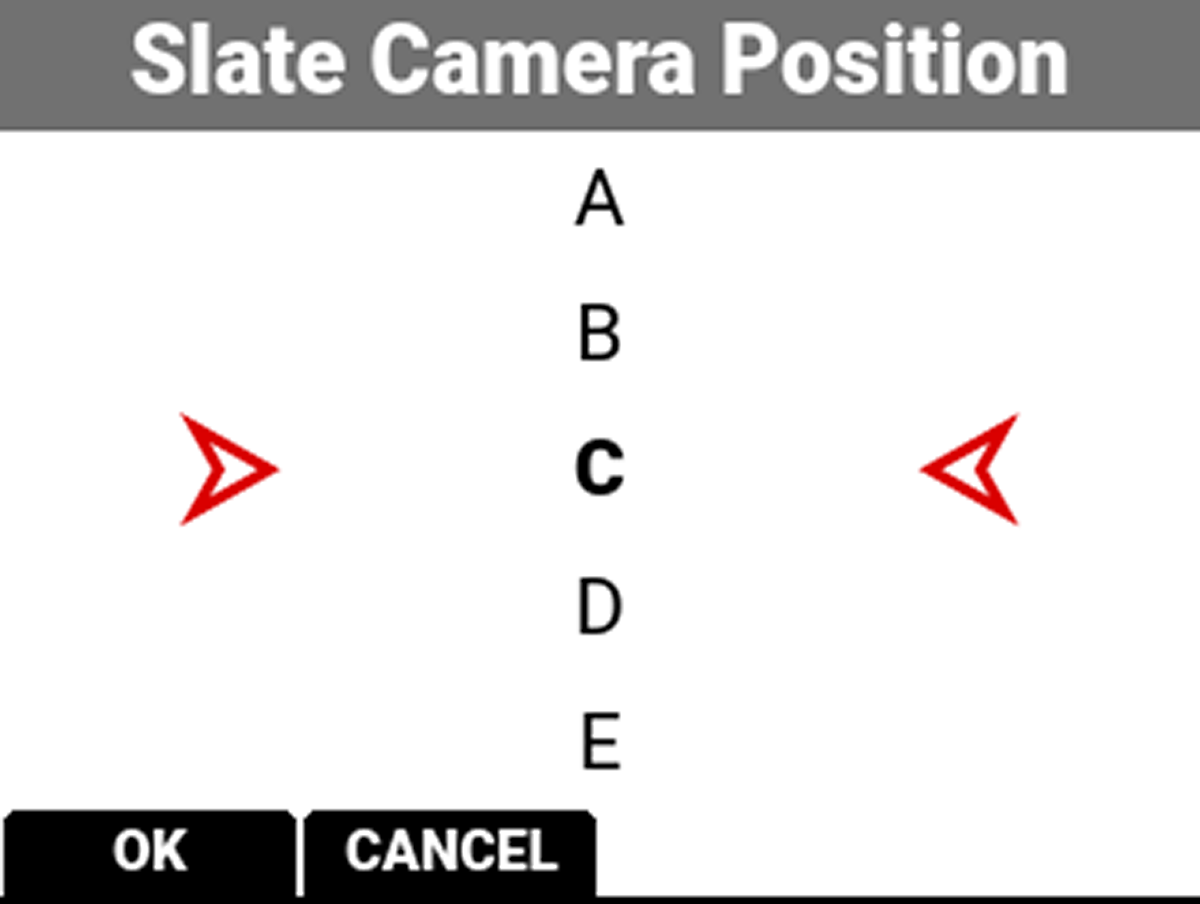
The camera positions you can assign when recording a clip include the letters A-Z.