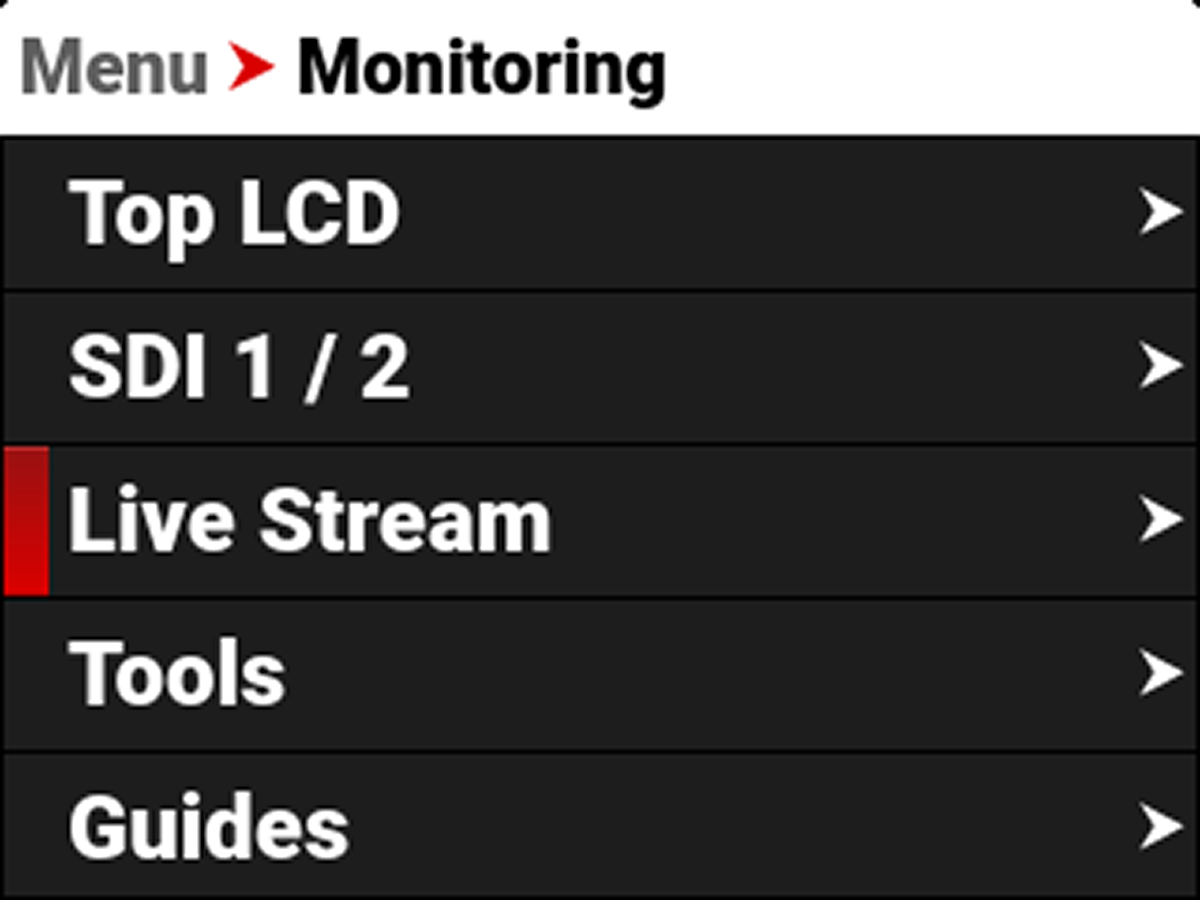
Live Stream
Use Live Stream to enable or disable live streaming over Wi-Fi. This is one of the methods you can use to connect to the RED Control App.
NOTE: When live streaming, select 5 GHz as the Wi-Fi band (refer to Ad-Hoc).
Source
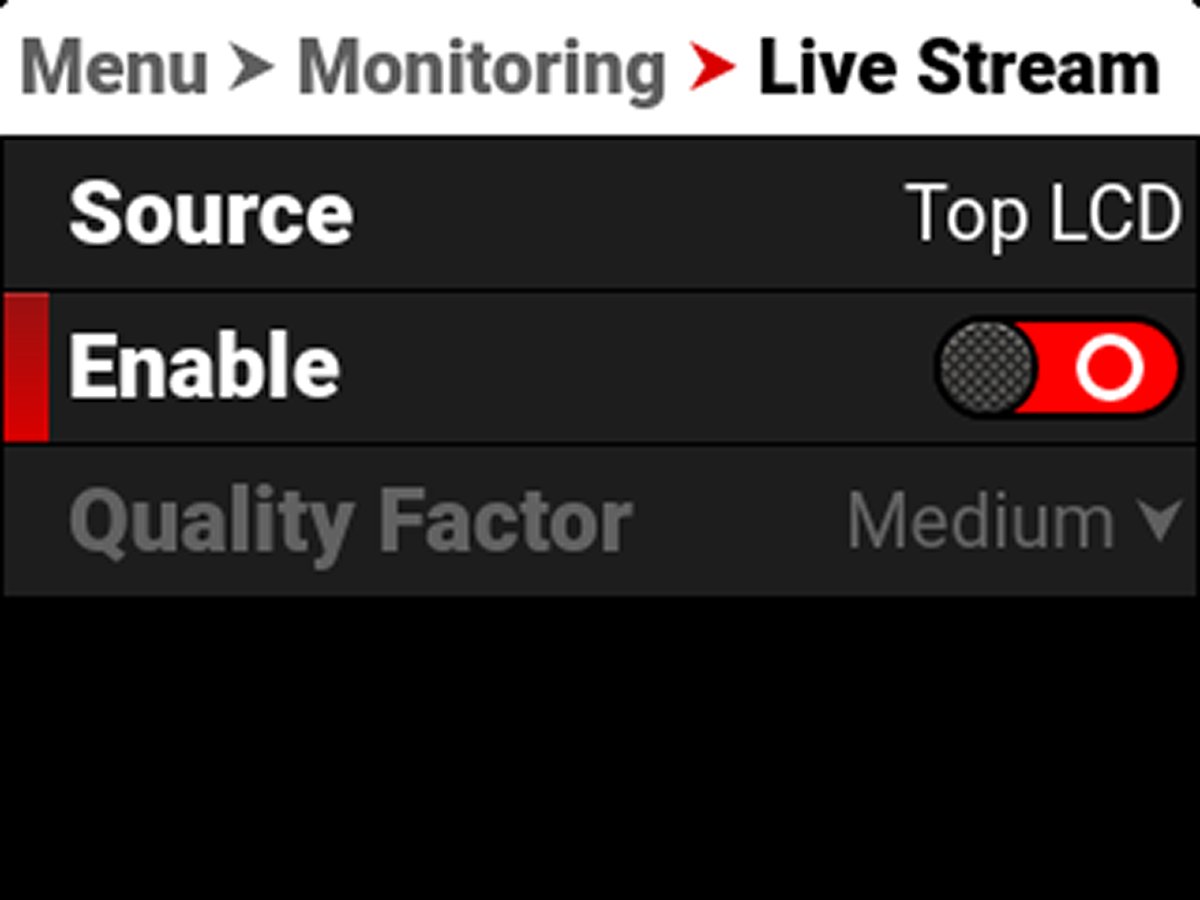
Source displays the source of the Live Stream image. Live stream displays the guides, looks, and tools enabled for that source.
Enable
Use Enable to enable or disable the Live Stream feature.


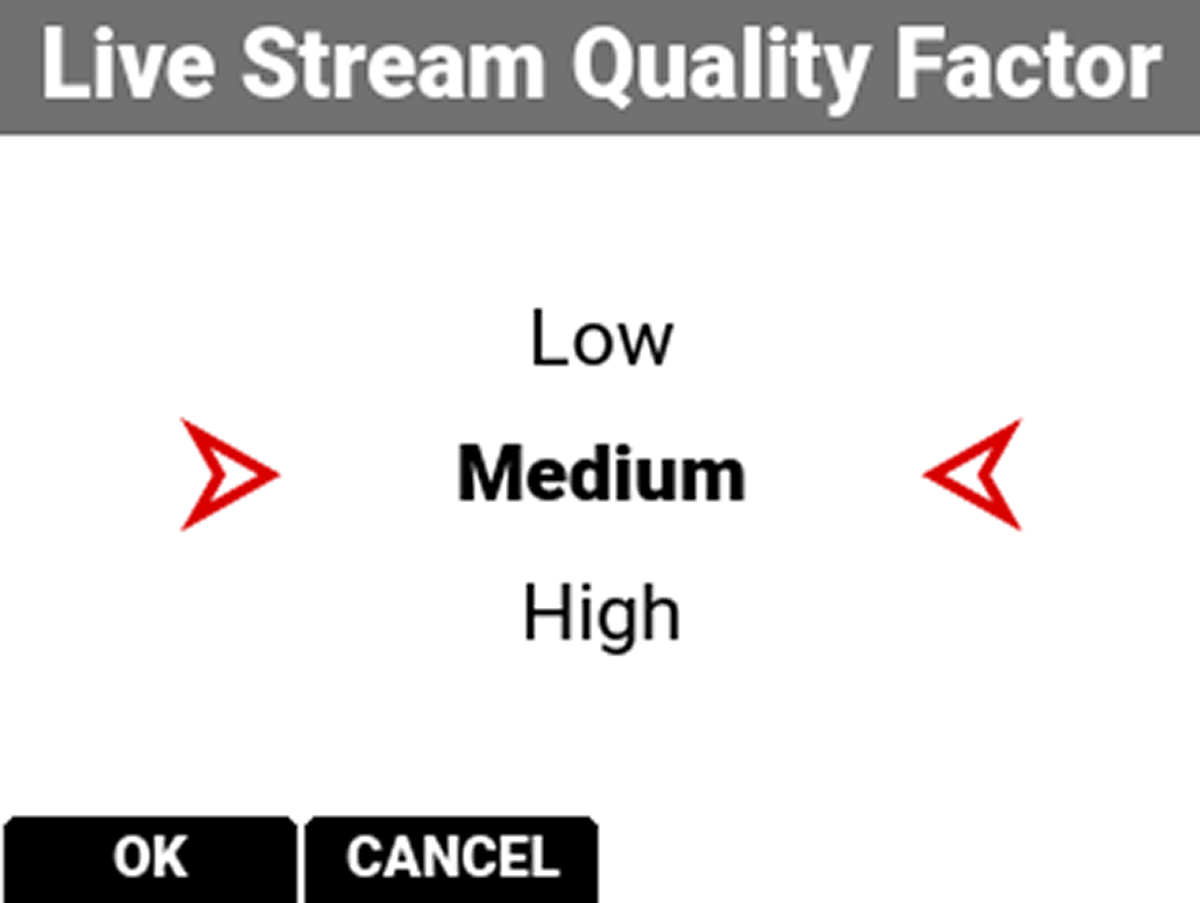
Quality Factor
Use Quality Factor, when Live Streaming is enabled, to control the video quality the camera's output streams. Lower quality can stream over a longer distance.