Autofocus - BETA Menu
Use Autofocus to enable and configure the camera's Autofocus feature. The lens must support autofocus for this feature to work.
From the camera LCD menu, navigate to Autofocus - BETA and press SEL:
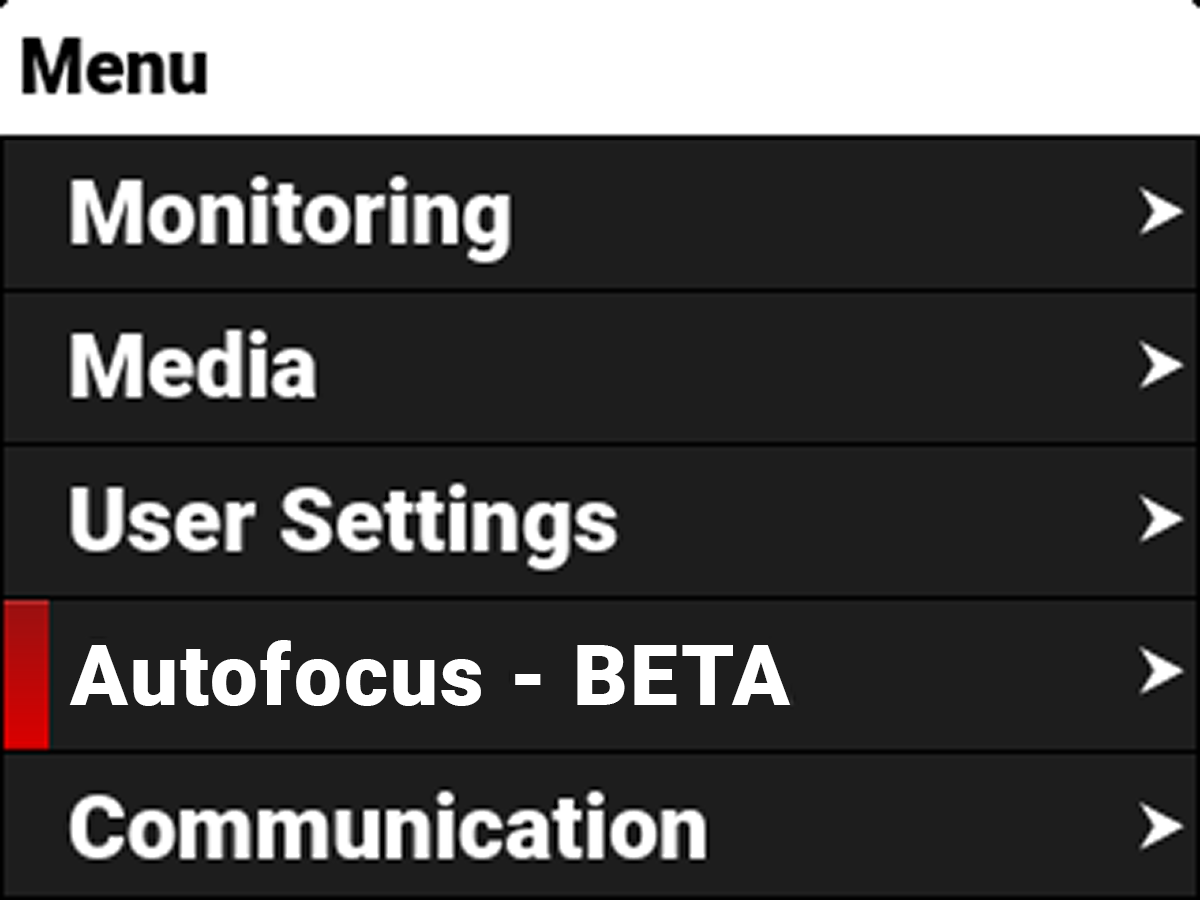
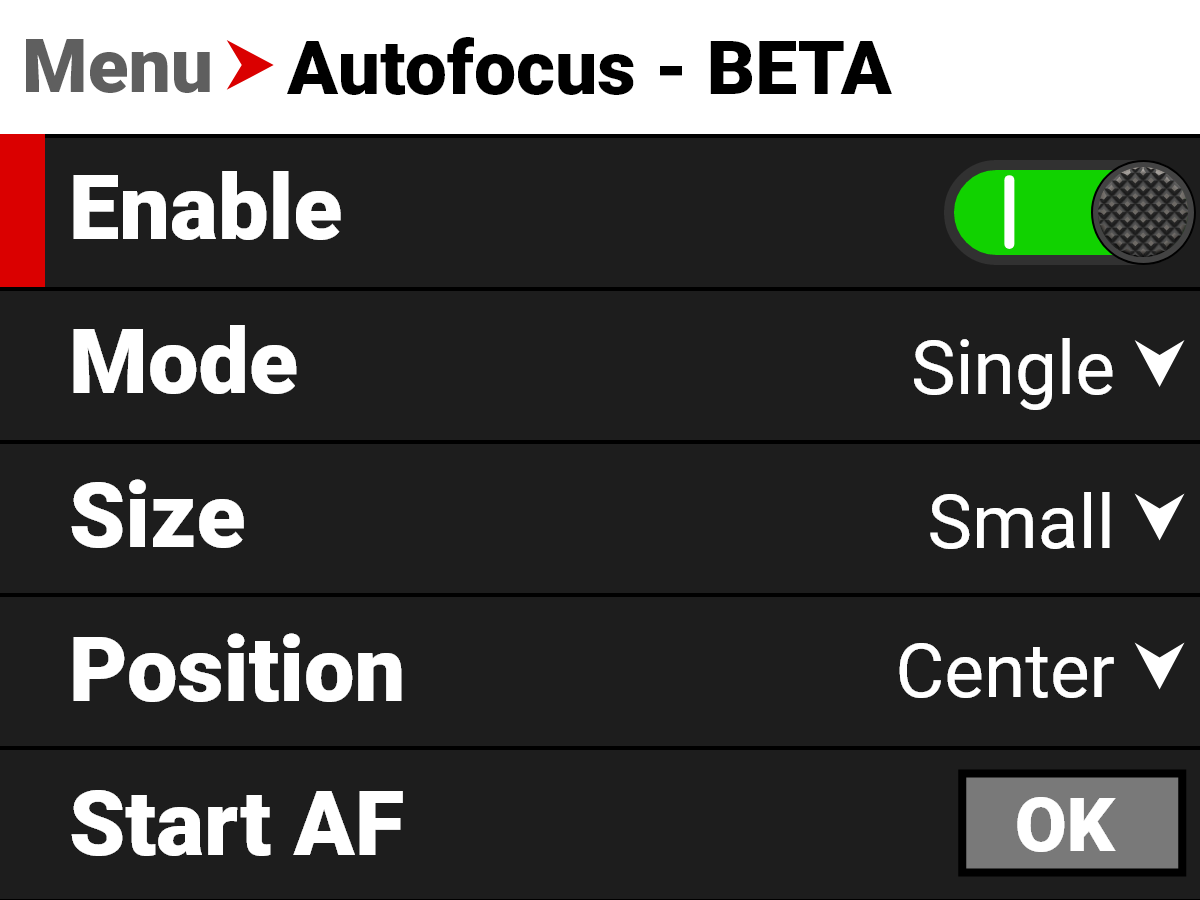
Use the Autofocus menu to perform camera autofocus tasks:
|
Item |
Details |
|---|---|
|
Enable/Disable the autofocus feature |
|
|
Select the autofocus mode |
|
|
Select the size of the autofocus area |
|
|
Select the position of the autofocus area |
|
|
Start AF |
Start the Autofocus feature |