FTPS
Use FTPS to configure the camera to work with a secure File Transfer Protocol (FTPS) connection.
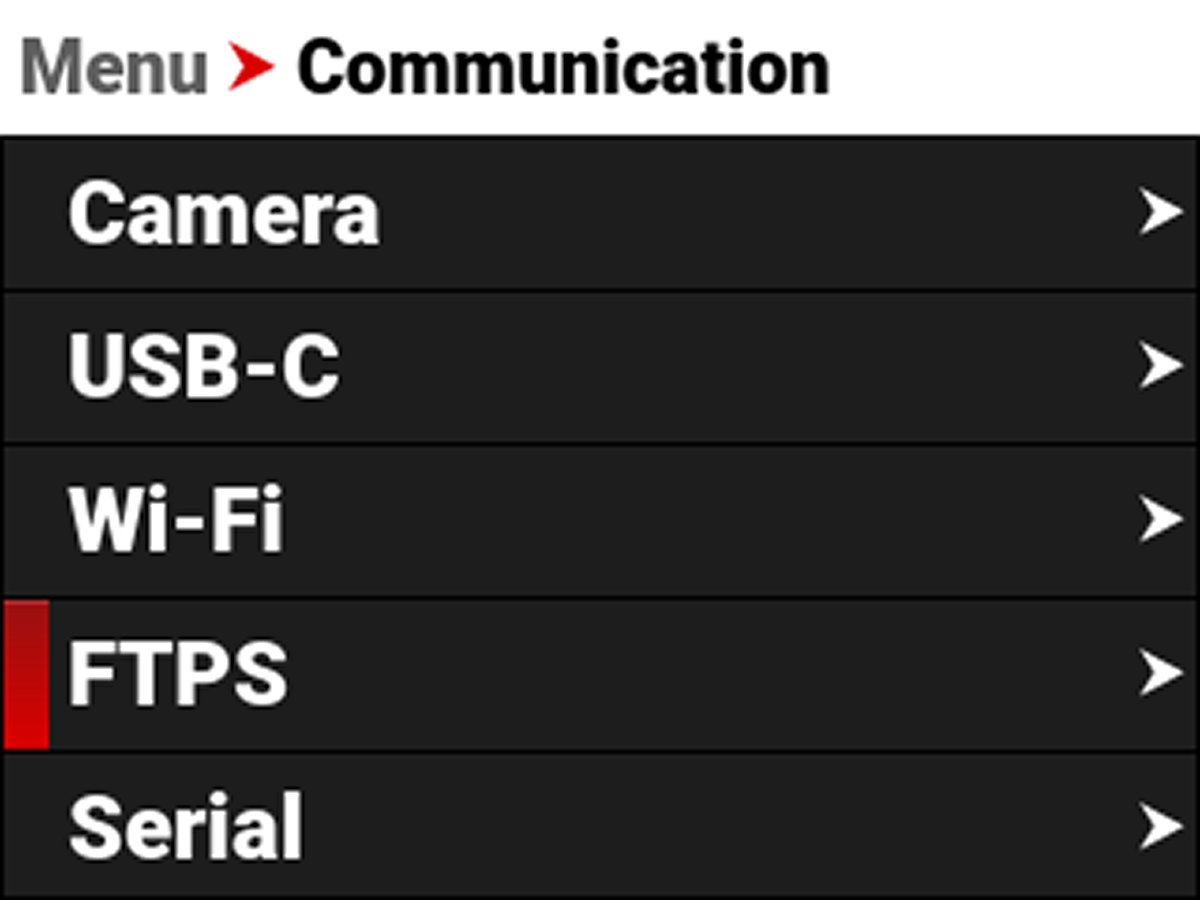

Use the FTPS menu to configure the camera's FTPS settings:
|
Item |
|
Details |
|---|---|---|
|
Username |
|
Static username ftp1 |
|
Password |
|
User-editable password |
|
Settings (R/W) |
|
Enable FTP access to the camera settings |
|
Media (Read Only) |
|
Enable read-only access to the media |
|
Connection Status |
|
Displays the FTPS actions occurring |
Password
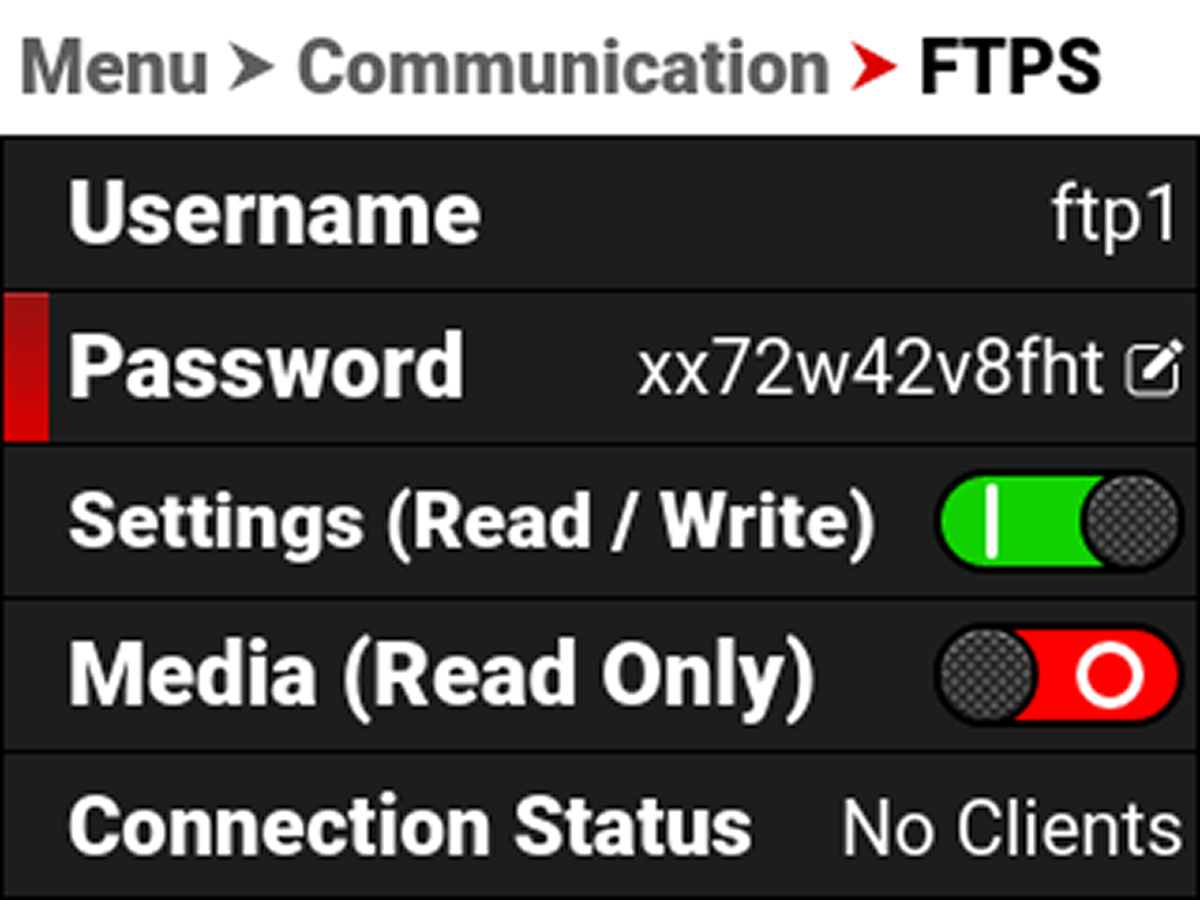
Use Password to enter an FTPS password. When you press SEL on Password, the FTPS Password editing screen appears.
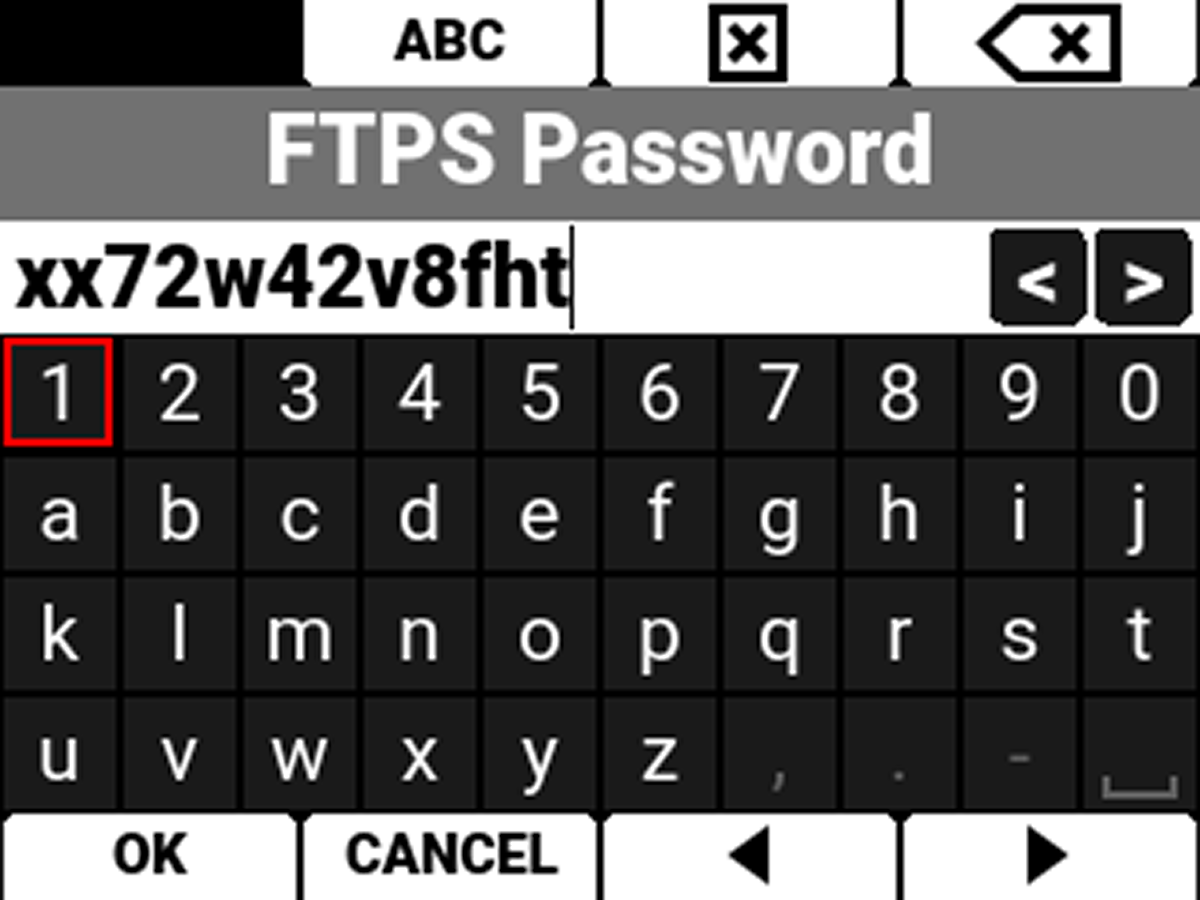
The password must contain a minimum of 8 characters.