Date / Time
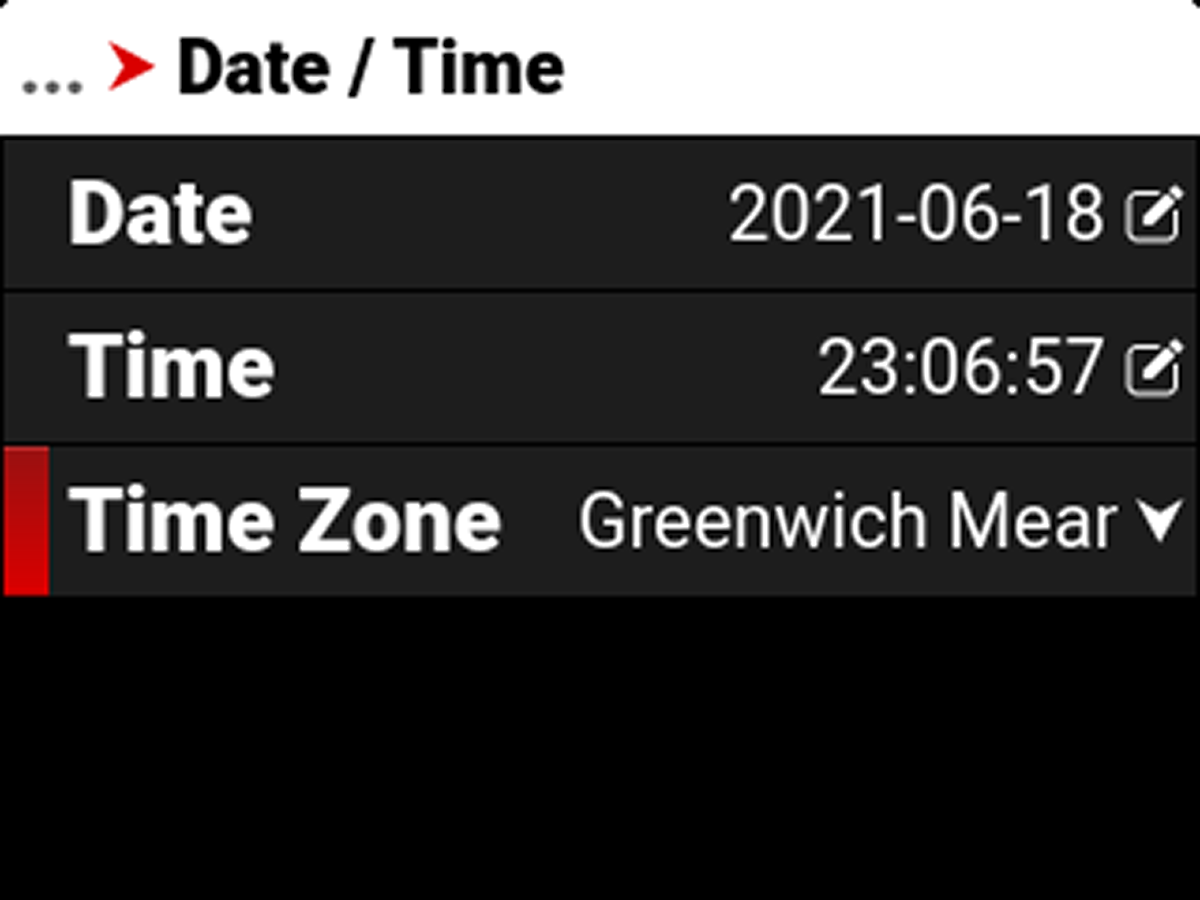
Use the Date / Time menu to reset the internal clock of the camera. The time and date are timestamped on R3D® files when recording to the media. The camera uses the 24-hour clock convention (military time). For example, enter 2:35 PM as 14:35:00.
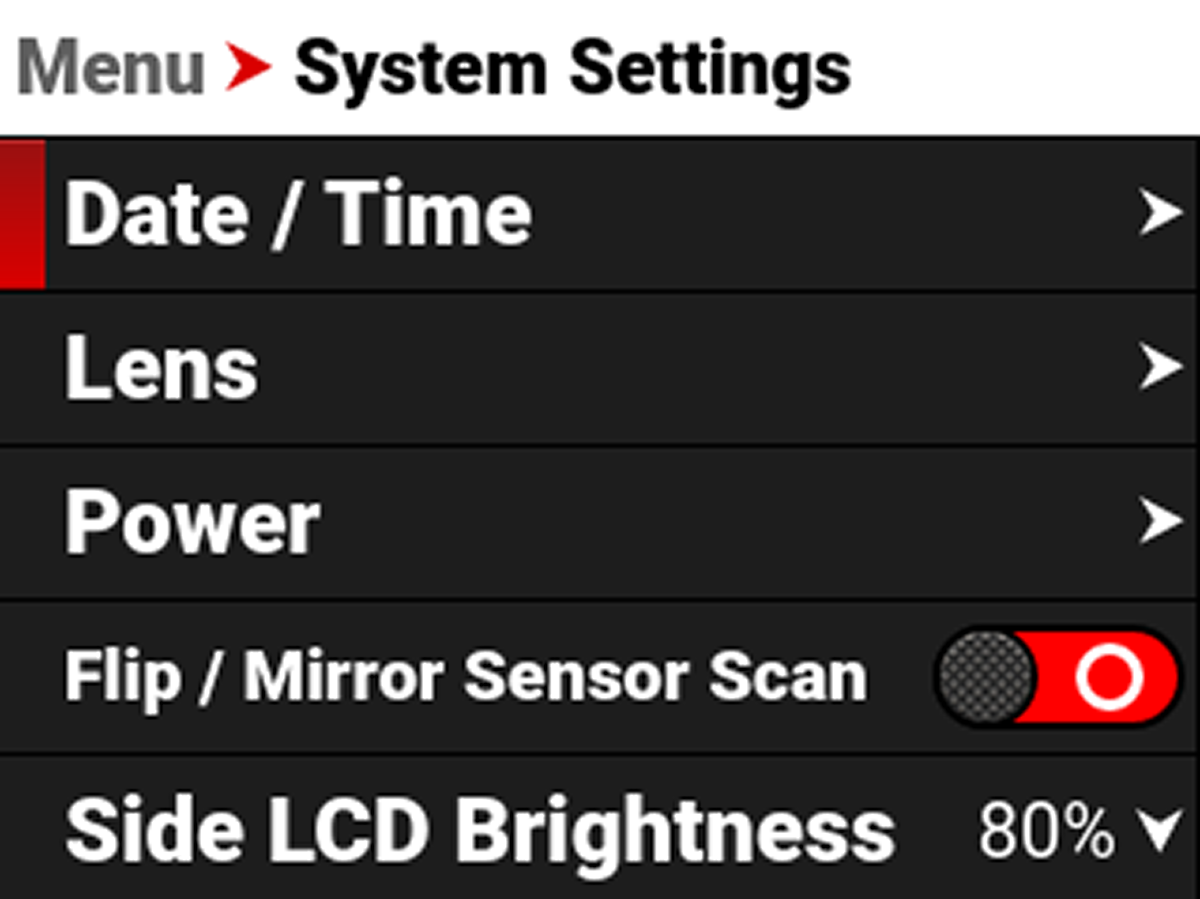
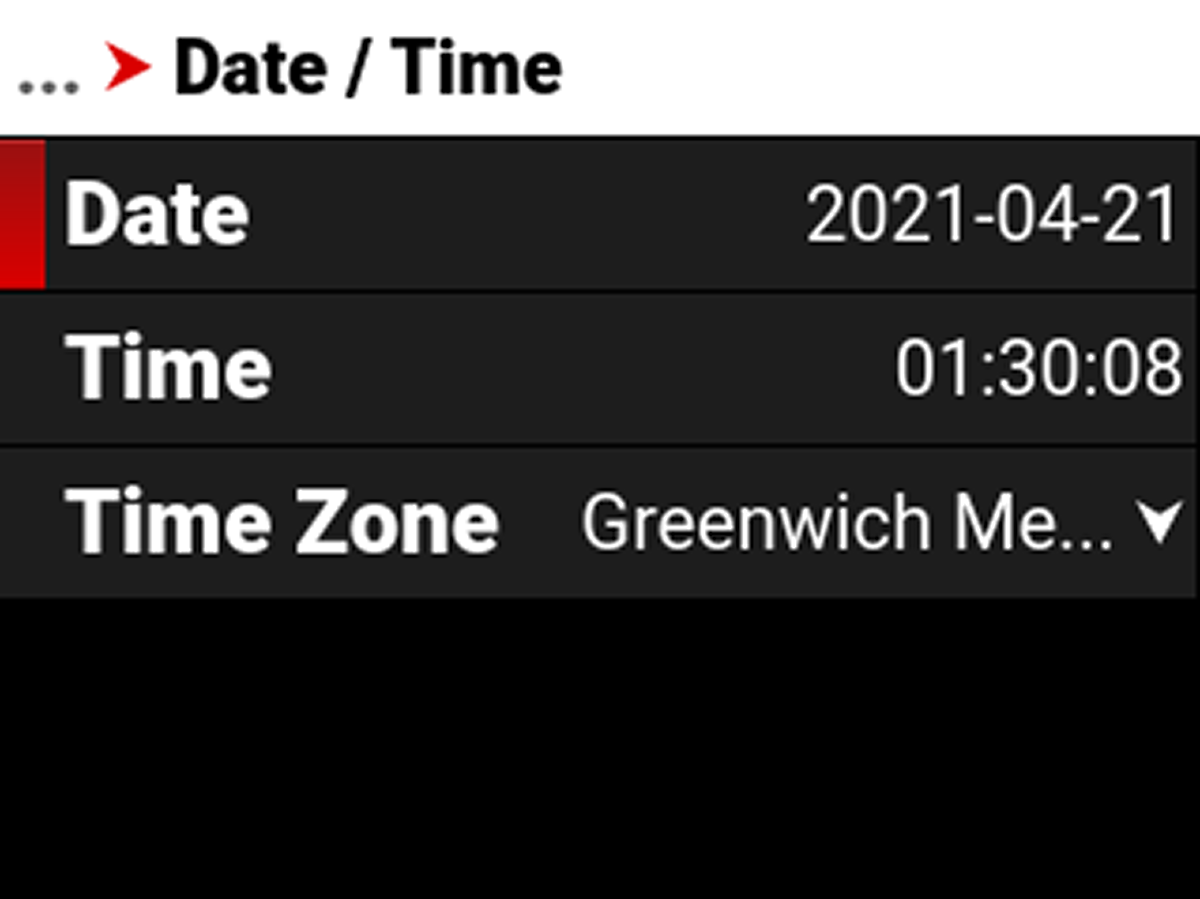
The Date / Time menu items include:
|
Item |
|
Details |
|---|---|---|
|
|
Date in YYYY-MM-DD format |
|
|
|
24-hour format |
|
|
|
Global time zones |
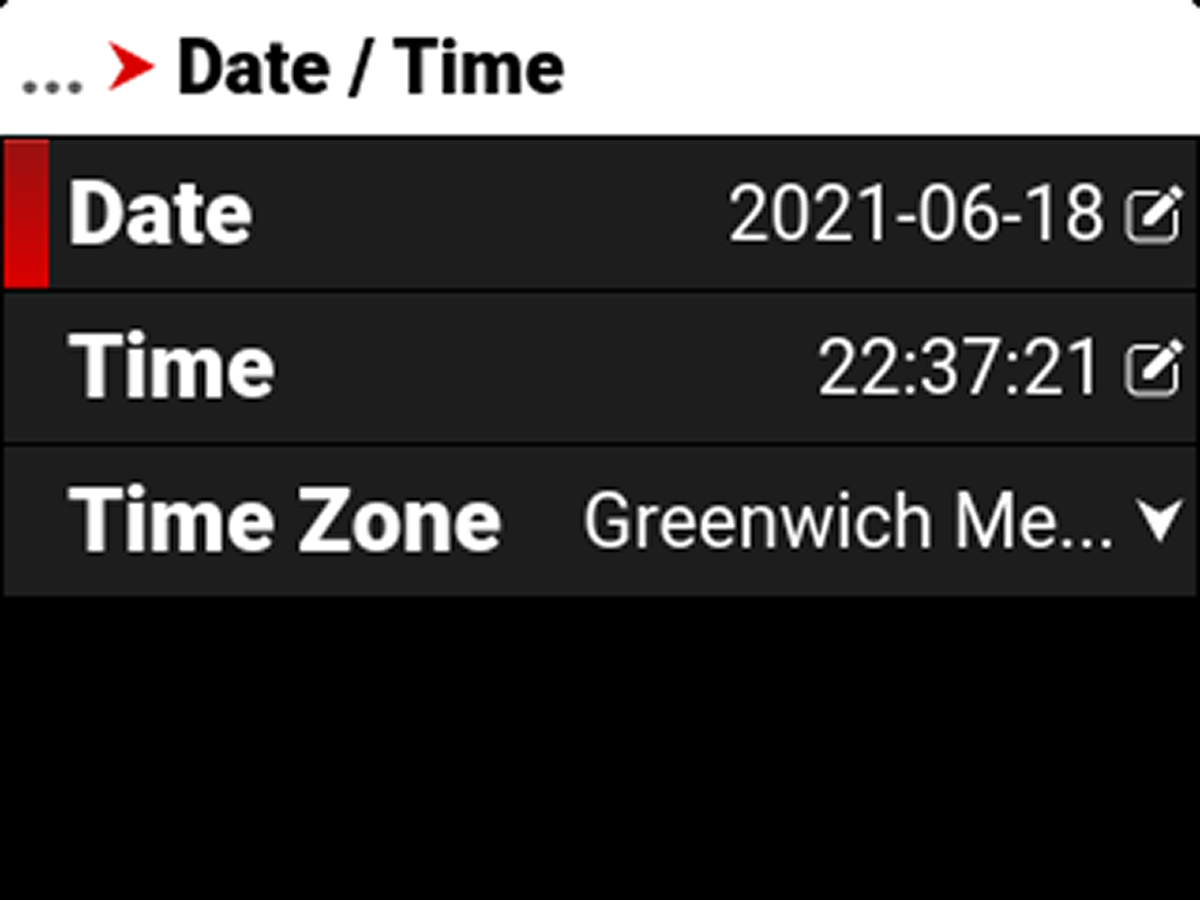
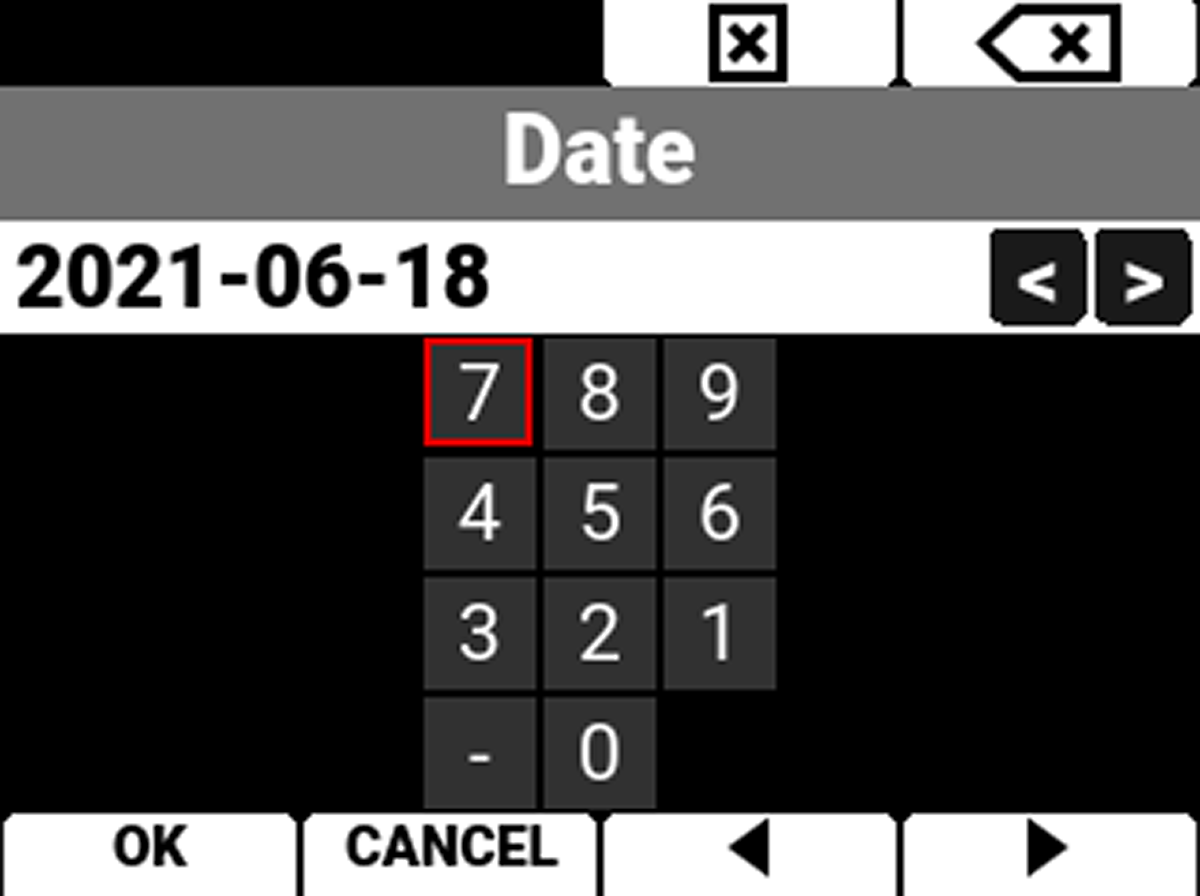
Date
Navigate to Date and press SEL to enter the date using the keypad:
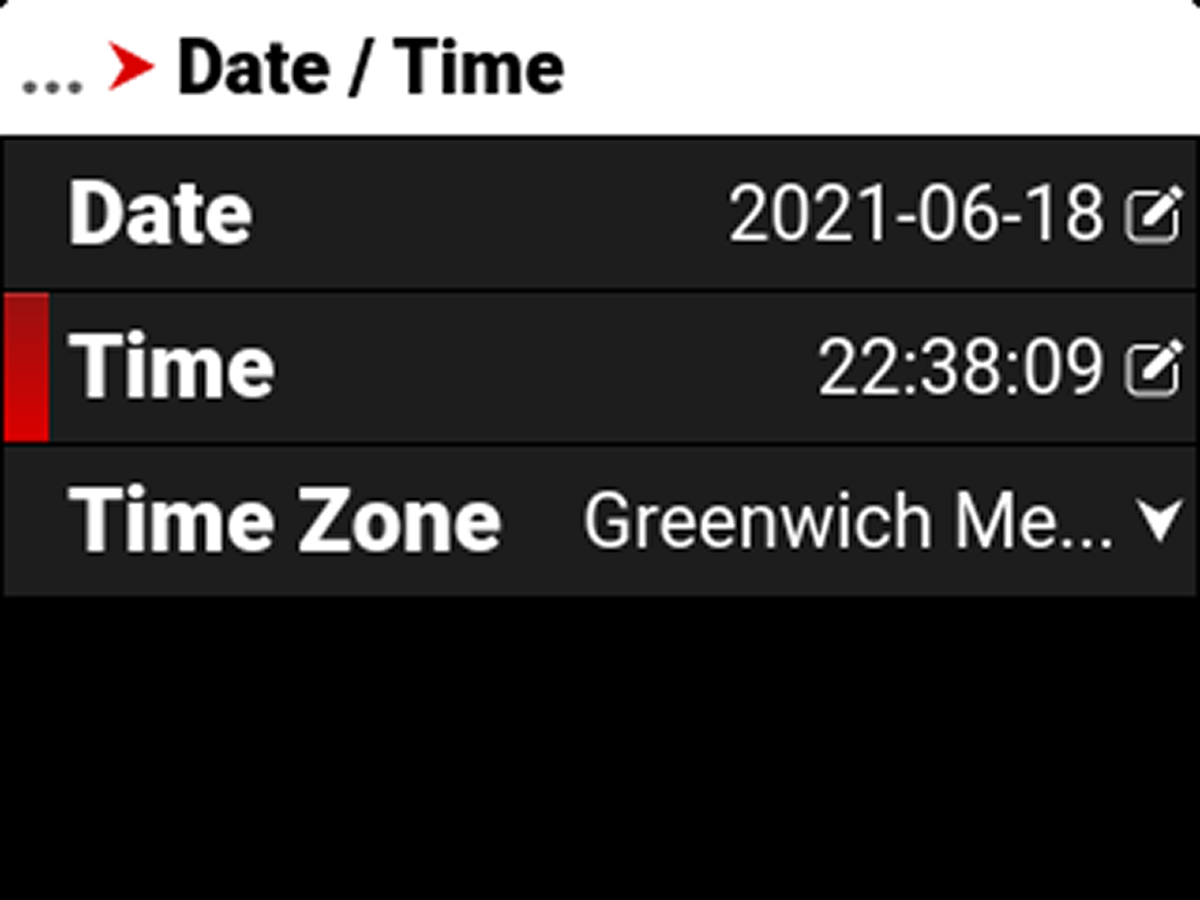
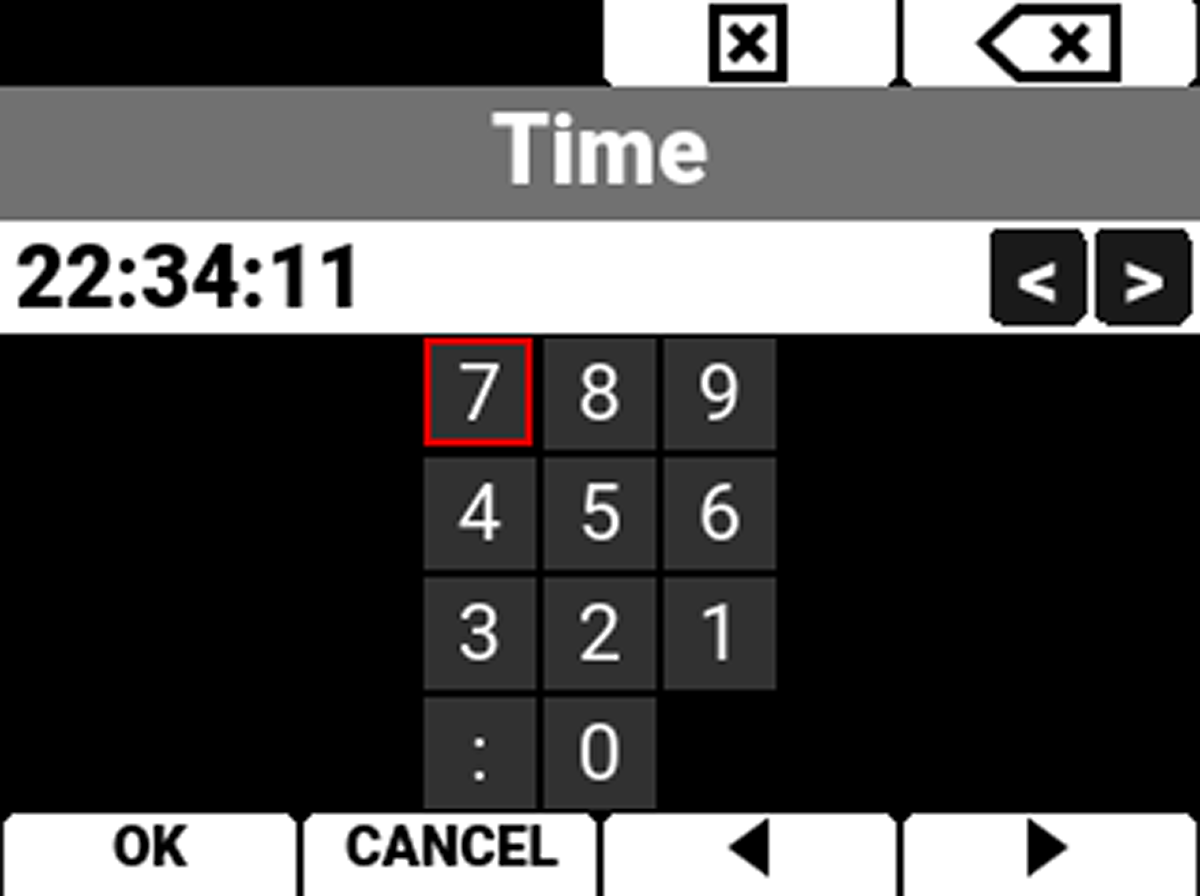
Time
Navigate to Time and press SEL to enter the time in 24 hour military format using the keypad:
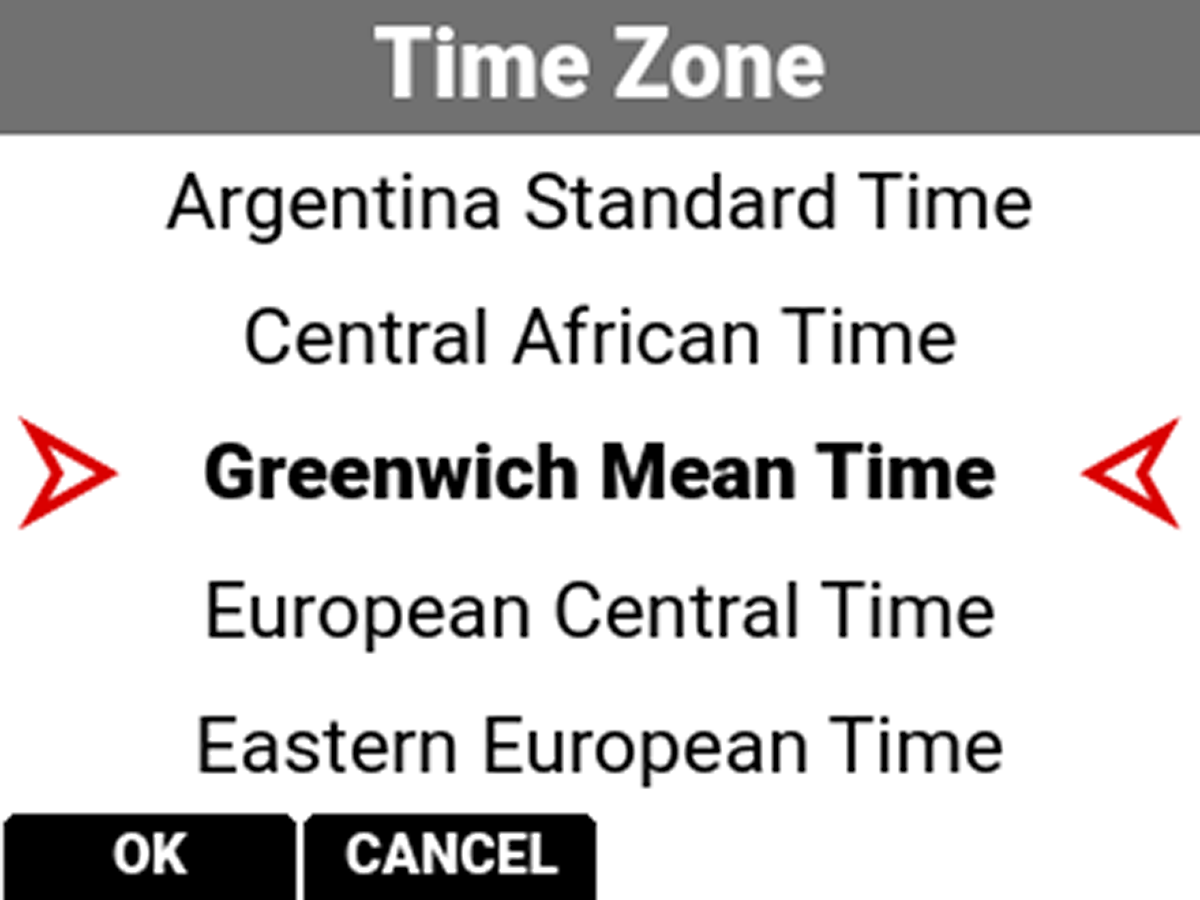
Timezone
Use Timezone to select the local timezone for where the camera is located.