AF Toggle
AF Toggle will have different behaviors depending on the Autofocus Mode.
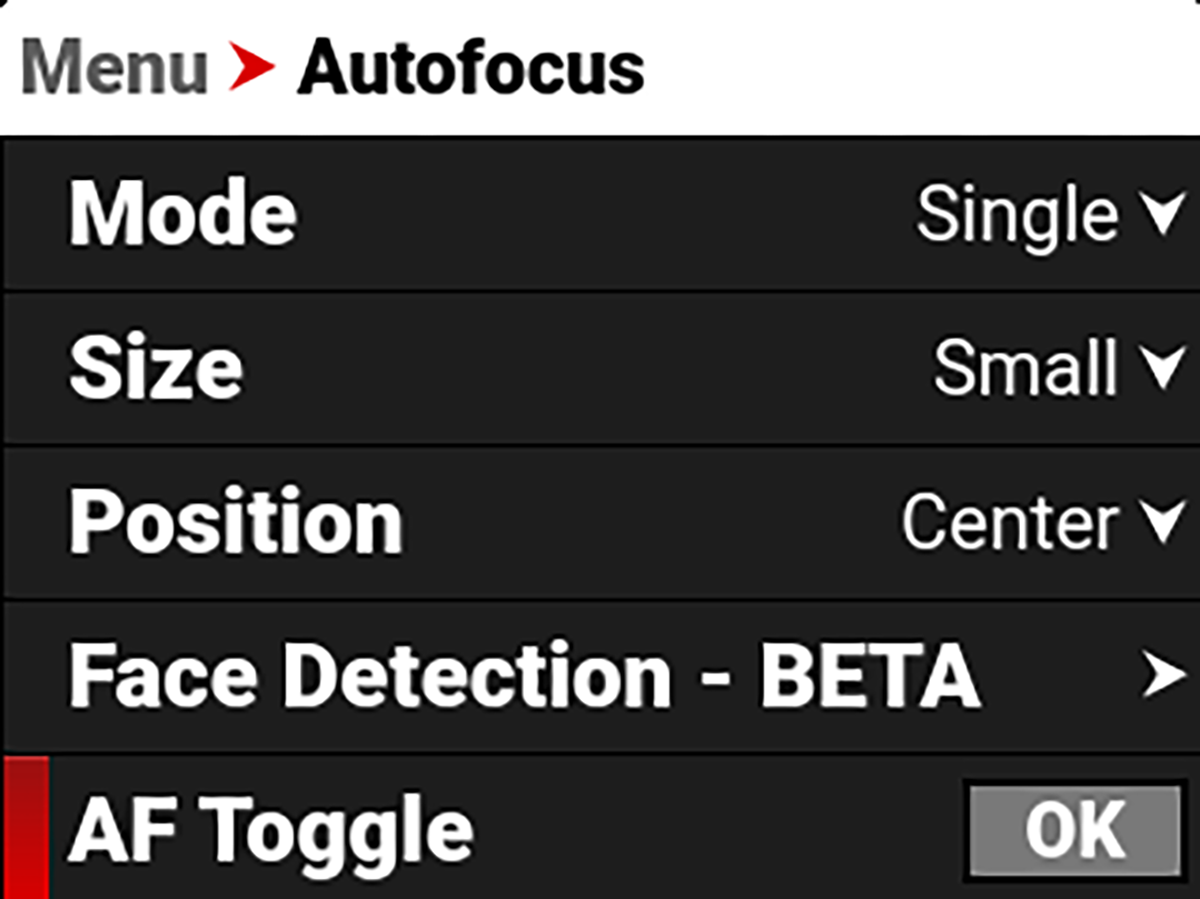
Single Mode: AF Toggle activates a single autofocus command to focus on the subject in the Autofocus box, and then it stops. Each activation of AF Toggle repeats this process.
Continuous Mode: Continuous mode continuously focuses the camera on the subject in the Autofocus box. AF Toggle allows you to stop and start this feature. This control is helpful when you are moving the camera, such as when panning from one subject to another. Tap AF Toggle to disable Continuous autofocus during the pan, to ensure the camera does not attempt to focus during the panning action, and then tap AF Toggle again once the AF Box is over the subject on which you want focus.