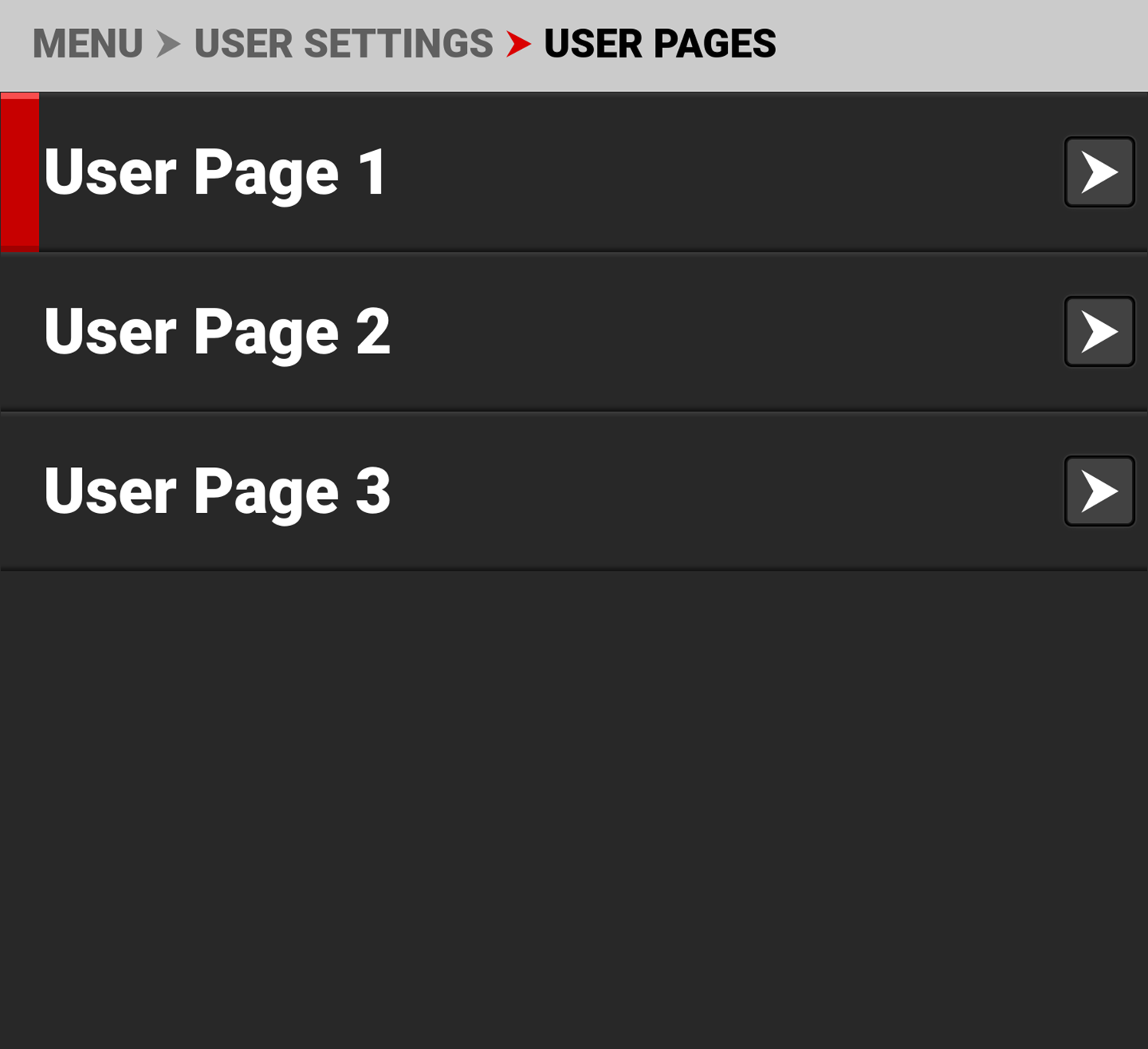
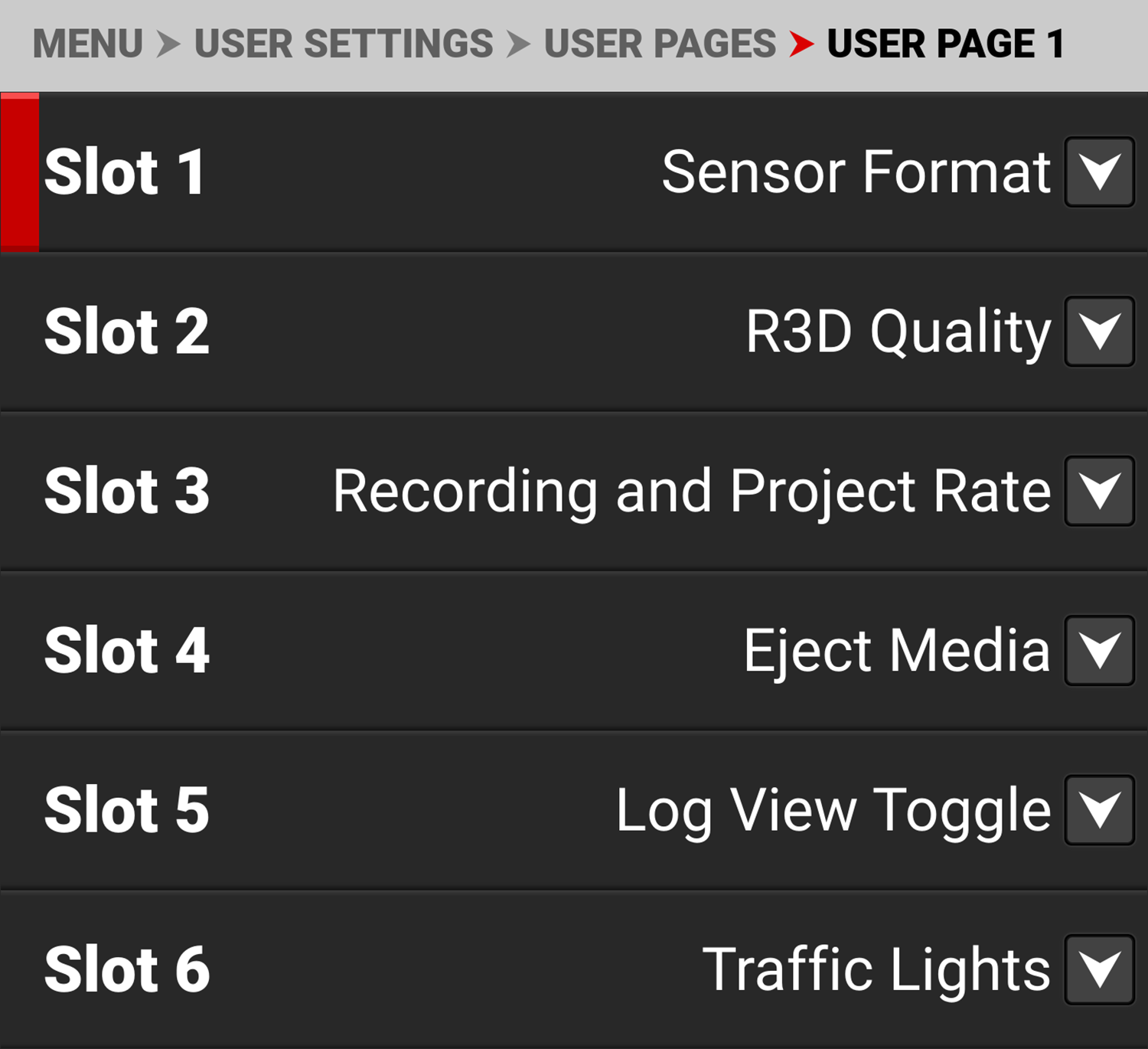
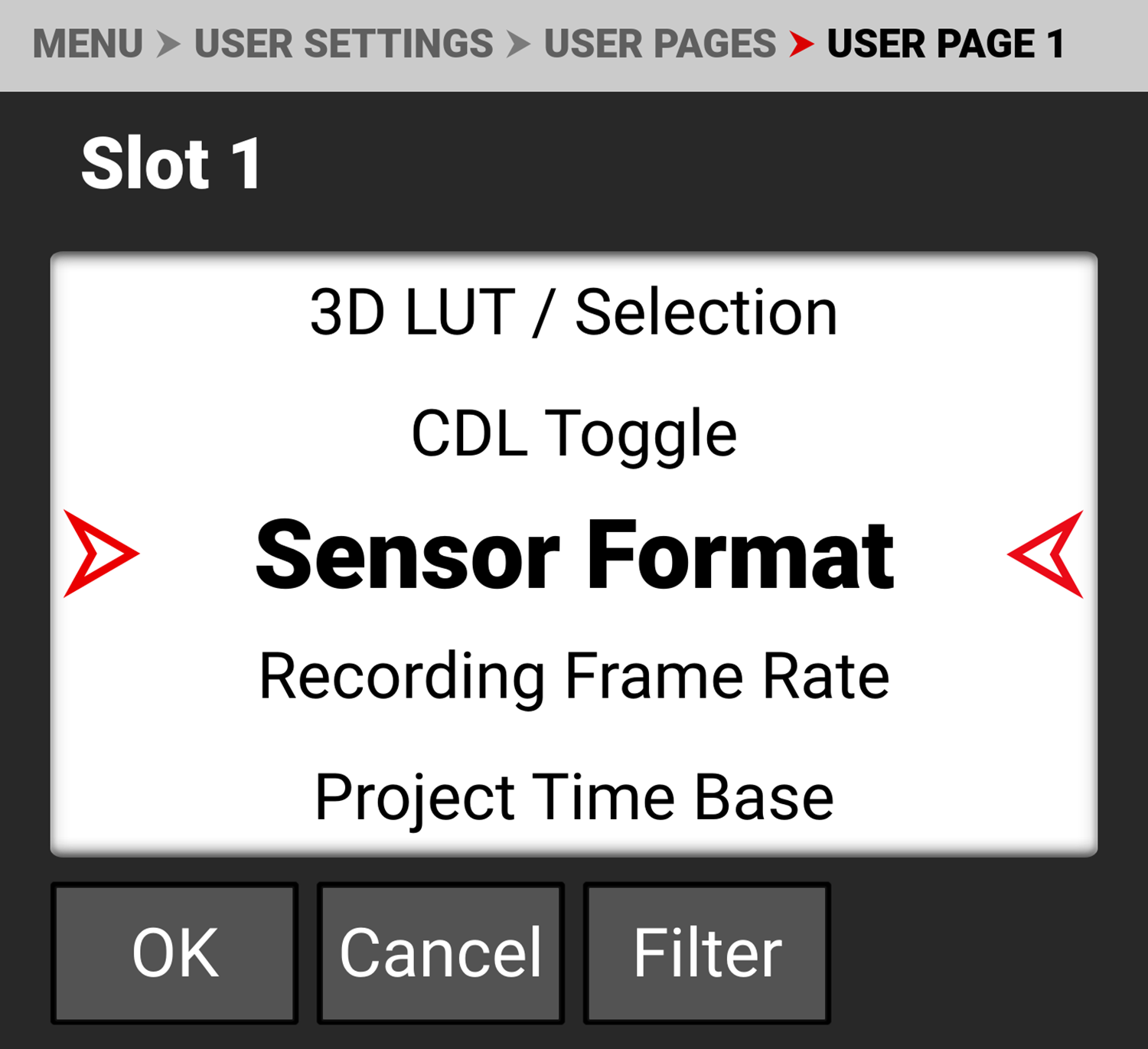
User Pages
The User Pages allow you to assign three pages of user-assignable shortcut buttons that you can use directly from the Onboard LCD.

You can quickly open the menu to change an existing User Pages button by pressing and holding
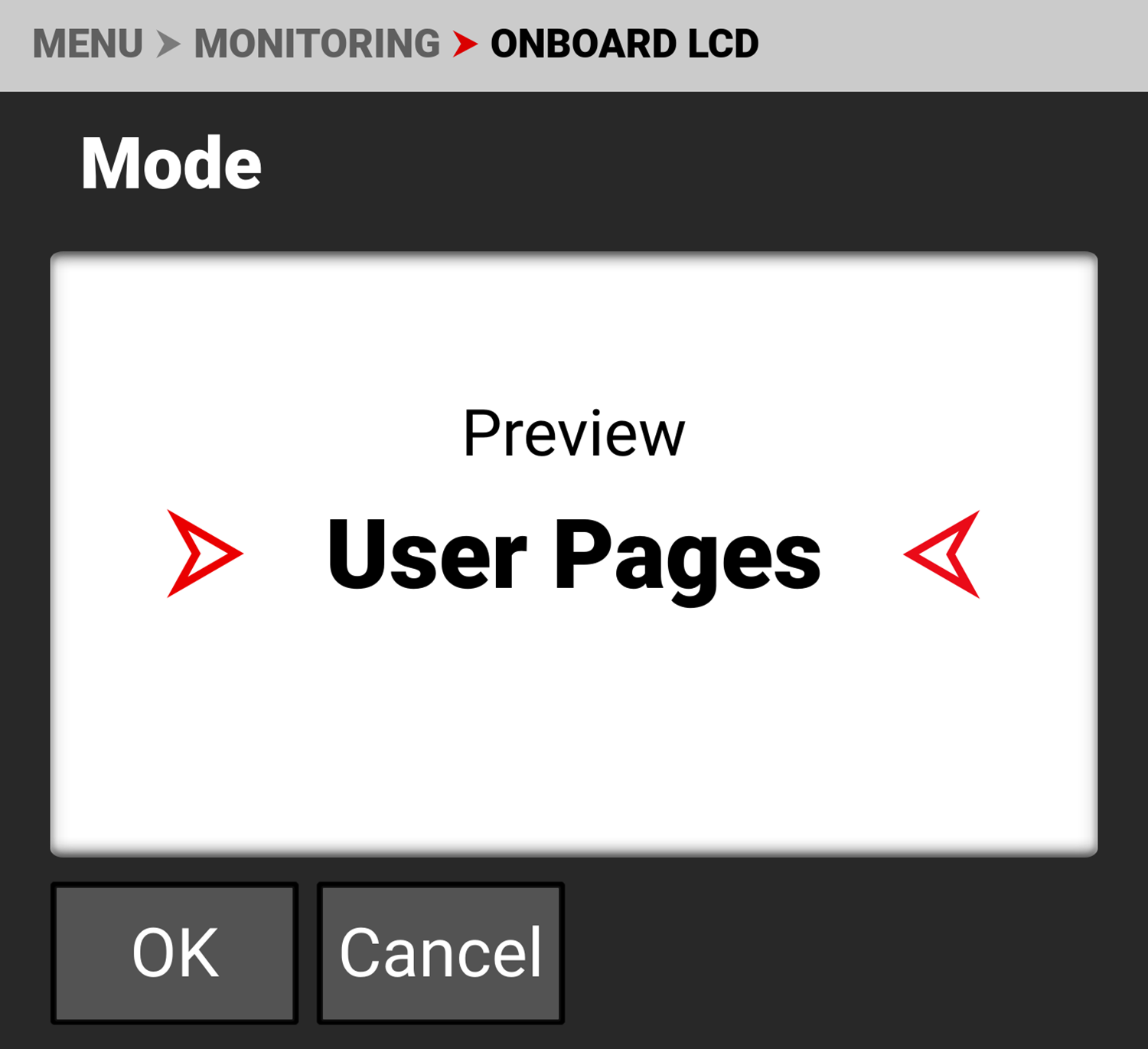
The User Pages replace the Preview page when the User Pages option is selected in the Monitoring > Onboard LCD > Mode menu.
You can add new buttons and change existing buttons by using the User Settings > User Pages > User Page (1,2,3) > Slot (1-12) menu.