User Buttons
Use User Buttons to assign functions to the front and side user buttons.
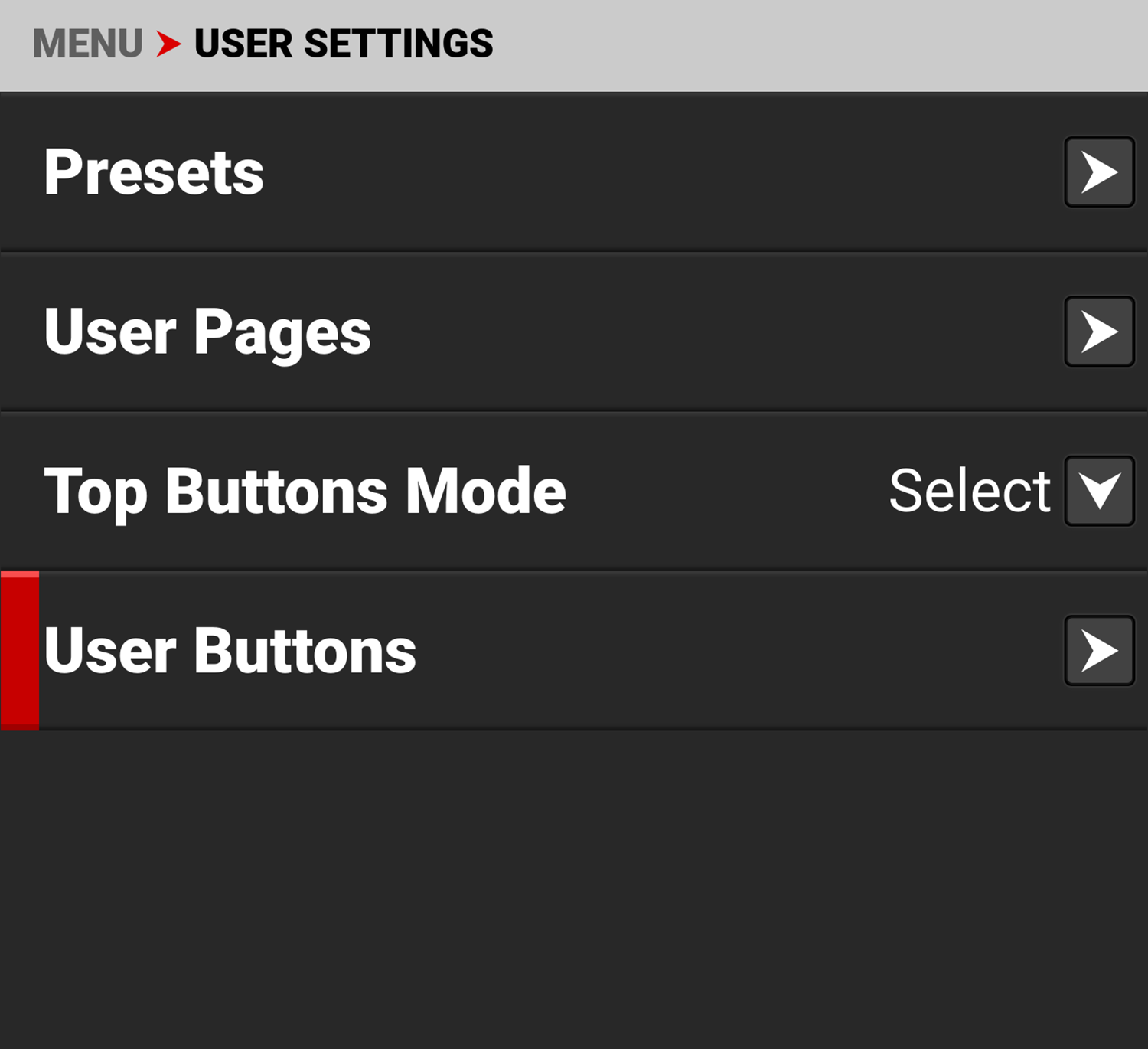
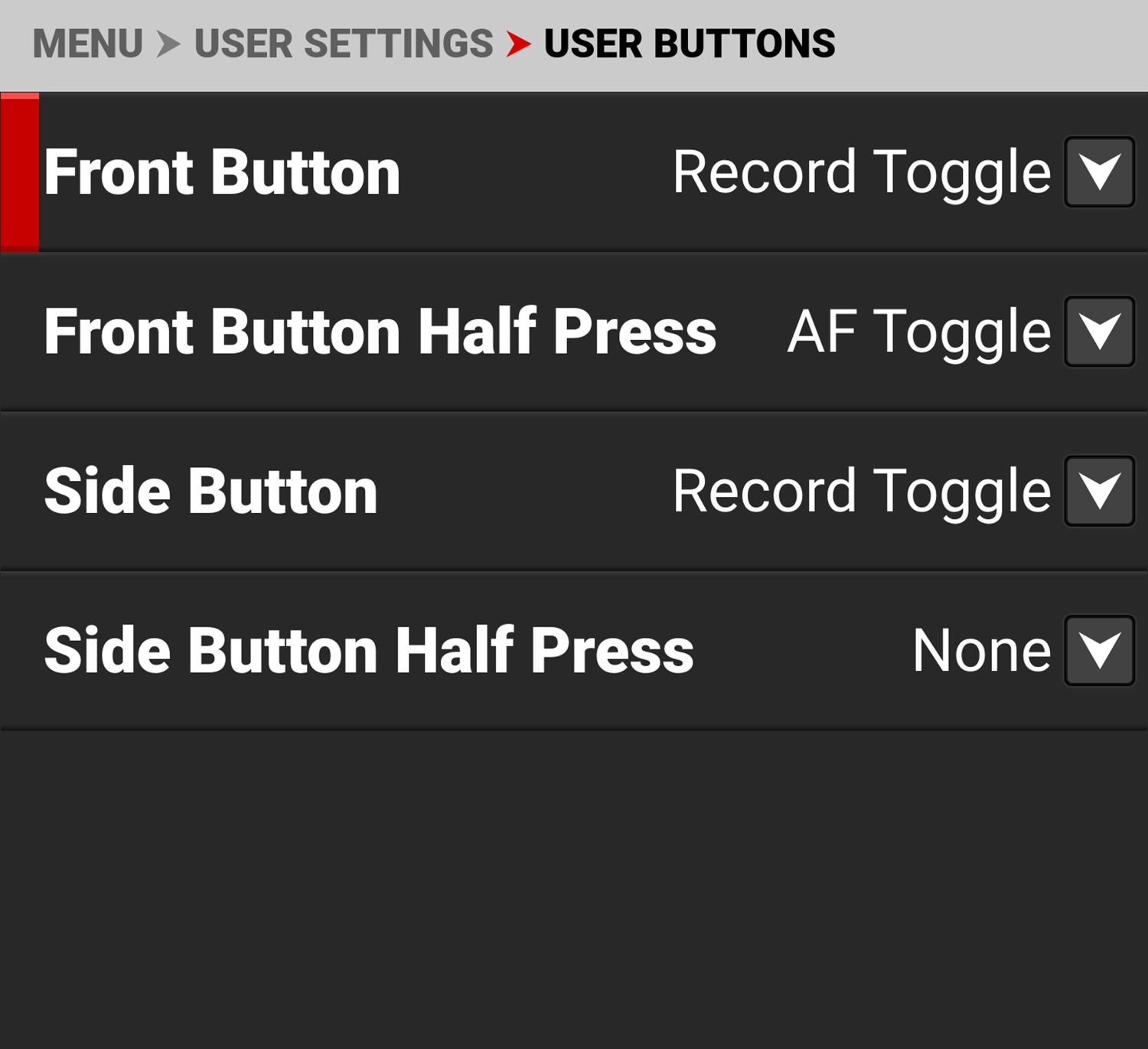
The User Buttons menu contains the following:
|
Items |
Details |
|---|---|
|
Assign functions to the front user button |
|
|
Assign functions to the front button half press |
|
|
Assign functions to the side user button |
|
|
Assign functions to the side user button half press |
Front Button
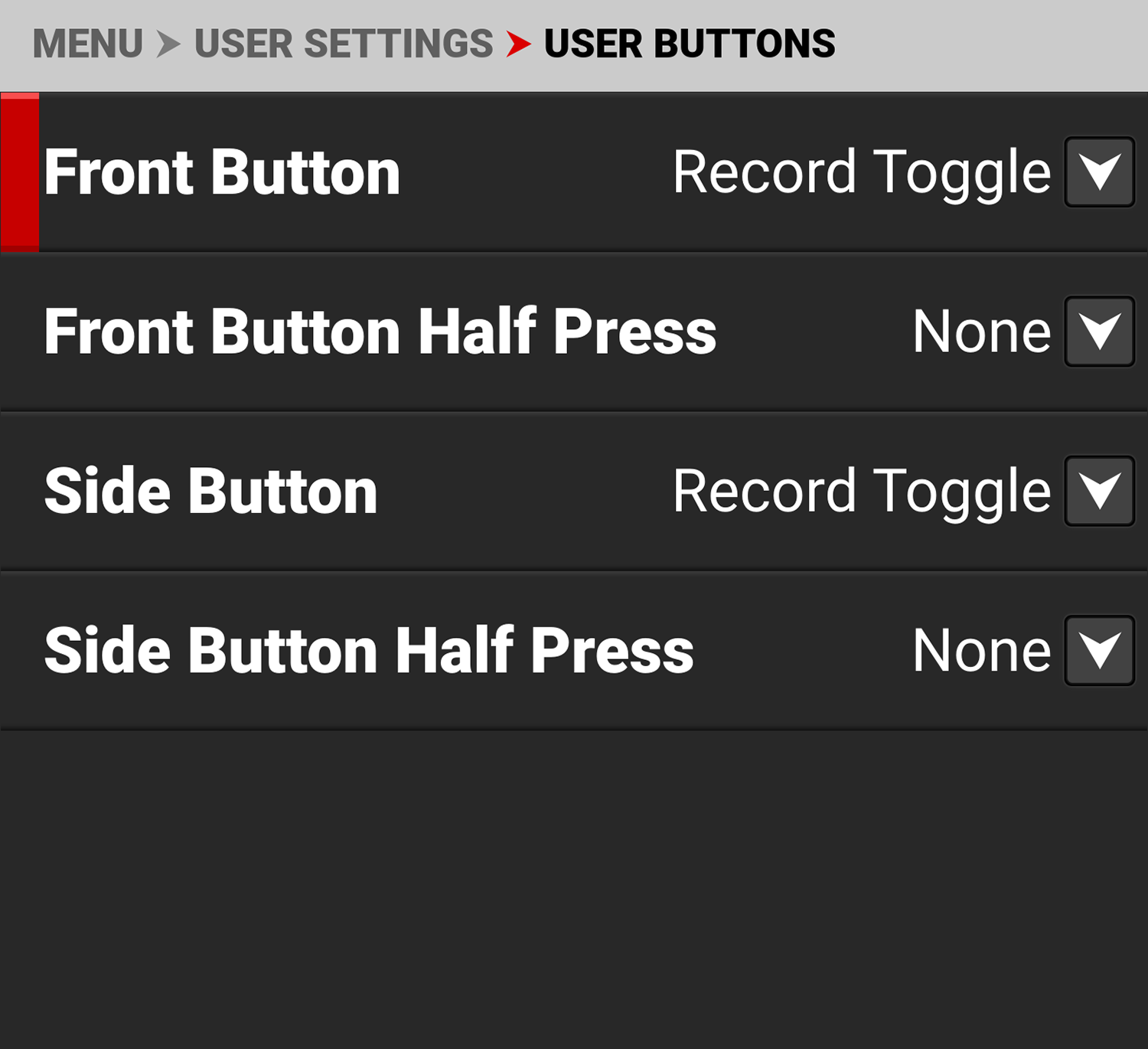
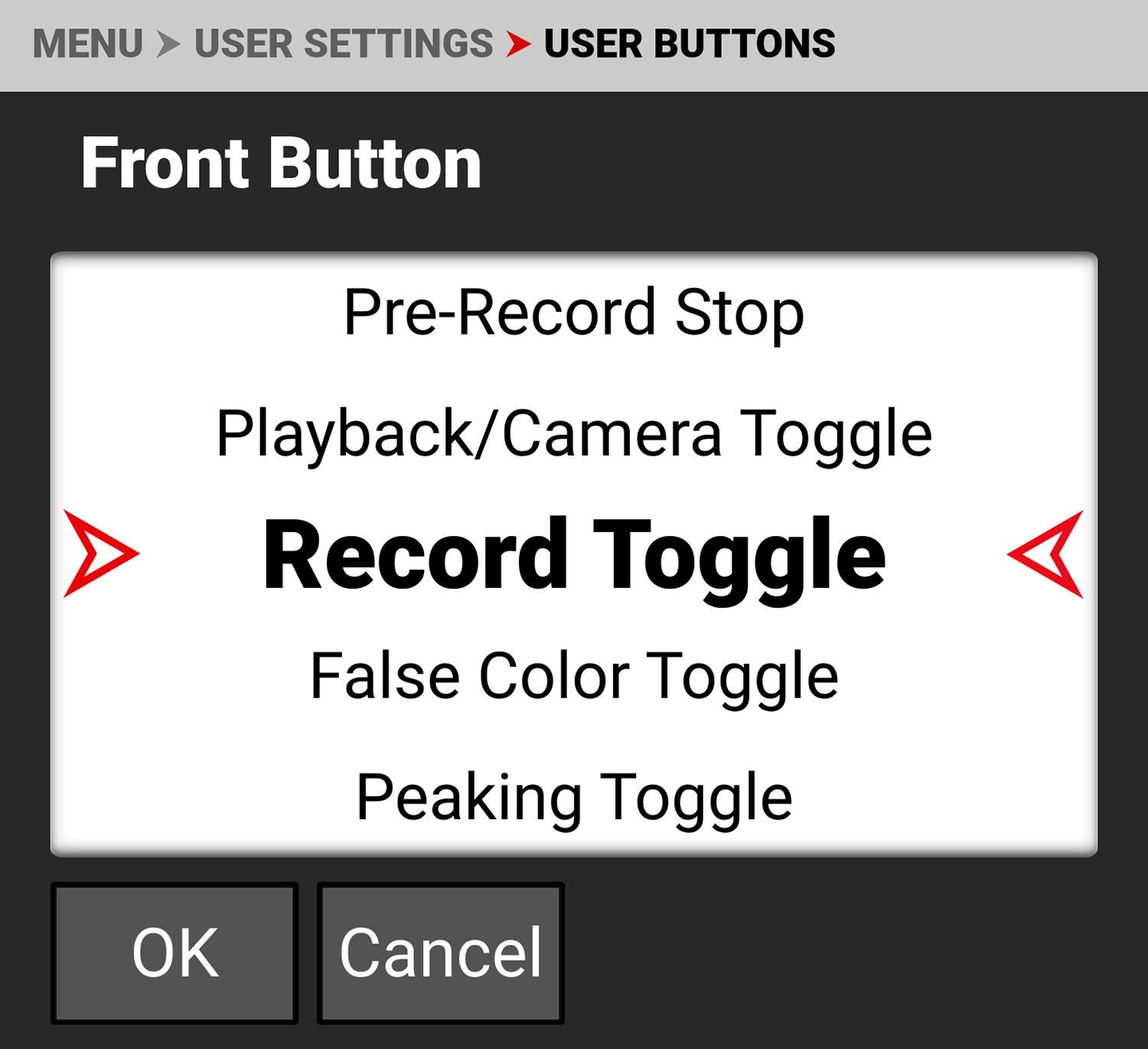
Use Front Button to select the function you want assigned to the front camera button.
The default setting is Record Toggle.
Refer to User Assignable Function List for the options.
Front Button Half Press
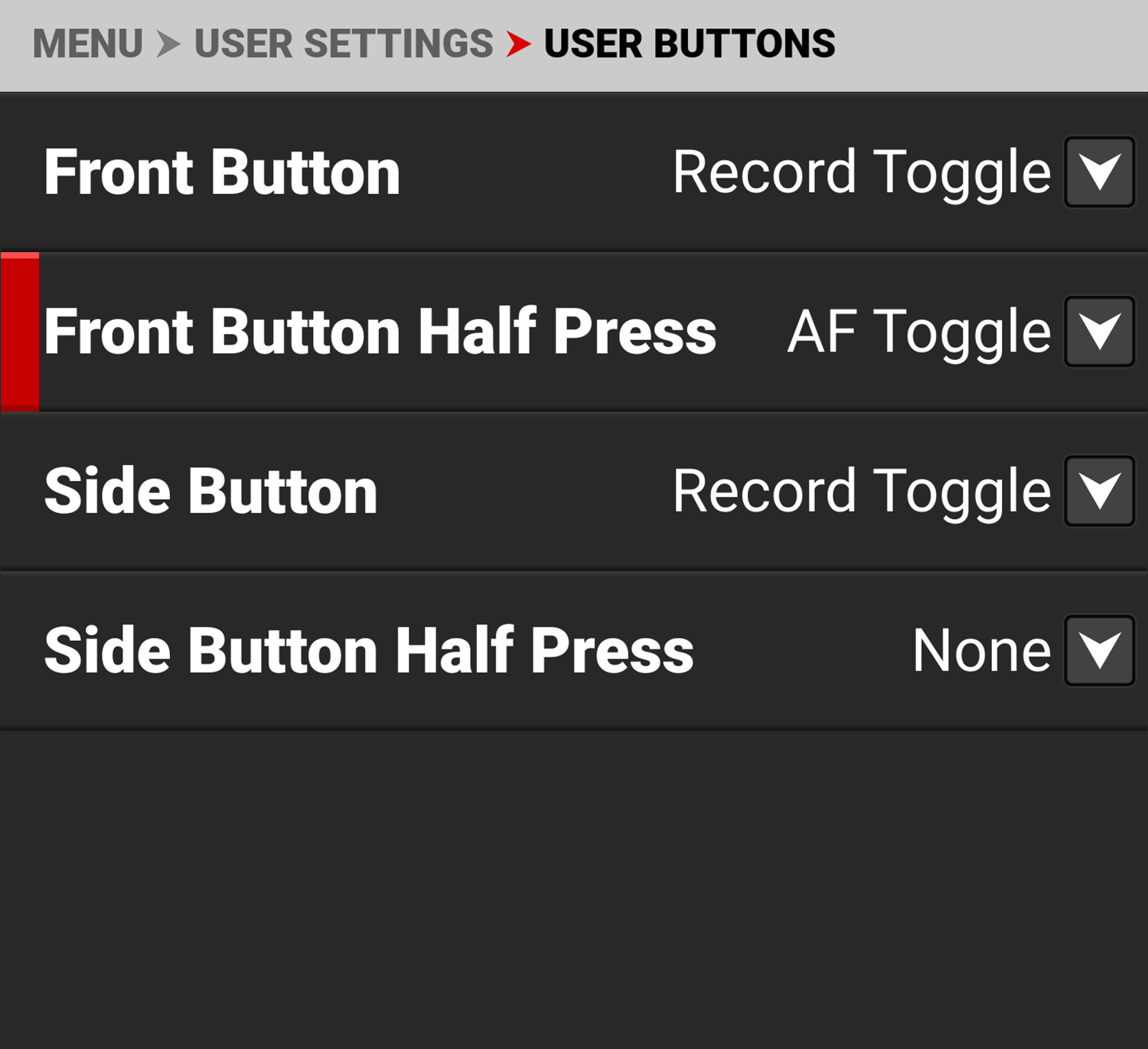
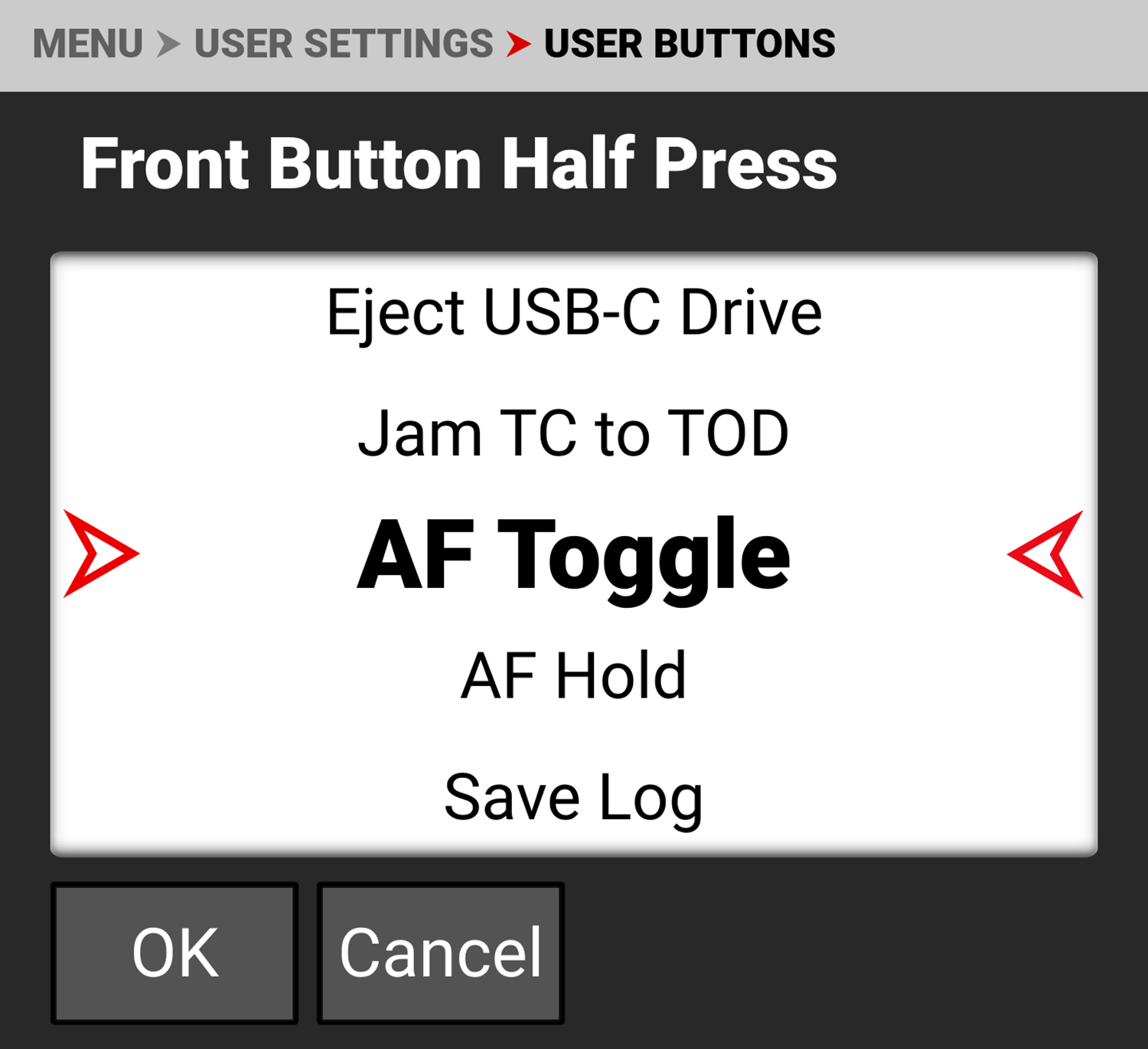
Use Front Button Half Press to select the function you want assigned to the front camera button for a half press.
The default setting is AF Toggle.
Refer to User Assignable Function List for the options.
Side Button
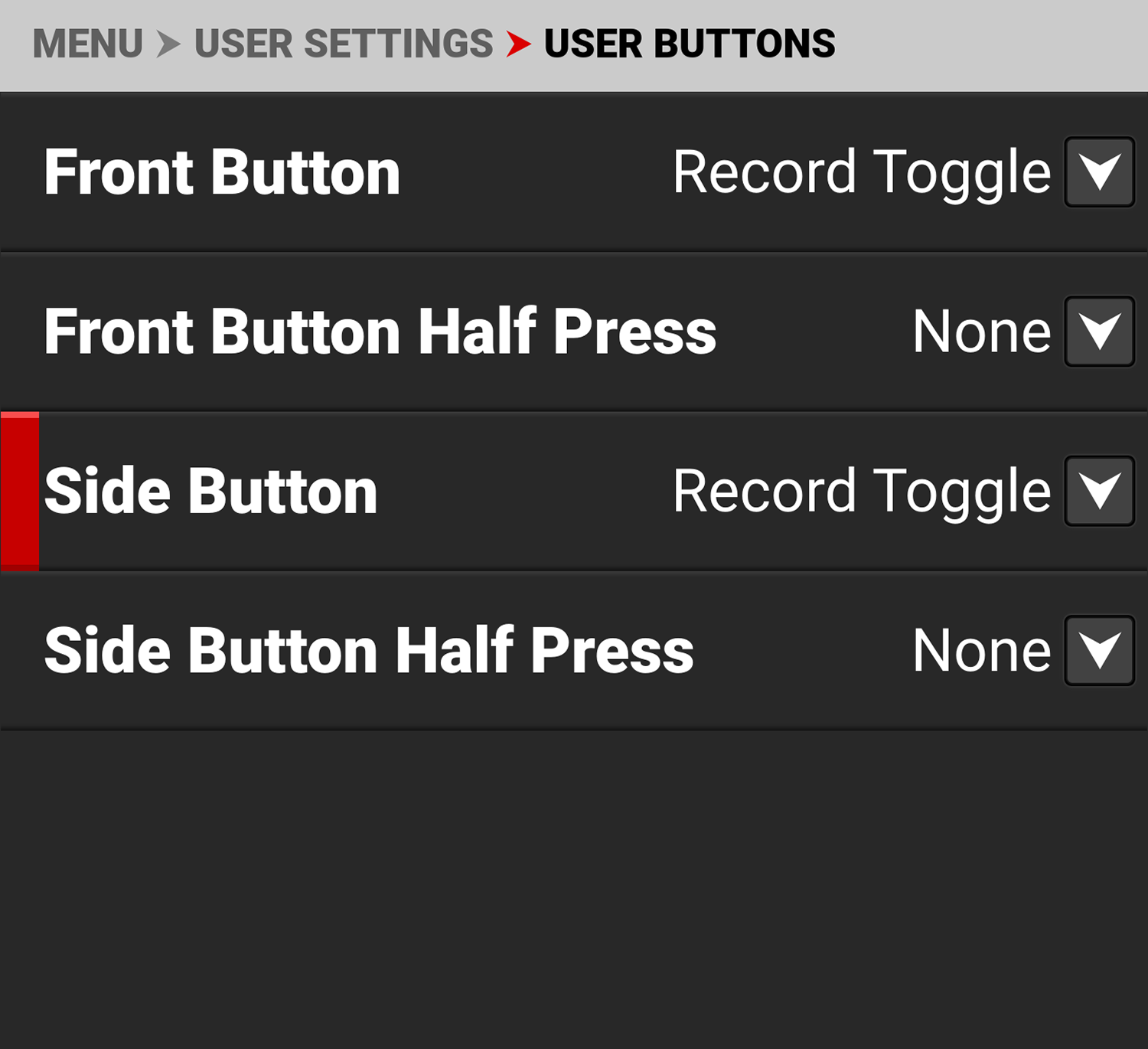
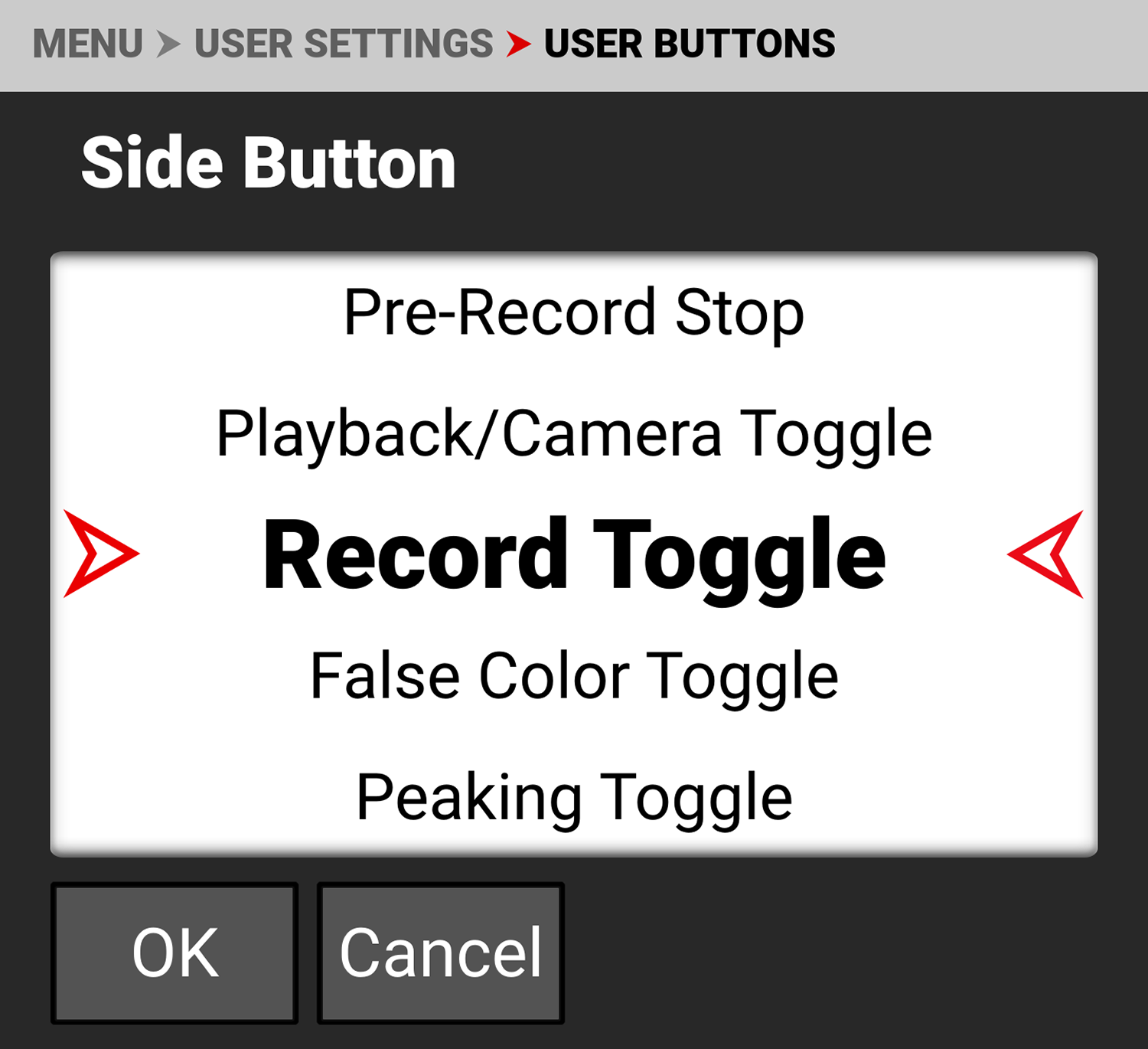
Use Side Button to select the function you want assigned to the side camera button.
The default setting is Record Toggle.
Refer to User Assignable Function List for the options.
Side Button Half Press
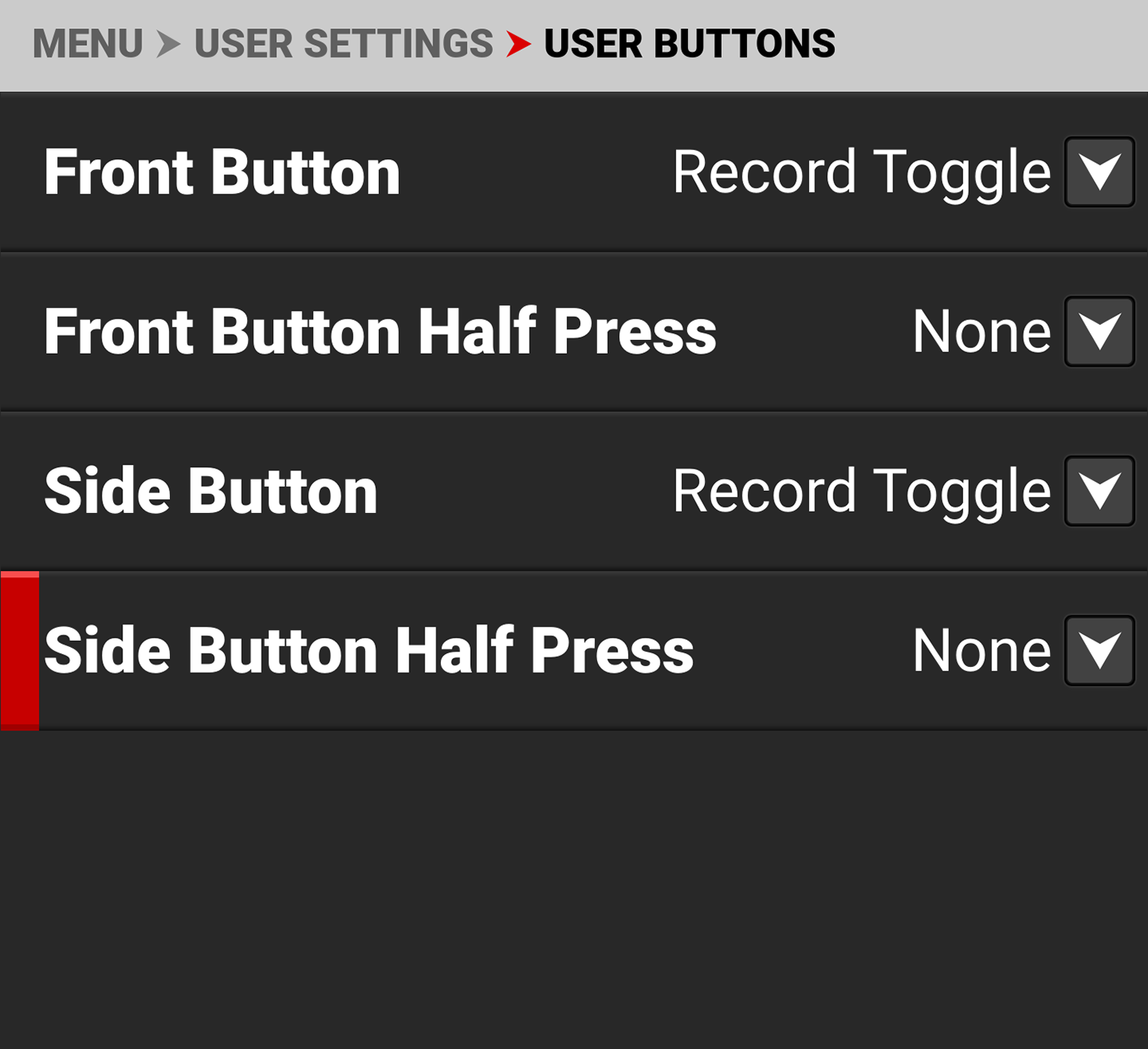
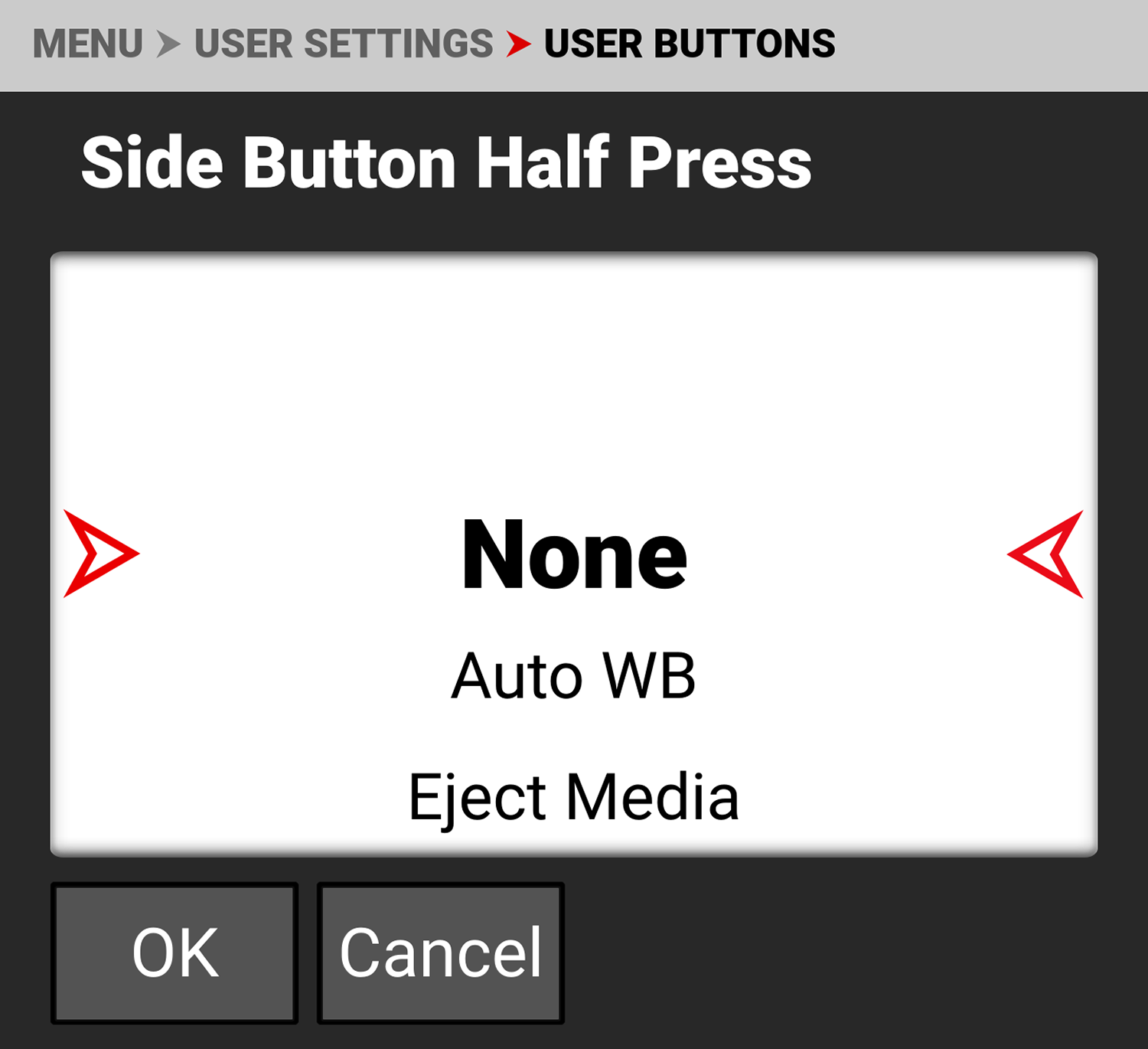
Use Side Button Half Press to select the function you want assigned to the side camera button for a half press.
The default setting is None.
Refer to User Assignable Function List for the options.