Sensitivity
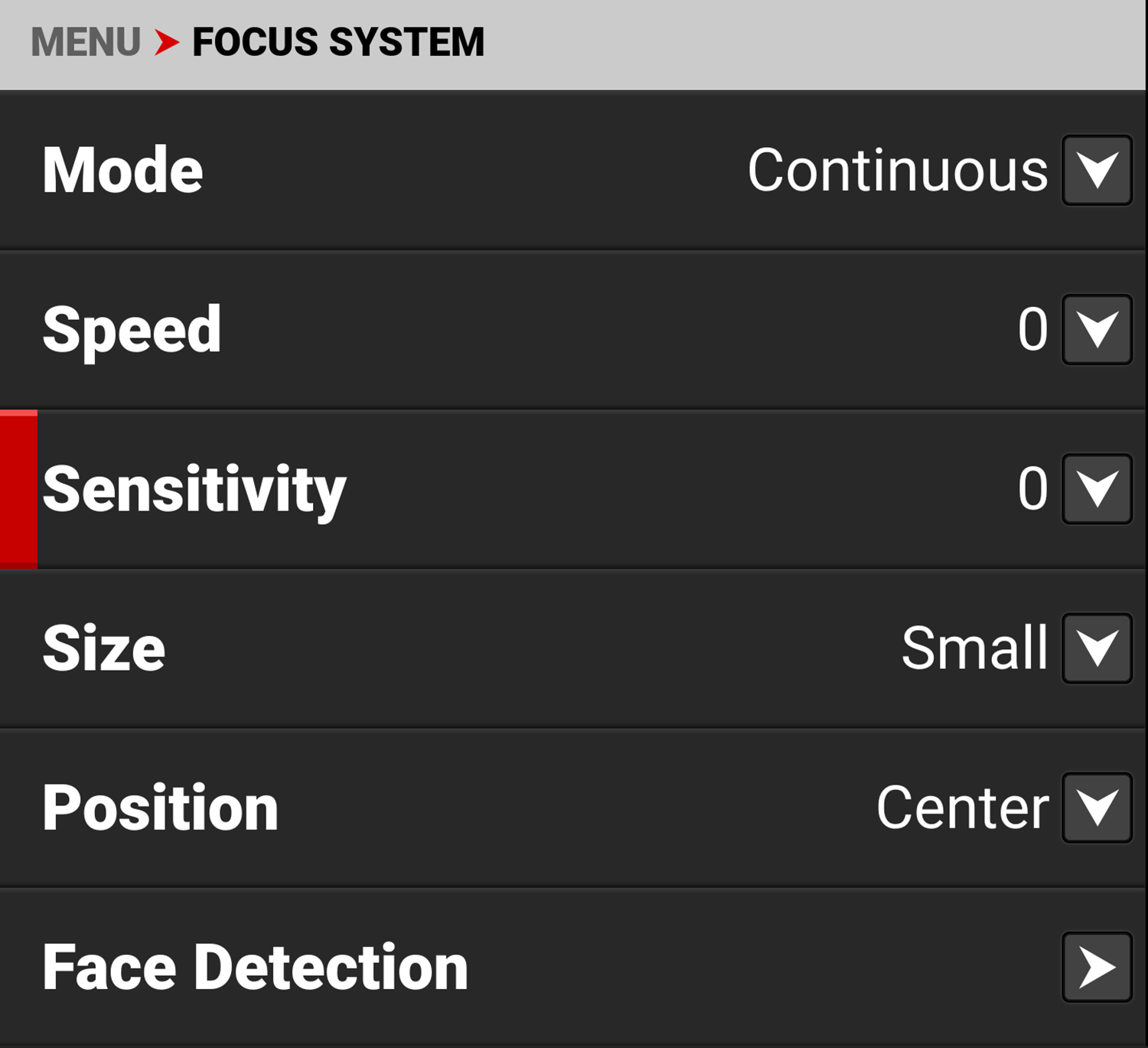
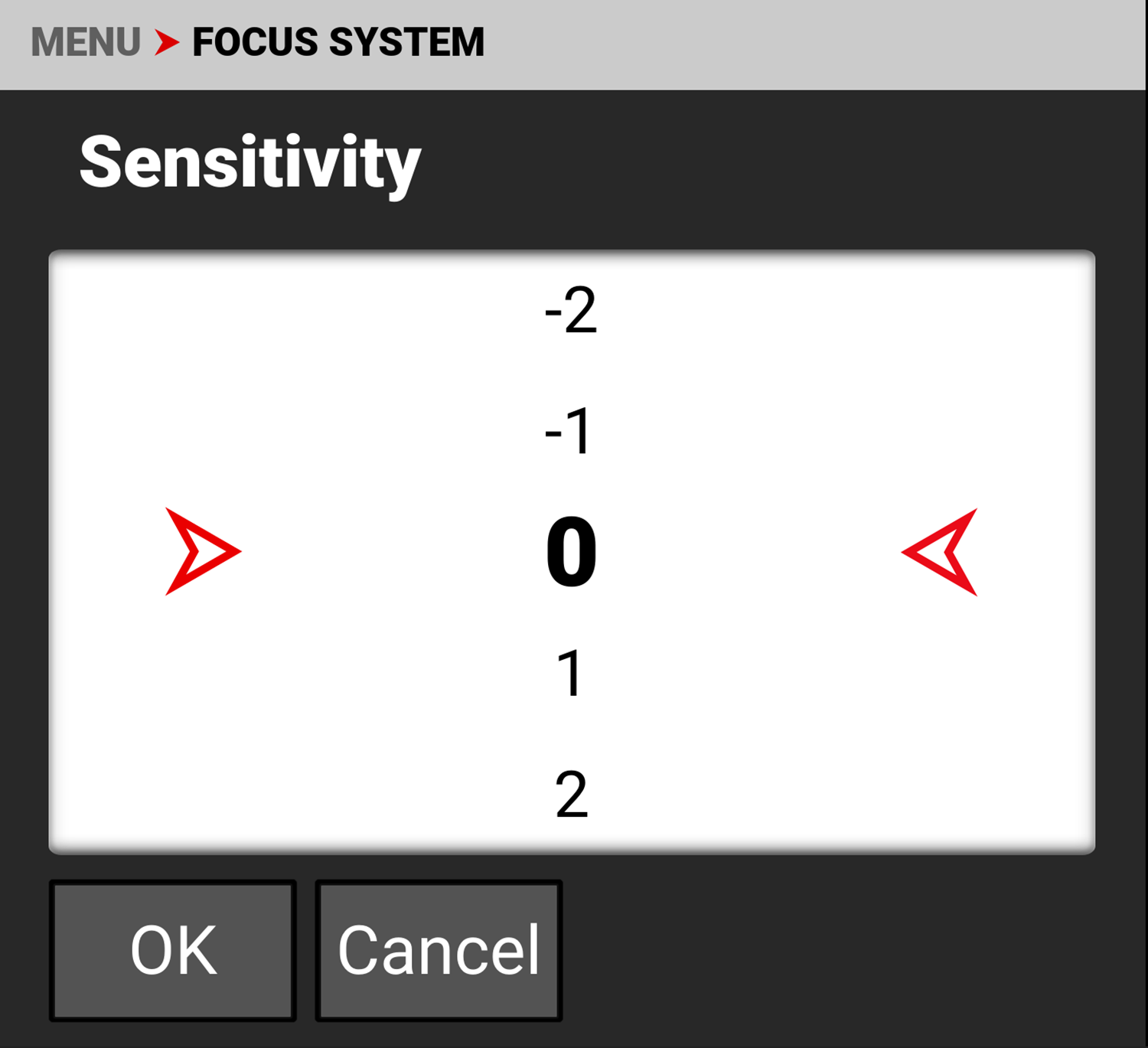
Use Sensitivity to increase or decrease the focus systems responsiveness to changes in the focus box.
The Sensitivity selections for autofocus are -5 to 5, with 0 as the default. Low sensitivity settings ignore small focus changes in the Focus Box, preventing distracting focus changes or unintentional adjustments as an object passes through the area.
Inversely, high sensitivity settings respond quickly to any focus changes in the Focus Box.