Sensor
Use Sensor to flip / mirror the sensor scan, to select the sync signal source, and to shift the sync signal.
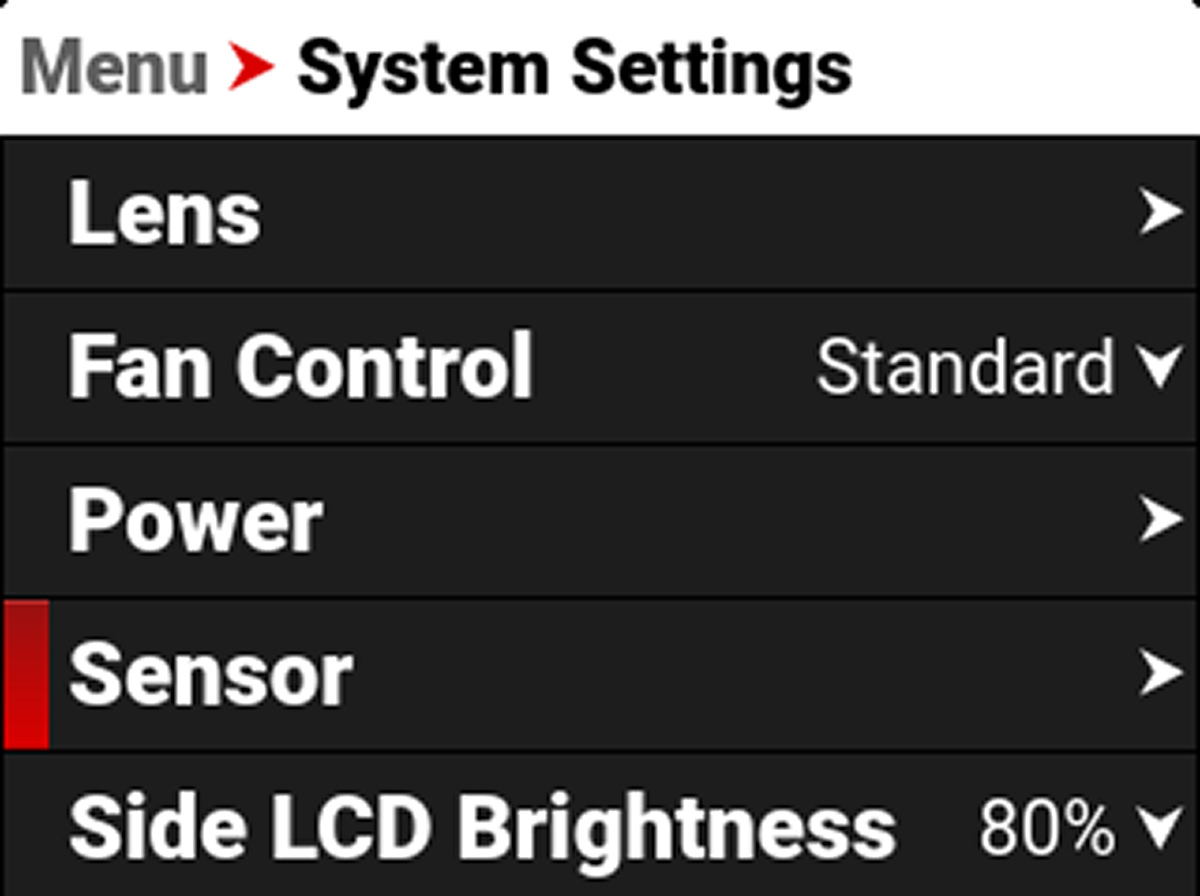
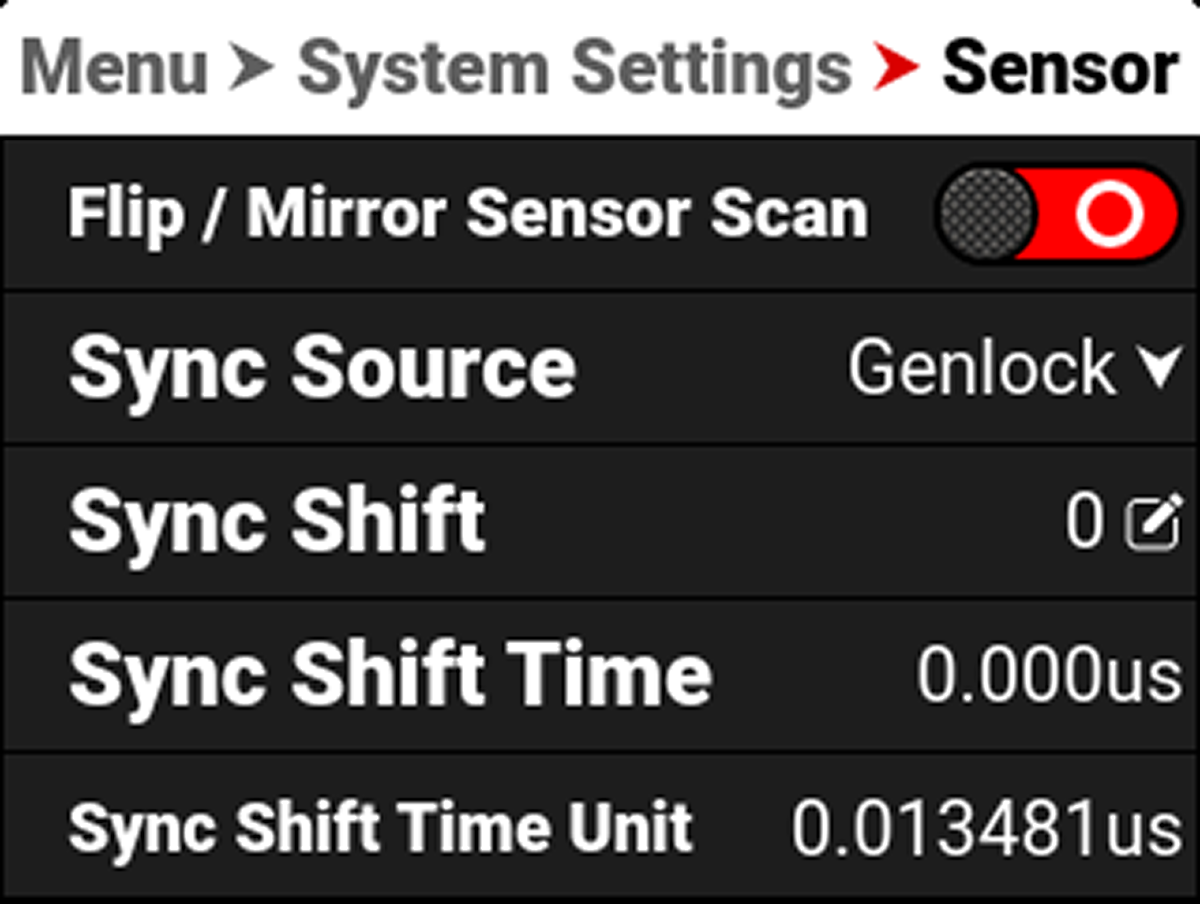
The Sensor menu includes:
|
Item |
|
Details |
|---|---|---|
|
Flip / Mirror Sensor Scan |
|
Toggle to Flip / Mirror the sensor scan1 |
|
|
Select the sensor sync source |
|
|
|
Enter the desired amount of sync shift |
|
|
Sync Shift Time |
|
Displays the Sync Shift time in microseconds (μs) |
|
Sync Shift Time Unit |
|
Displays the units of microseconds (μs) used for the Sync Shift setting |
- Always recalibrate the camera after changing the sensor scan orientation.
Sync Source
Use Sync Source to select the sensor sync source from Genlock, ACN, or PTP.
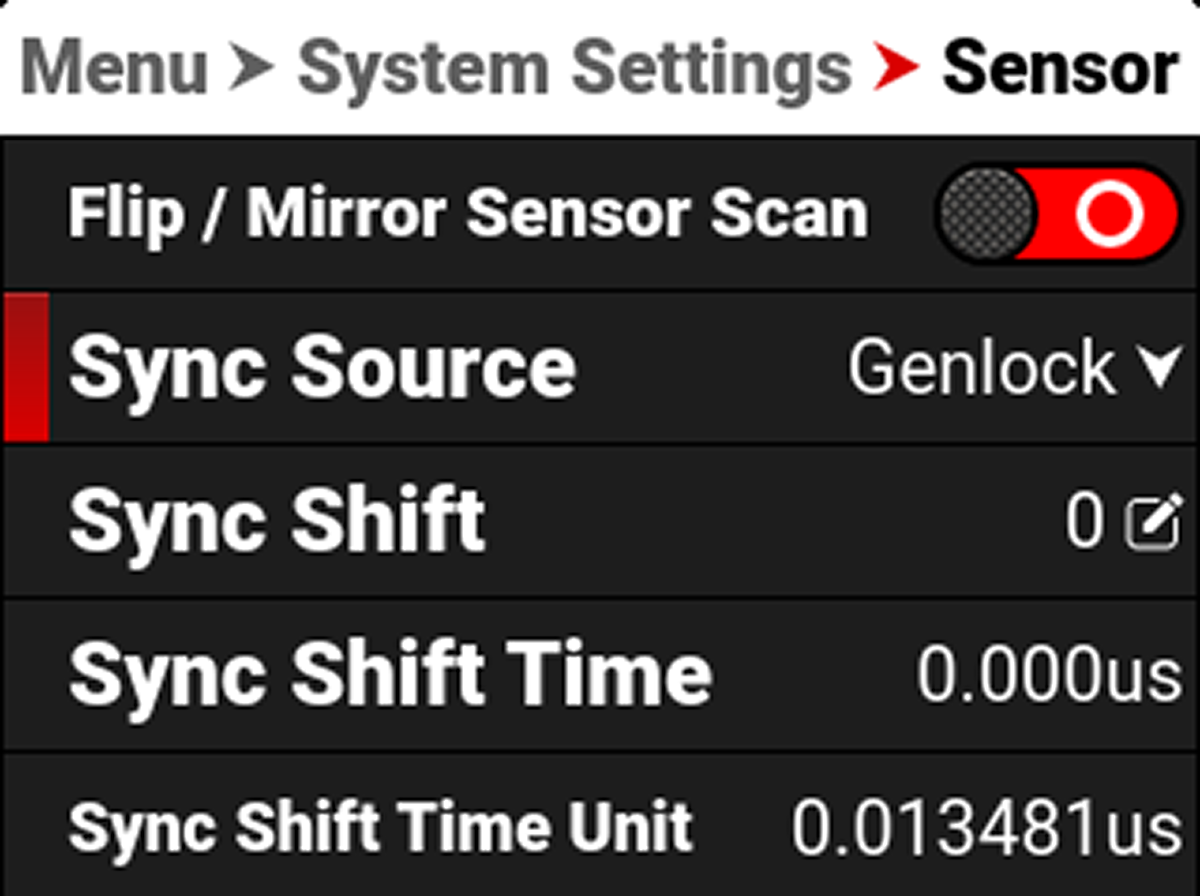
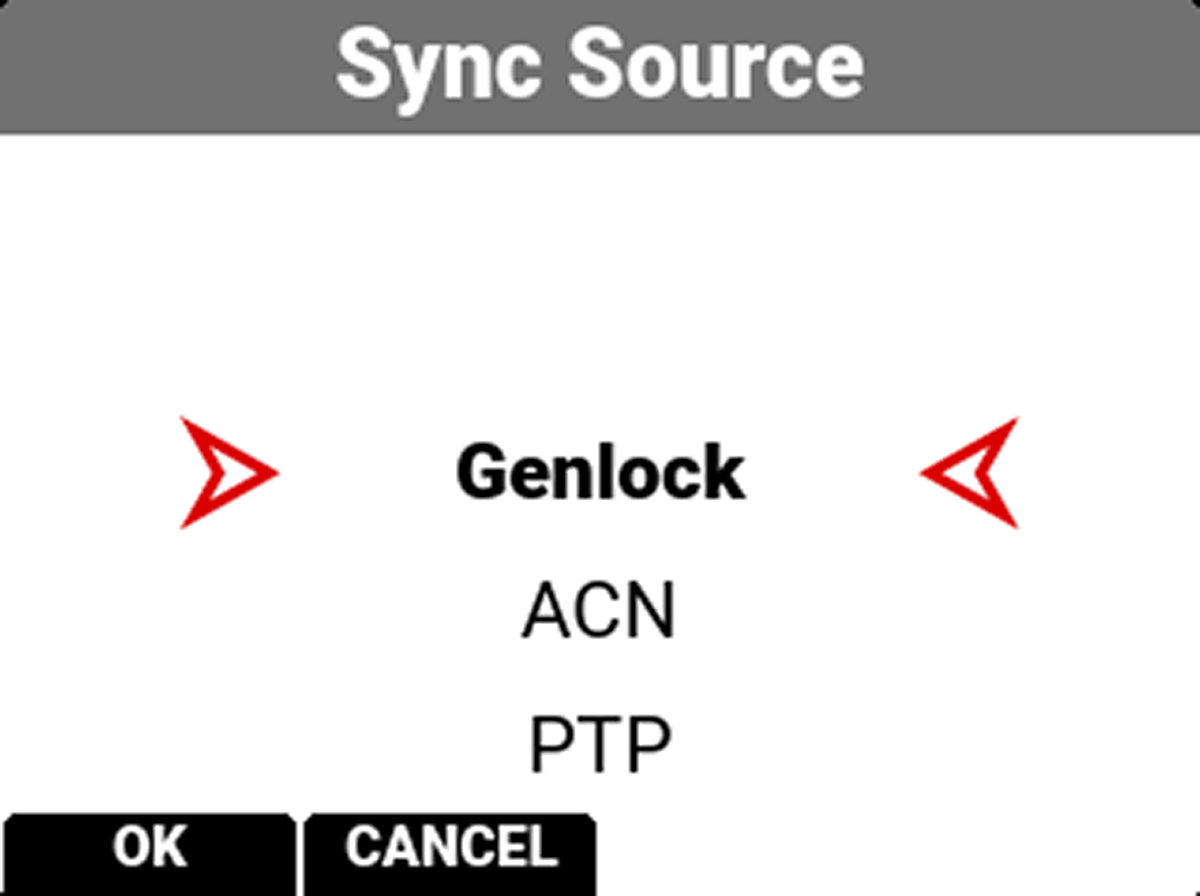
Select Genlock when you are connecting the rear Genlock BNC connector to a Genlock sensor sync signal.
Select ACN when you are wirelessly connecting the camera to an Ambient Communication Network for your sensor sync signal.
Select PTP when you are connecting the rear GIG-E port to a network's Precision Time Protocol domain for your sensor sync signal.
Sync Shift
Use Sync Shift to open the keypad and enter the number of Sync Shift Time Units you want to offset the sensor from the external sync signal. Use this setting to resolve synchronization issues on set such as when working with LED Volumes.
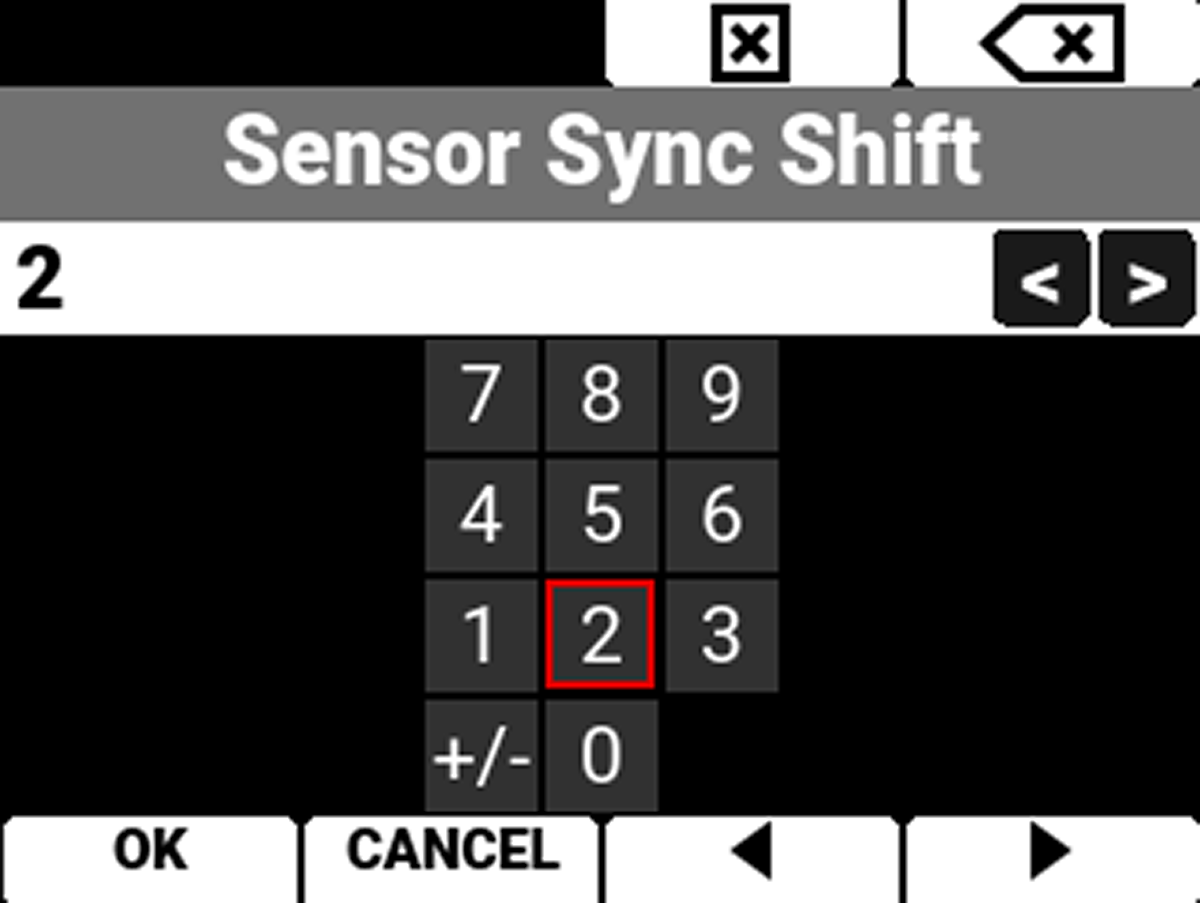
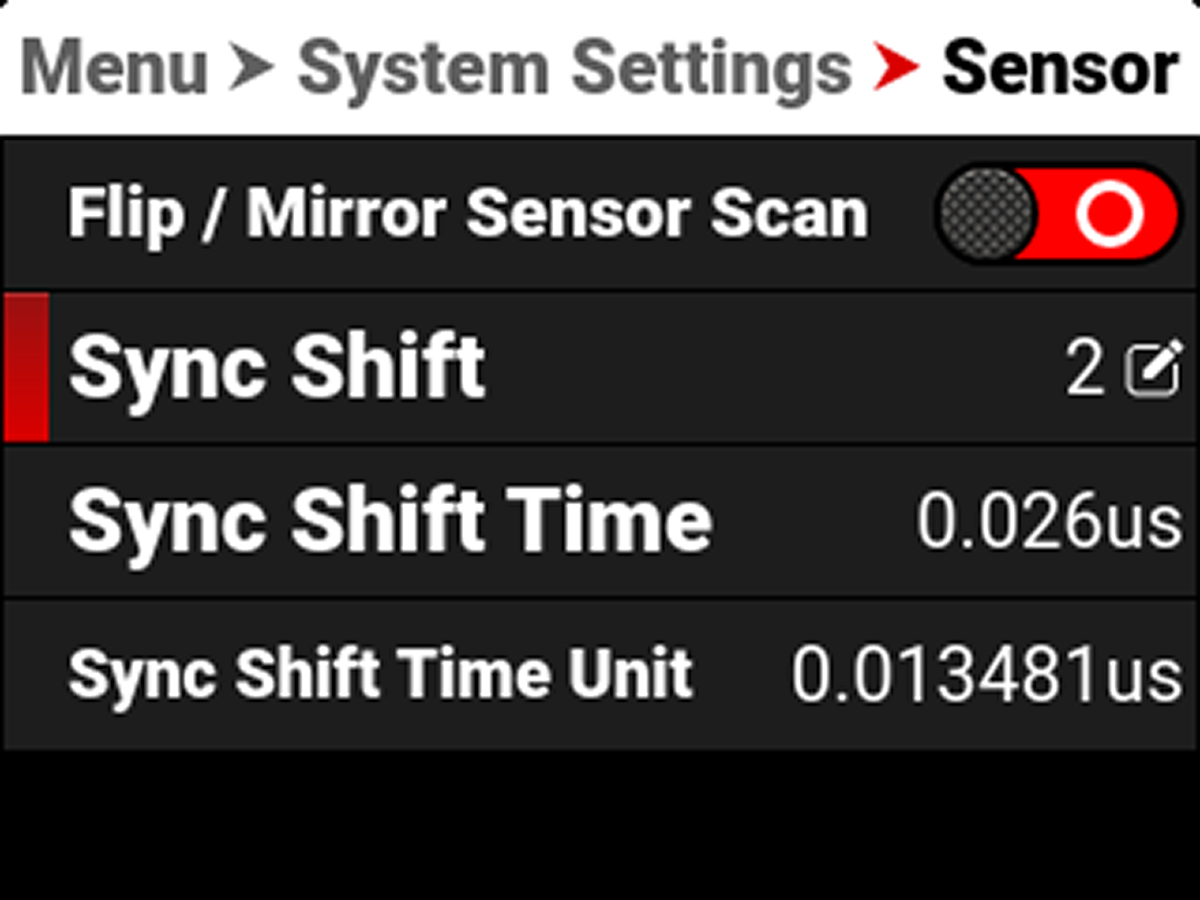
In this example, the Sync Shift is 2 x 0.013481 microseconds ≃ 0.026 microseconds.