Top LCD
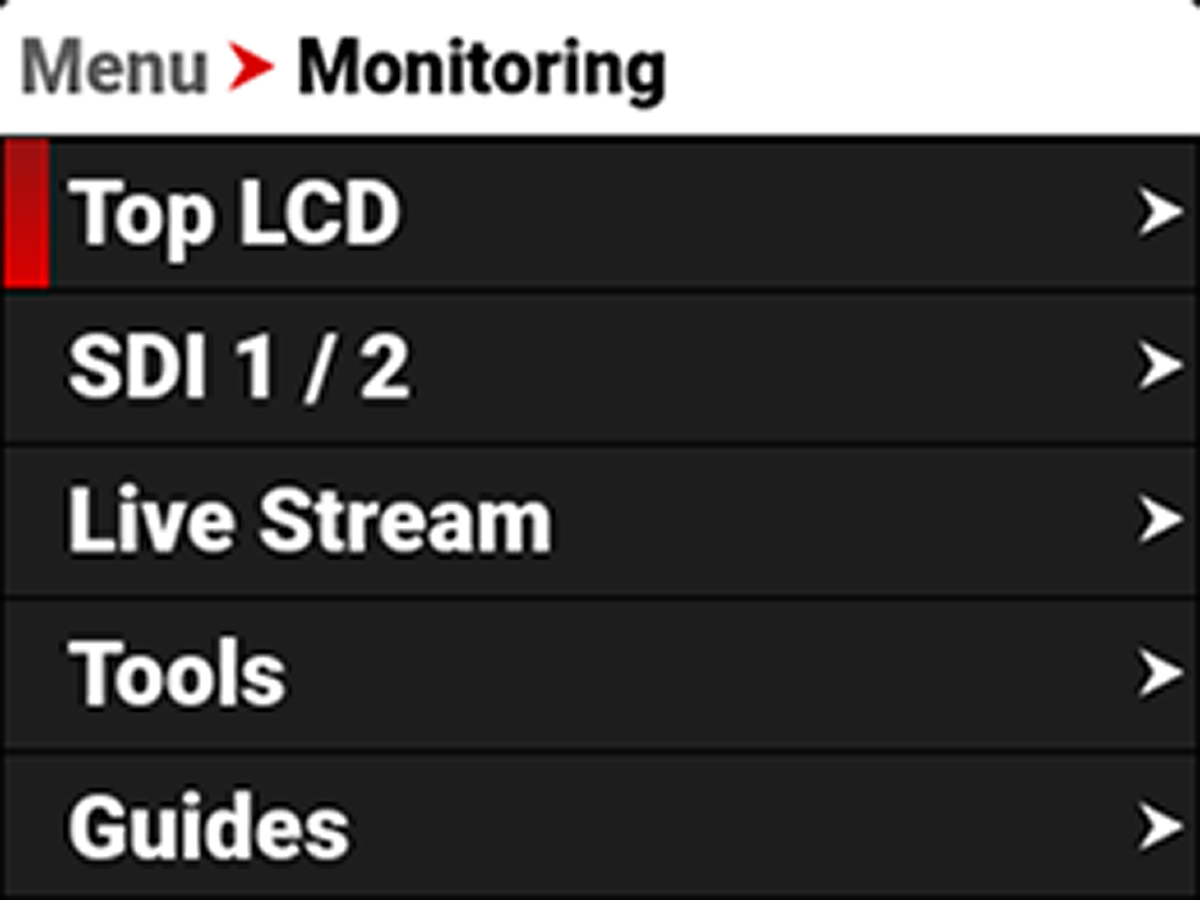
The Top LCD menu provides access to the top LCD features. This menu is only visible when the optional DSMC3™ RED Touch 7.0" LCD is attached to the camera (refer to DSMC3™ RED® Touch 7.0" LCD).
The Top LCD settings you can configure include:
|
Item |
Details |
|---|---|
|
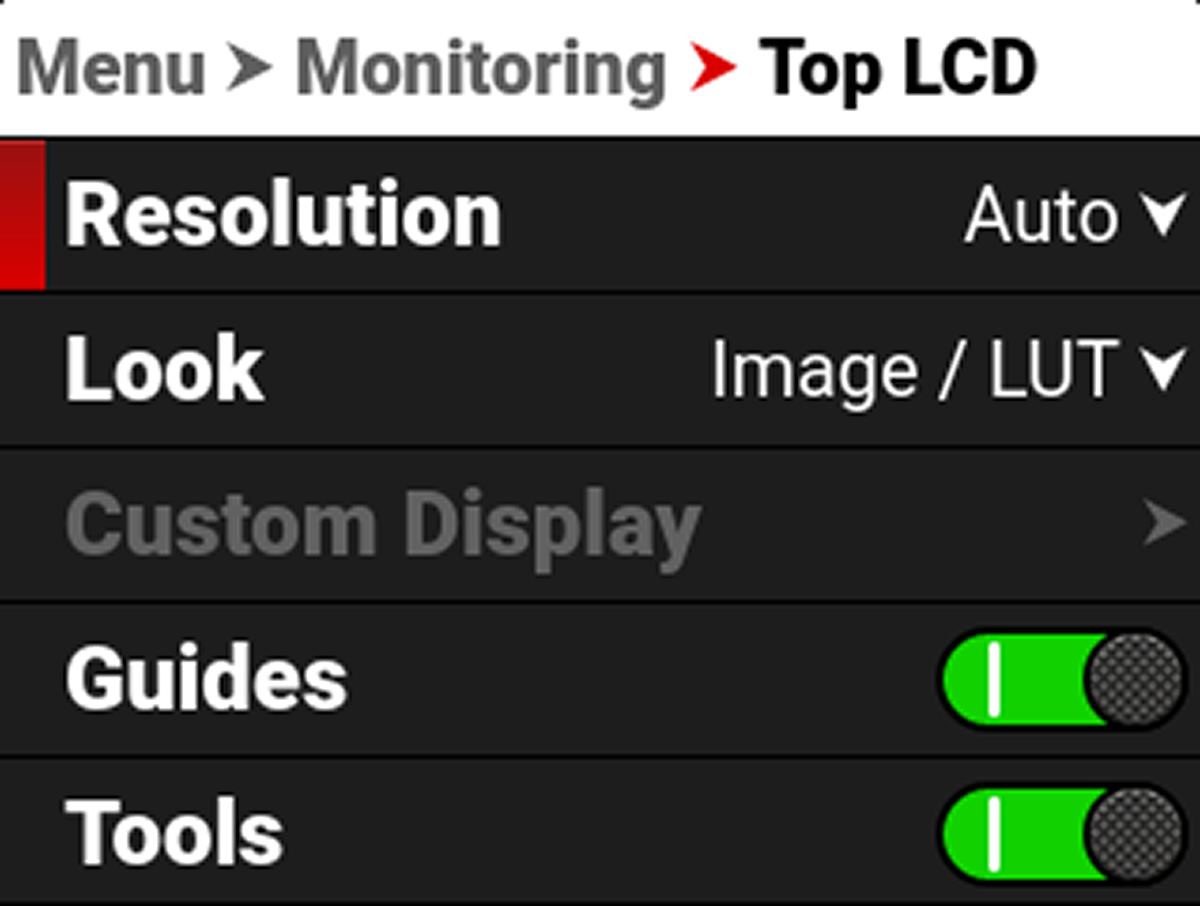
Select the monitor resolution |
|
|
Set the look of the monitor between RWG / Log3G10 or Image / LUT |
|
|
Select the gamma displayed on the monitor |
|
|
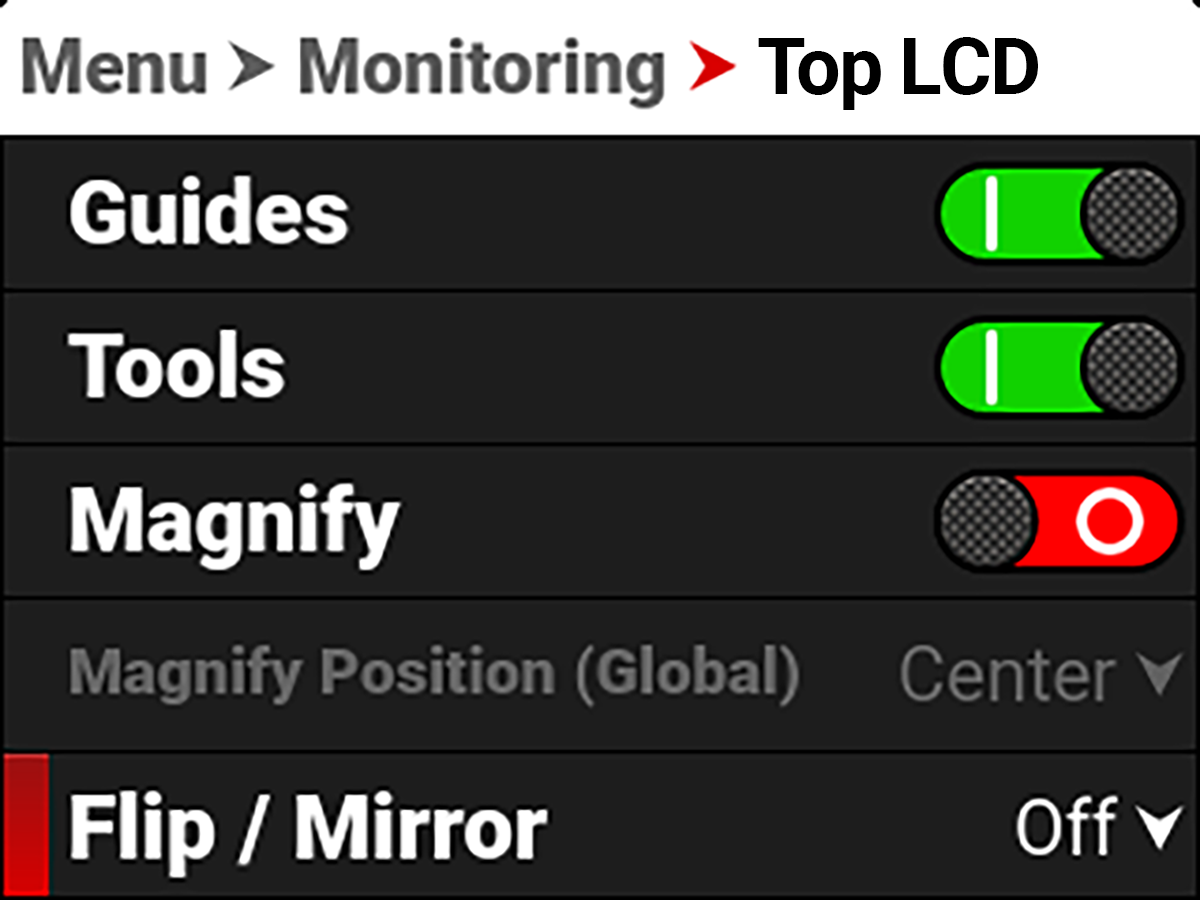
Enable or disable the monitor guides |
|
|
Enable or disable the monitor tools |
|
|
Magnify the monitor image |
|
|
Select the position of the original image to magnify |
|
|
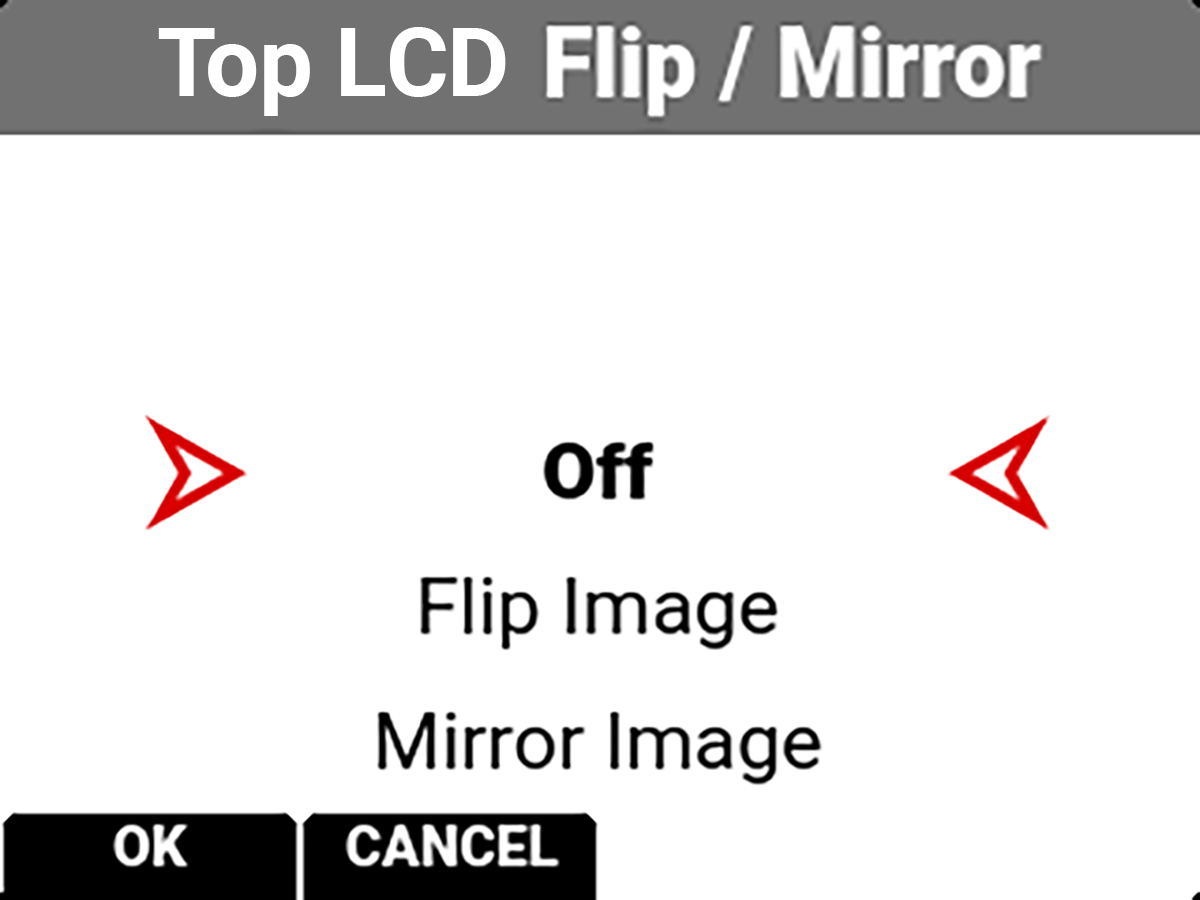
Flip and mirror the top LCD display |
Resolution
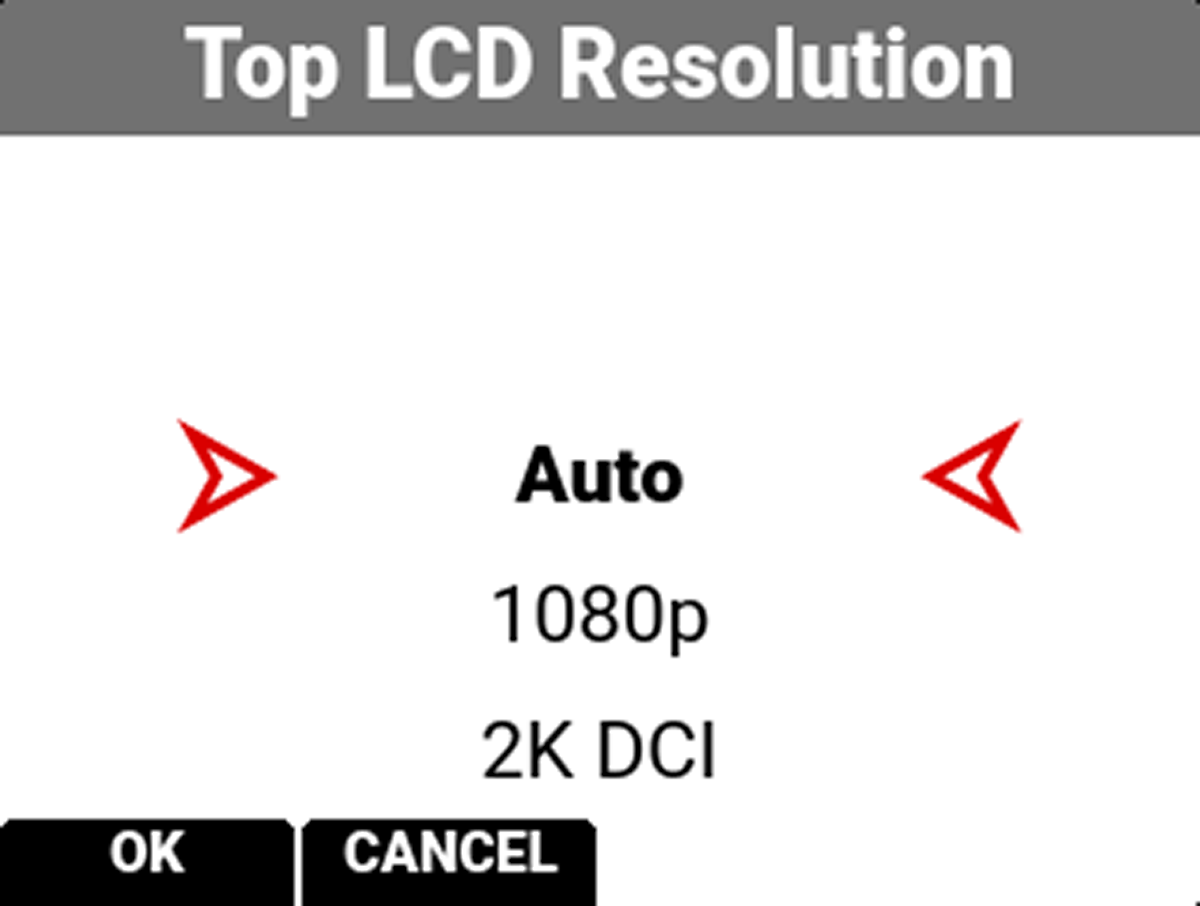
You can select the resolution of the Top LCD.
The selections include:
• Auto (default)
• 1080p
• 2K DCI
Look
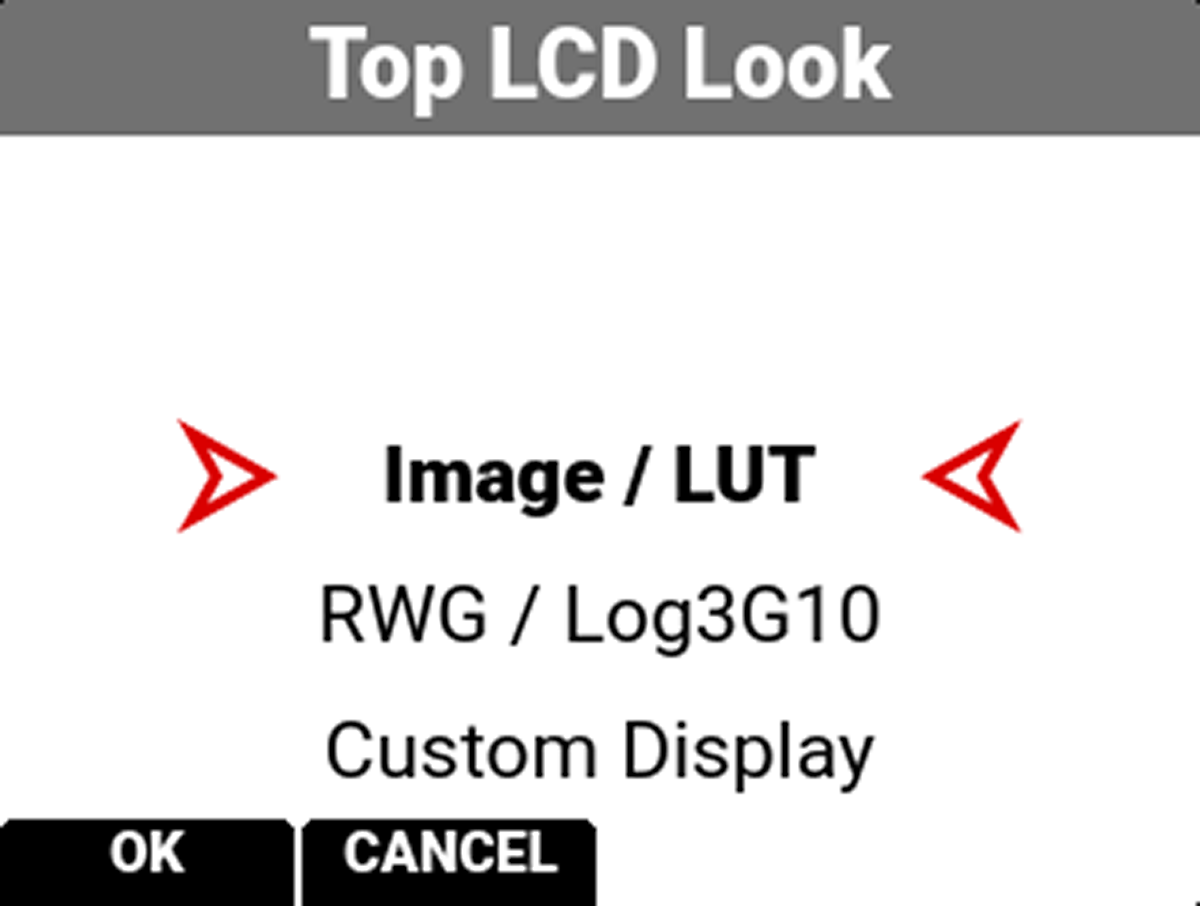
You can select the look of the image preview signal sent to the Top LCD.
The selections include:
• Image / LUT (default)
• REDWideGamutRGB / Log3G10
• Custom Display (enables the Custom Display menu)
Custom Display
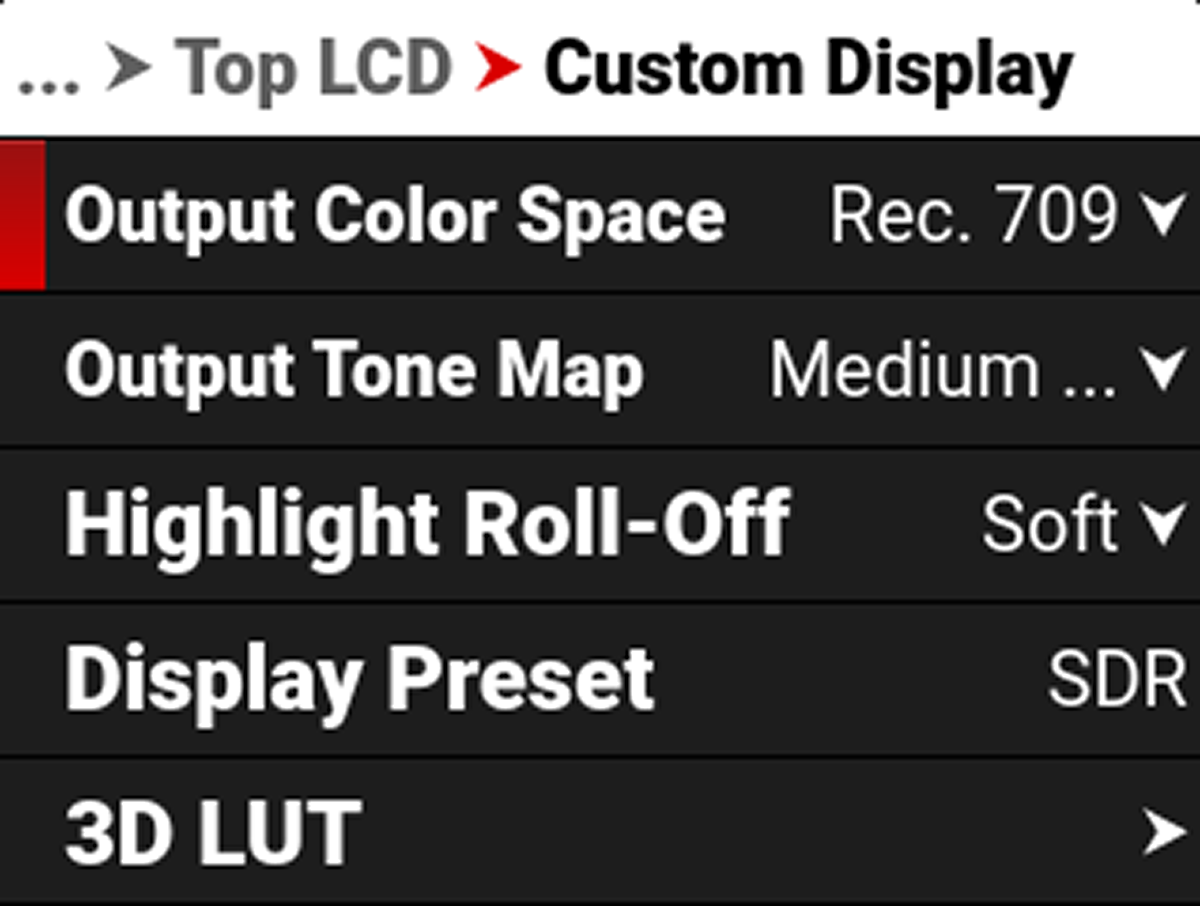
Use Custom Display to select the Top LCD's Image/LUT settings.
Refer to Image / LUT Menu for more information about the Image/LUT settings and menus.
Guides
Use Guides to enable or disable the viewing of guides. Press SEL to toggle between enabled (default) and disabled.


Tools
Use Tools to enable or disable the viewing of tools. Press SEL to toggle between enabled (default) and disabled.


Magnify
Use Magnify to enable or disable monitor magnification. Press SEL to toggle between enabled and disabled (default).


Magnify Position
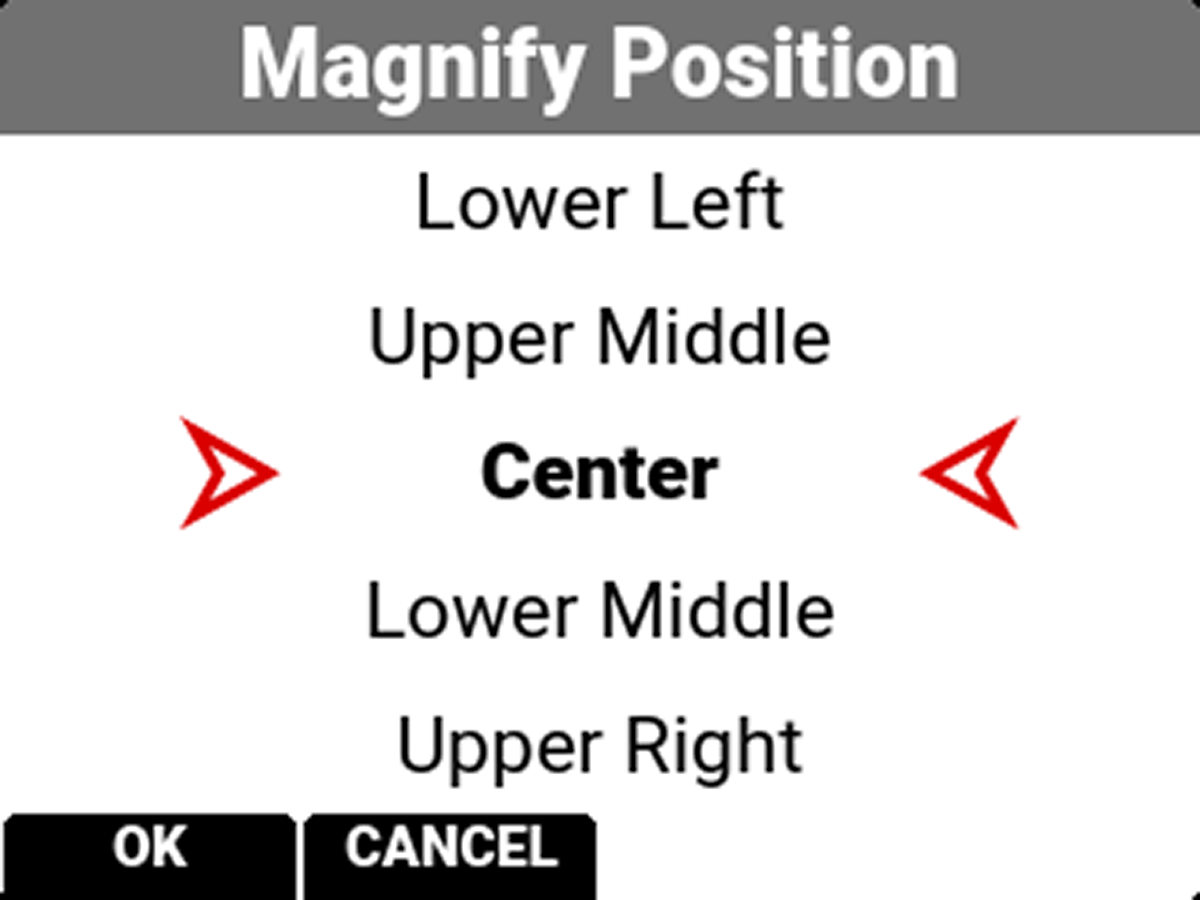
Use Magnify Position to globally select the area of the image you want to magnify.
The selections include:
|
• Left |
• Upper Middle |
• Upper Right |
|
• Upper Left |
• Center (default) |
• Lower Right |
|
• Lower Left |
• Lower Middle |
• Right |