Lens (RF)
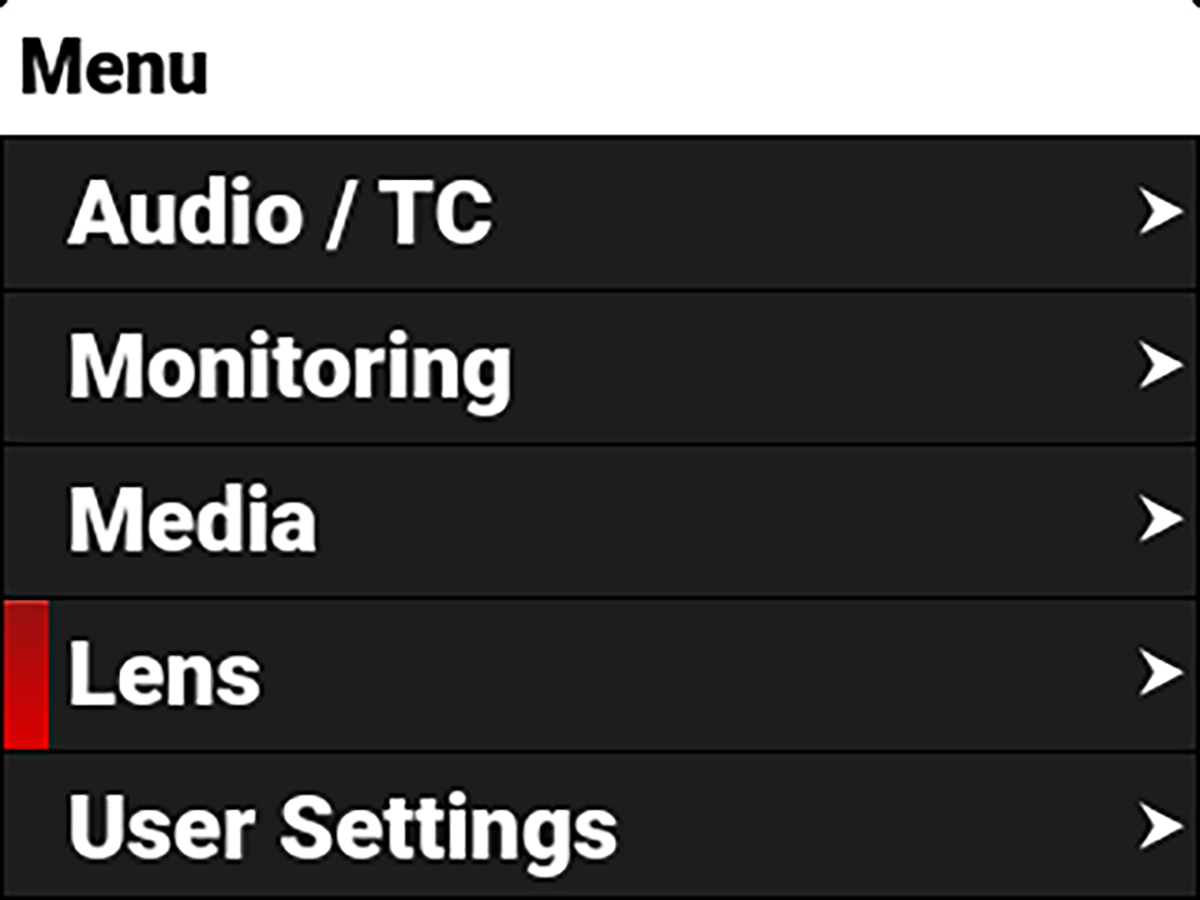
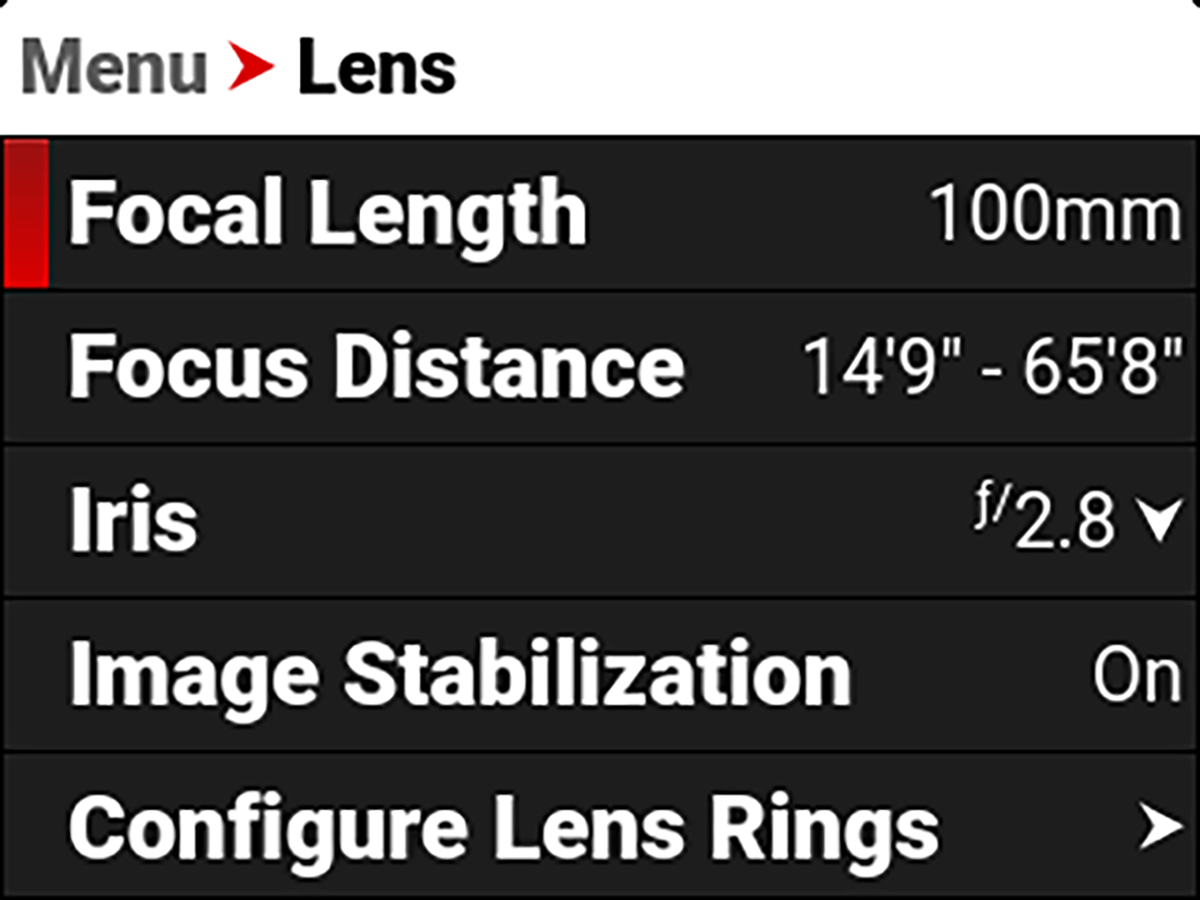
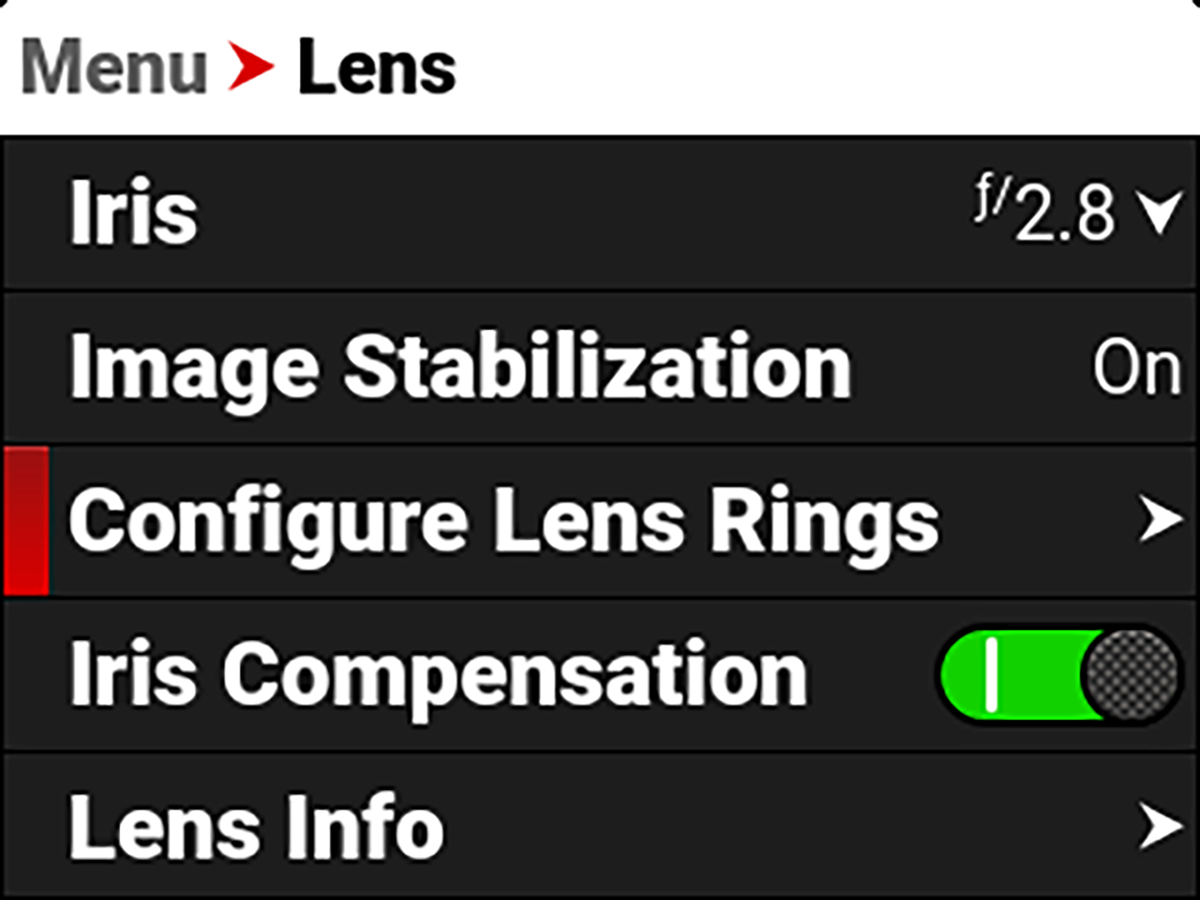
The Lens menu contains the camera lens settings for the RF or PL lens when you attach those lens types.
From the camera LCD menu, navigate to Lens and press SEL.
The information you can view from Lens includes:
|
Item |
|
Details |
|---|---|---|
|
Focal Length |
|
Displays the lens focal length value |
|
Focus Distance |
|
Displays the lens focal distance value |
|
|
Select the Iris value or view the T-Stop value depending on the attached lens |
|
|
Image Stabilization |
|
Displays the lens image stabilization status |
|
|
Configure the lens Control Ring settings |
|
|
Iris Compensation |
|
Disable Iris Compensation to eliminate iris fluttering during zooming |
|
Lens Info |
View the RF or PL lens name, PL brand, serial number, and owner |
Iris
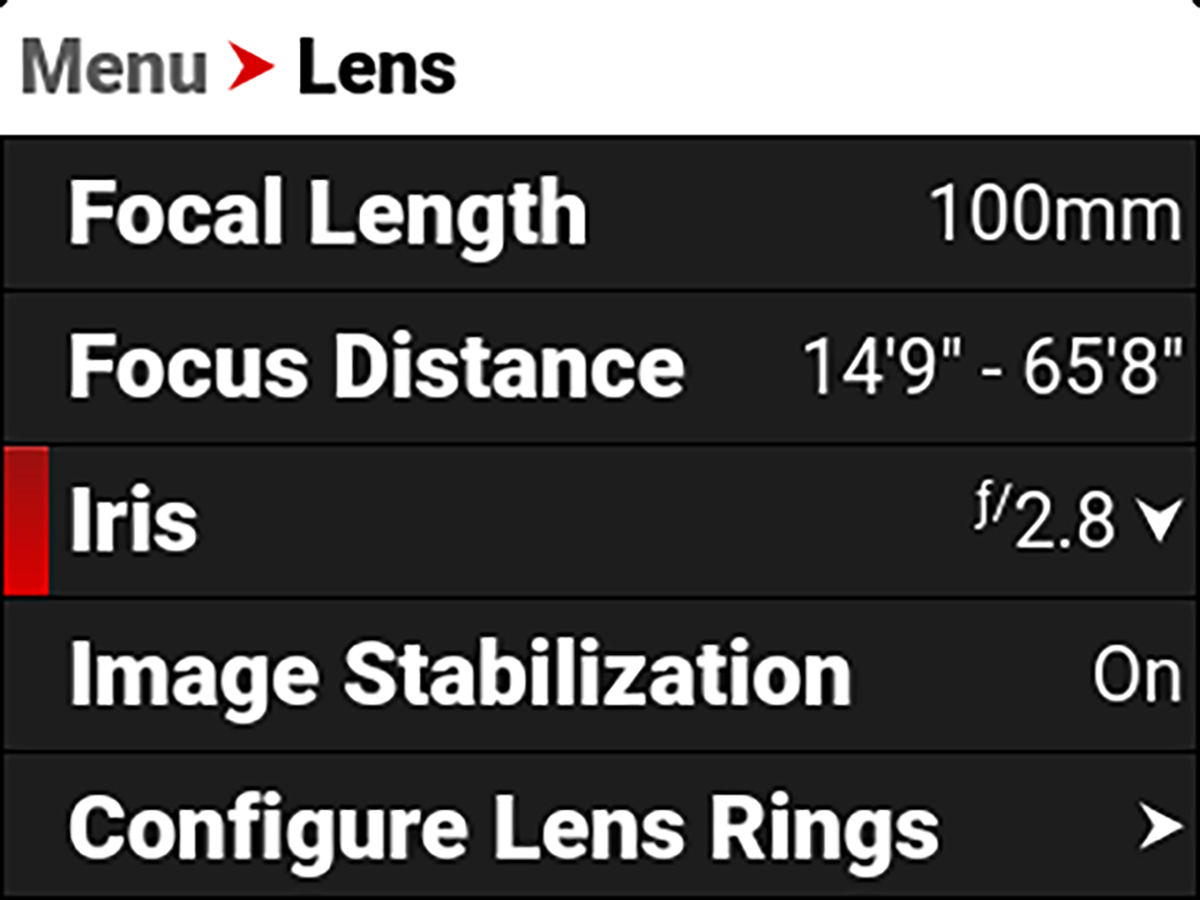
Use the Iris menu to select the camera lens f-stop for RF lenses and to view the t-stop for PL lenses.
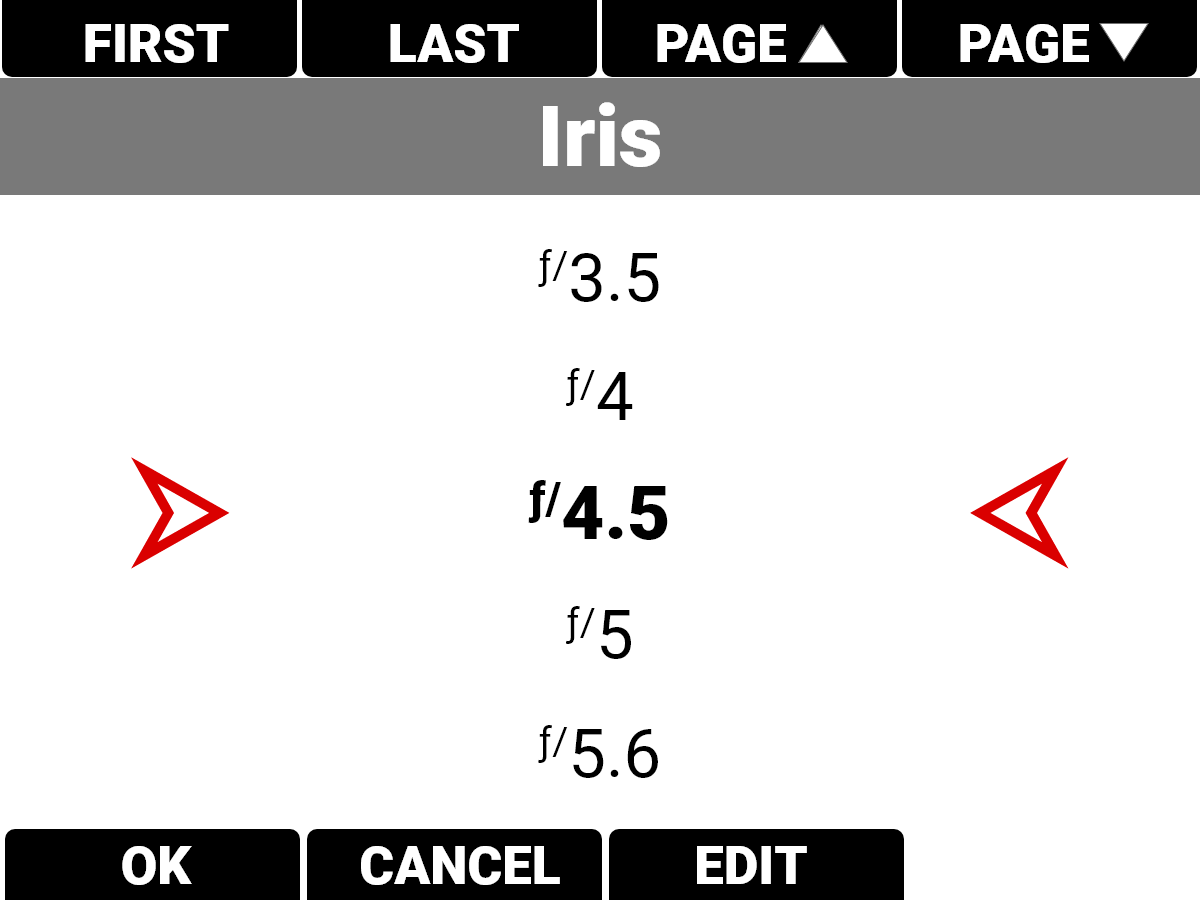
Press the button below Edit to open the keypad and enter the f-stop manually.
Configure Lens Rings
Use Configure Lens Rings to select and enable/disable the lens ring features.
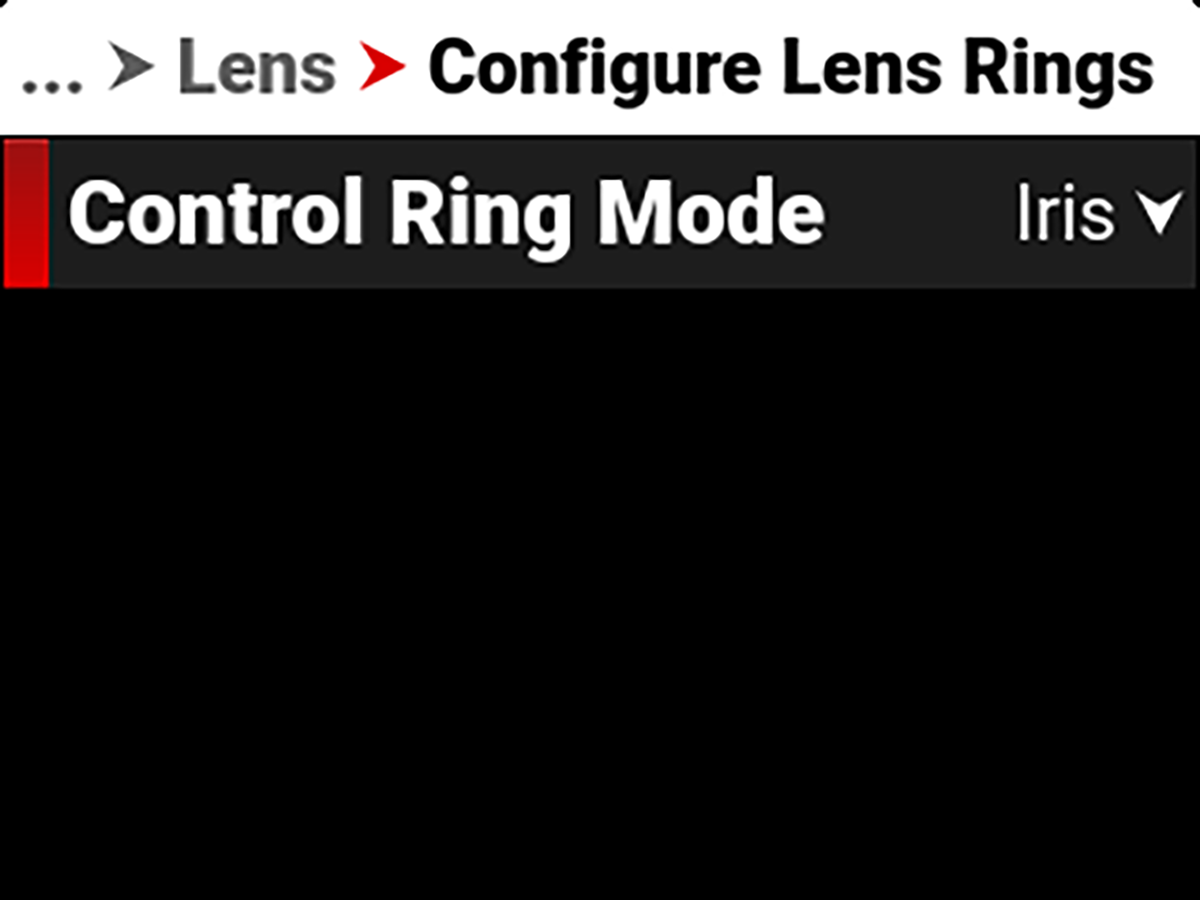
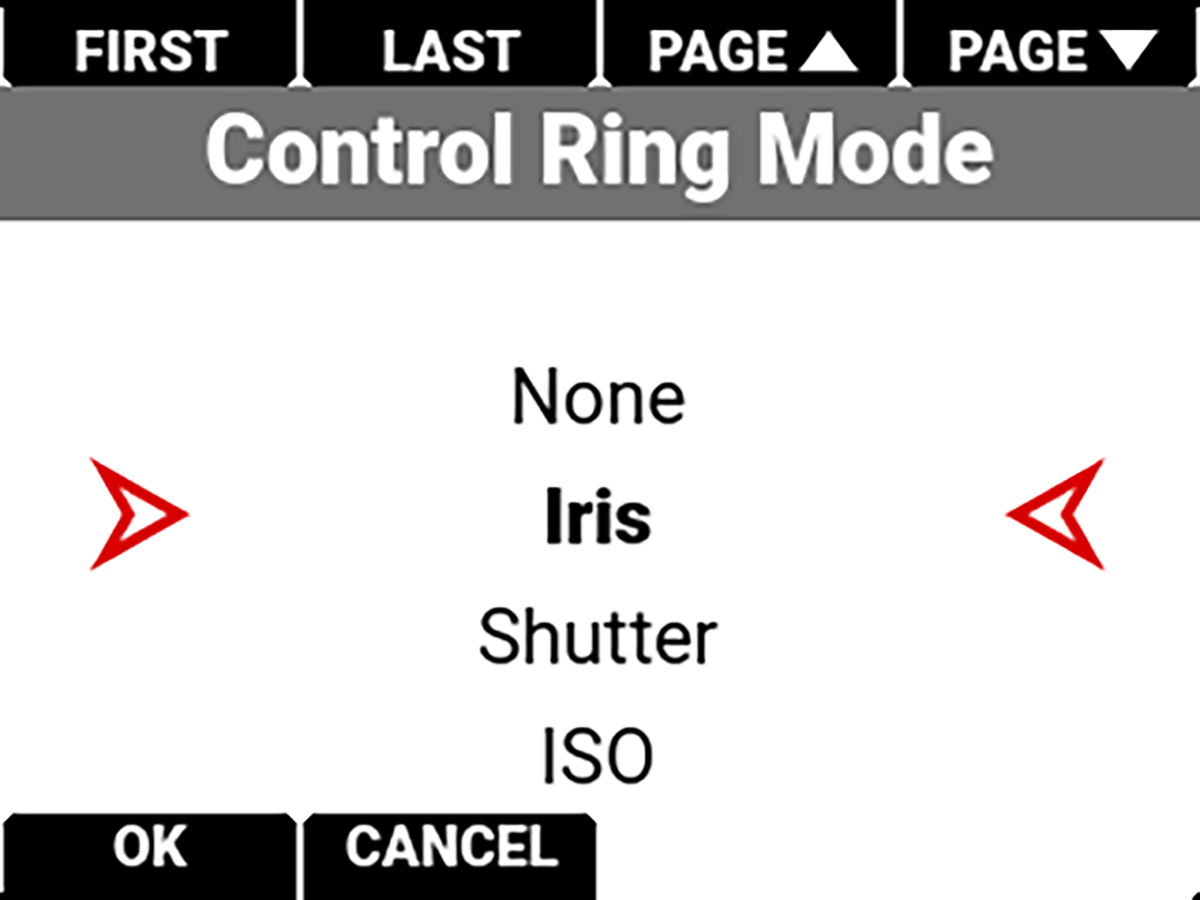
The modes you can select include None Iris (default), Shutter, ISO, White Balance, Top Port Magnify, SDI 1 Magnify, SDI 2 Magnify, SDI 1 + SDI 2 Magnify, False Color Cycle, Peaking Cycle, and Tools Cycle.