RED® Compact EVF
The RED Compact EVF is configured to use the ‘FN Toggle’ feature to control the camera. This allows the operator to change the camera's FPS, Iris (with compatible lens), Shutter Angle, ISO/ Gain, White Balance, and ND (with RED RF to PL Adapter w/ Electronic ND) by using the buttons on the EVF.
WARNING: Do not remove the DSMC3 Adapter A while the camera is powered on. Doing so could cause damage to the camera. The DSMC3 Adapter A must only be attached to, or removed from the camera while the camera power is off.
The camera operator must install the EVF with the DSMC3 Adapter A attached to the camera and the EVF cable connected to the adapter and the EVF.
The operator can then select the EVF settings in the camera by using the EVF menu: Menu > Monitoring > Top EVF.
NOTE: When the DSMC3 Adapter A and the EVF are connected for the first time, the EVF uses the Standard overlay.
EVF Buttons
Press each EVF button to enable a user-assigned camera function.
-
The default setting for EVF button 1 is Top EVF Magnify Toggle.
-
The default setting for EVF button 2 is False Color Exposure Toggle.
-
The default setting for EVF buttons 1+2 is FN Toggle.
Refer to User Settings Menu for more information about user-assignable options.
Using FN Toggle on RED® Compact EVF
- Press EVF buttons 1+2 to enable FN Toggle. When using FN Toggle, for the time in which the Toggle is Active (5 seconds), Button 1 and Button 2 will temporarily act as FN UP and FN DOWN.
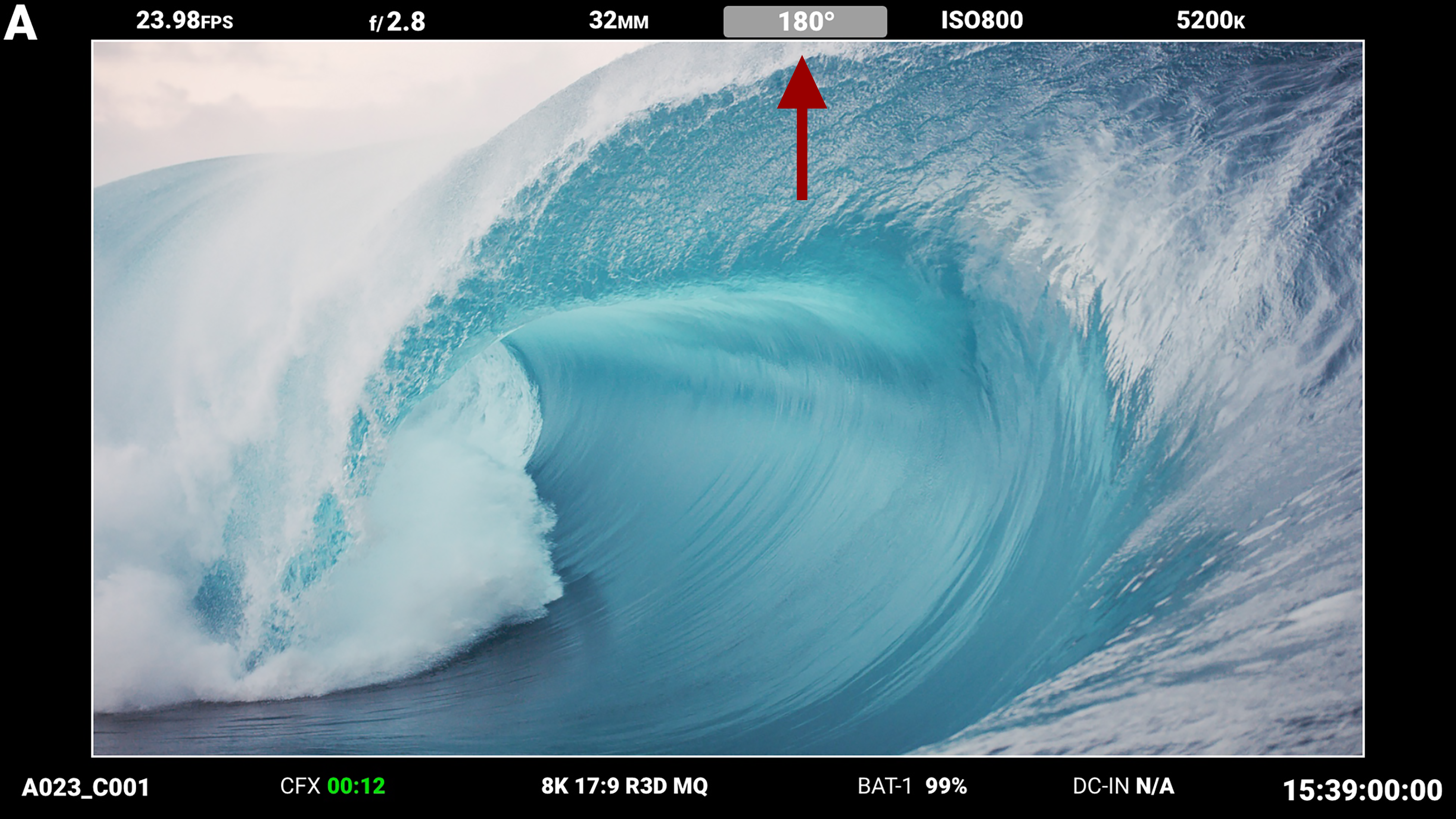
- When enabled, the FN Toggle feature highlights the top EVF overlay values with a gray rectangle.
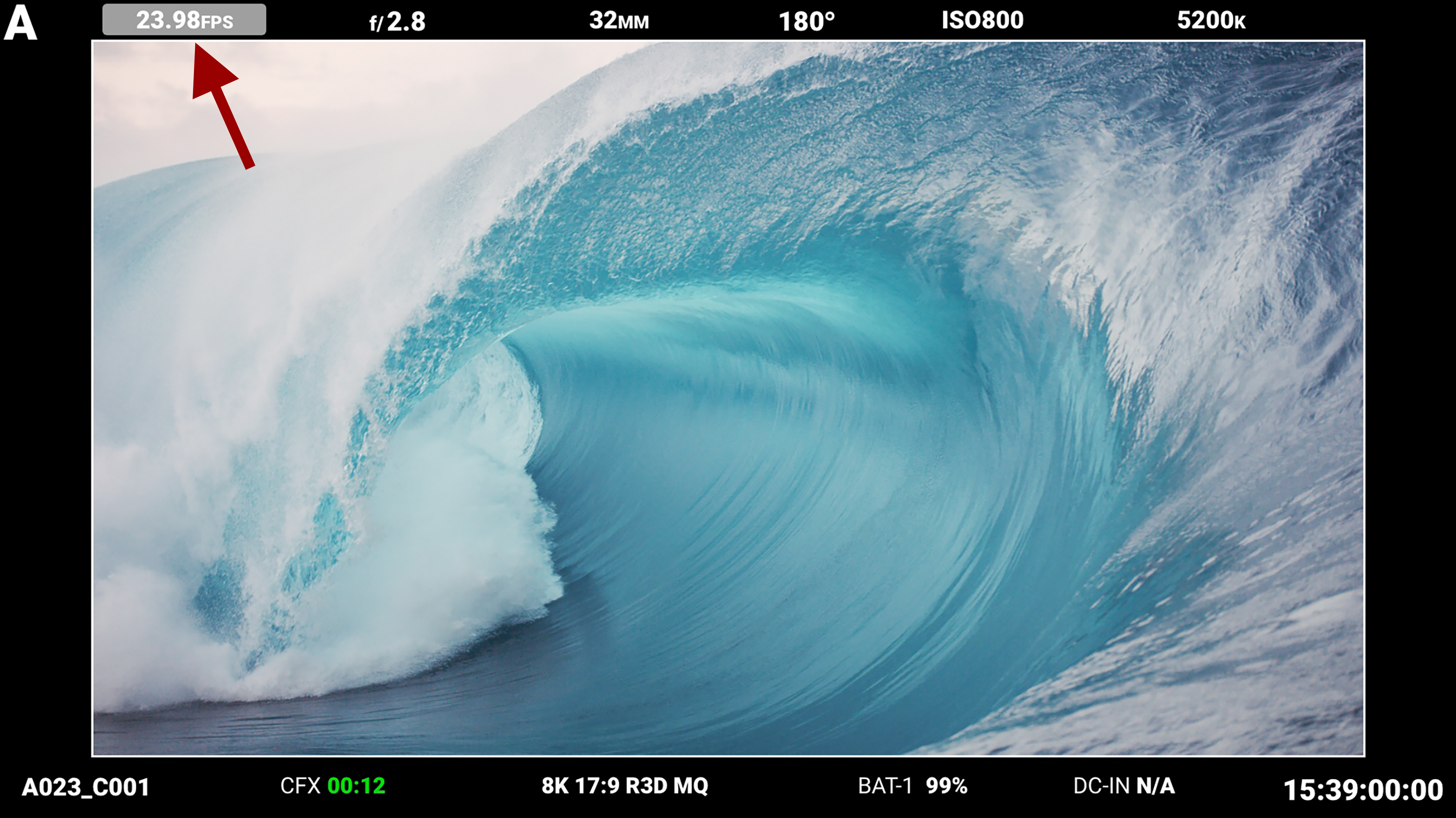
- Press EVF buttons 1 or 2 to increase or decrease the value.
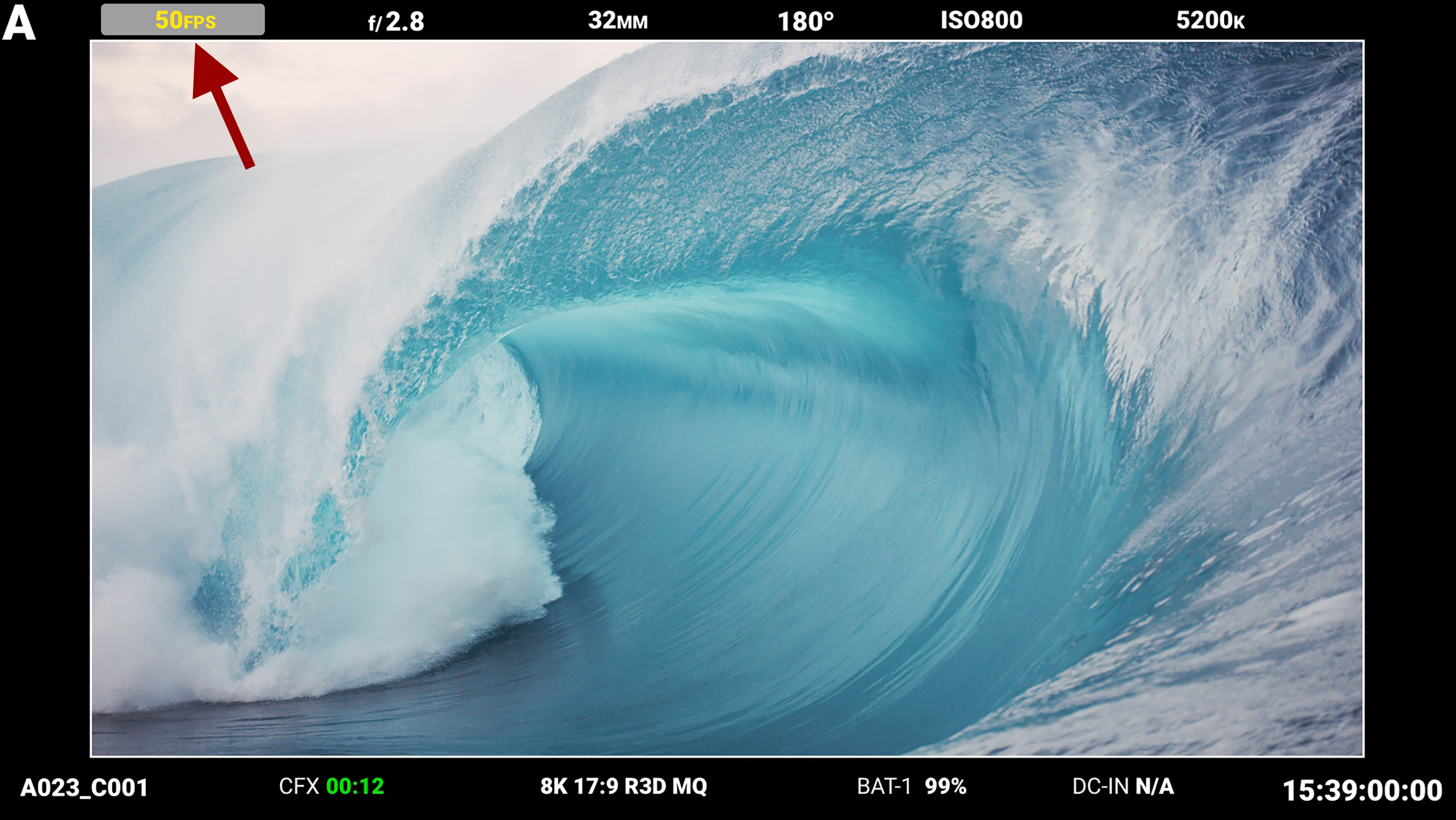
- Press EVF buttons 1+2 to move to the next value.