GIG-E
Use GIG-E to configure a 1000BASE-T (IEEE 802.3ab) Gigabit Ethernet connection for remote camera control, Precision Time Protocol (SMPTE 2059-1) sensor and frame synchronization, and accessing the 1080P IP video stream.
The GIG-E connector does not support slower speeds (10BASE-T and 100BASE-T). Make sure that the devices you connect to the GIG-E port support 1000BASE-T.
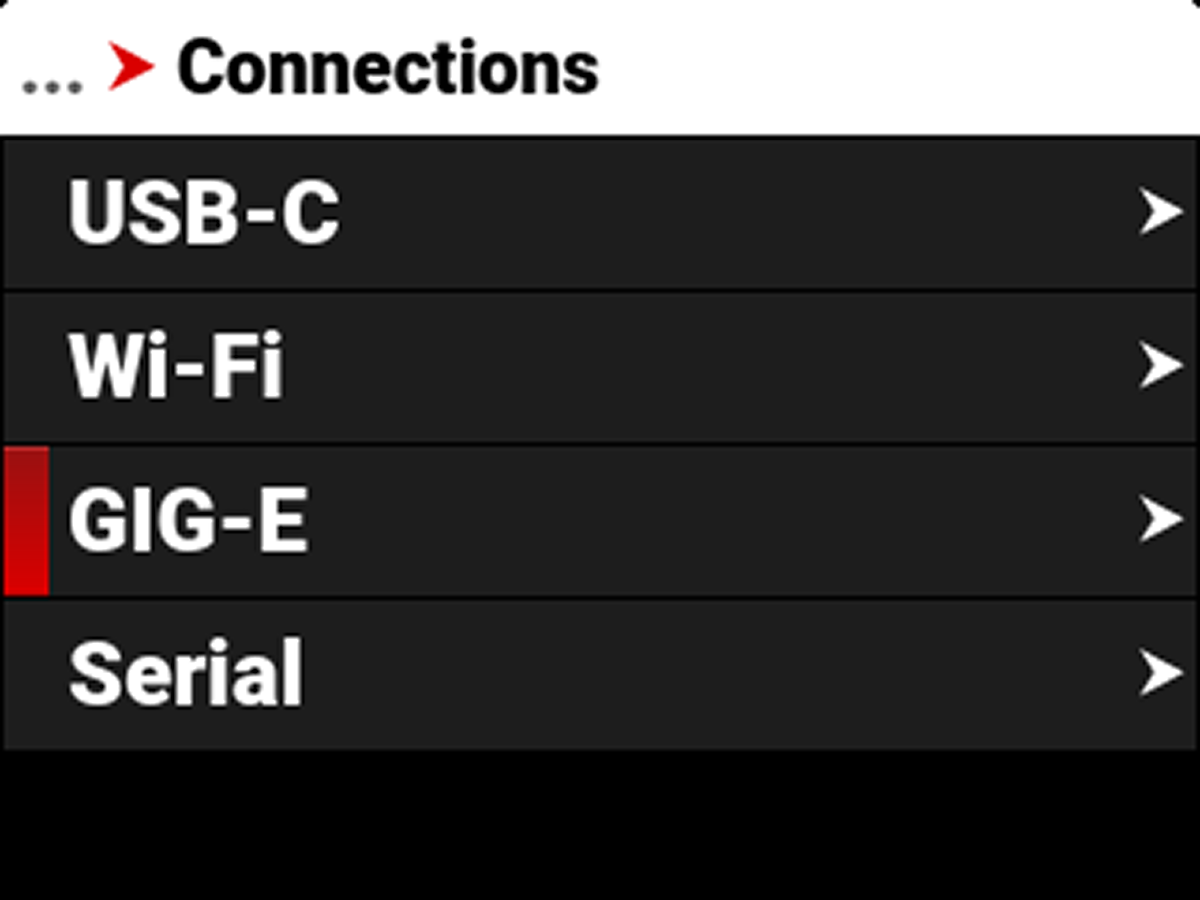
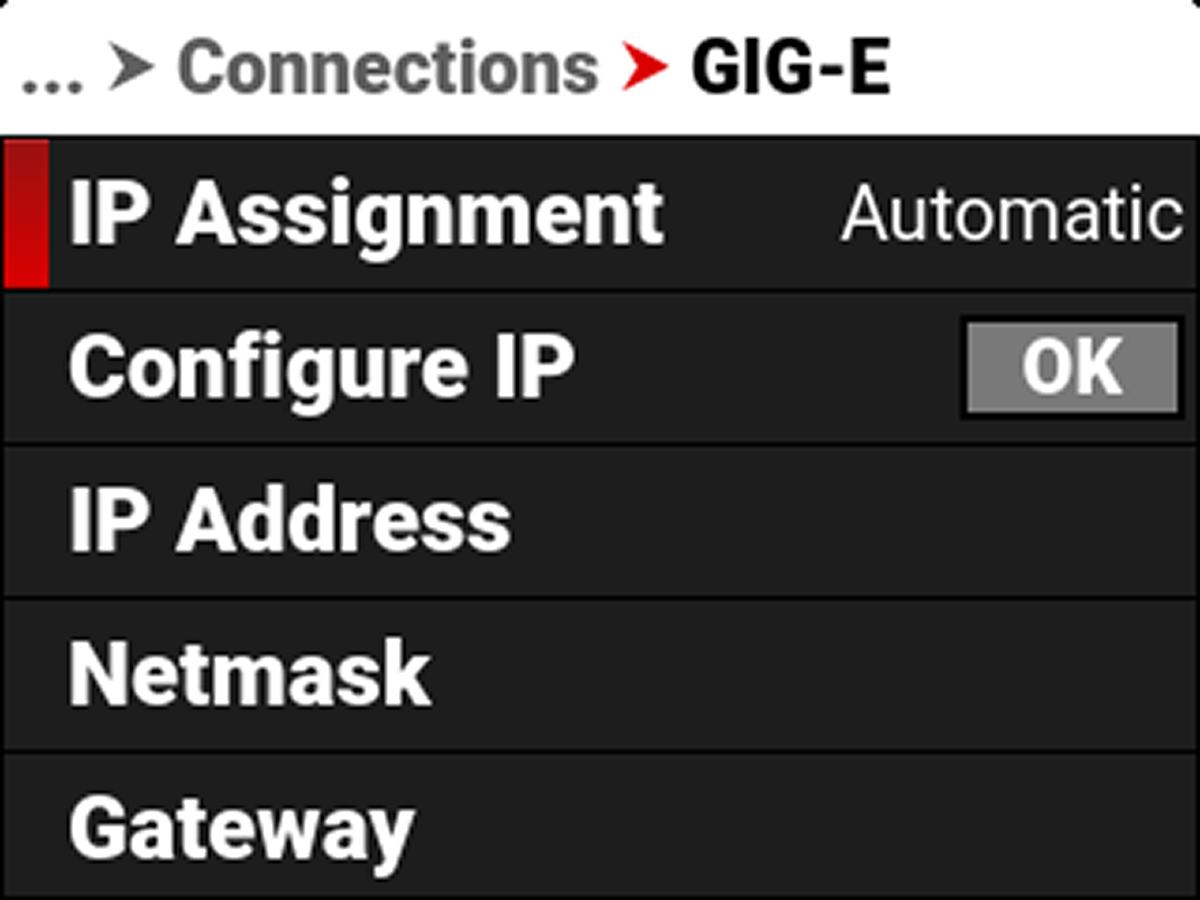
Use the GIG-E menu to configure the Gigabit Ethernet settings:
|
Item |
|
Details |
|---|---|---|
|
|
Displays the IP assignment method |
|
|
|
Select the IP Assignment mode and manually enter IP, Netmask, and Gateway addresses |
|
|
|
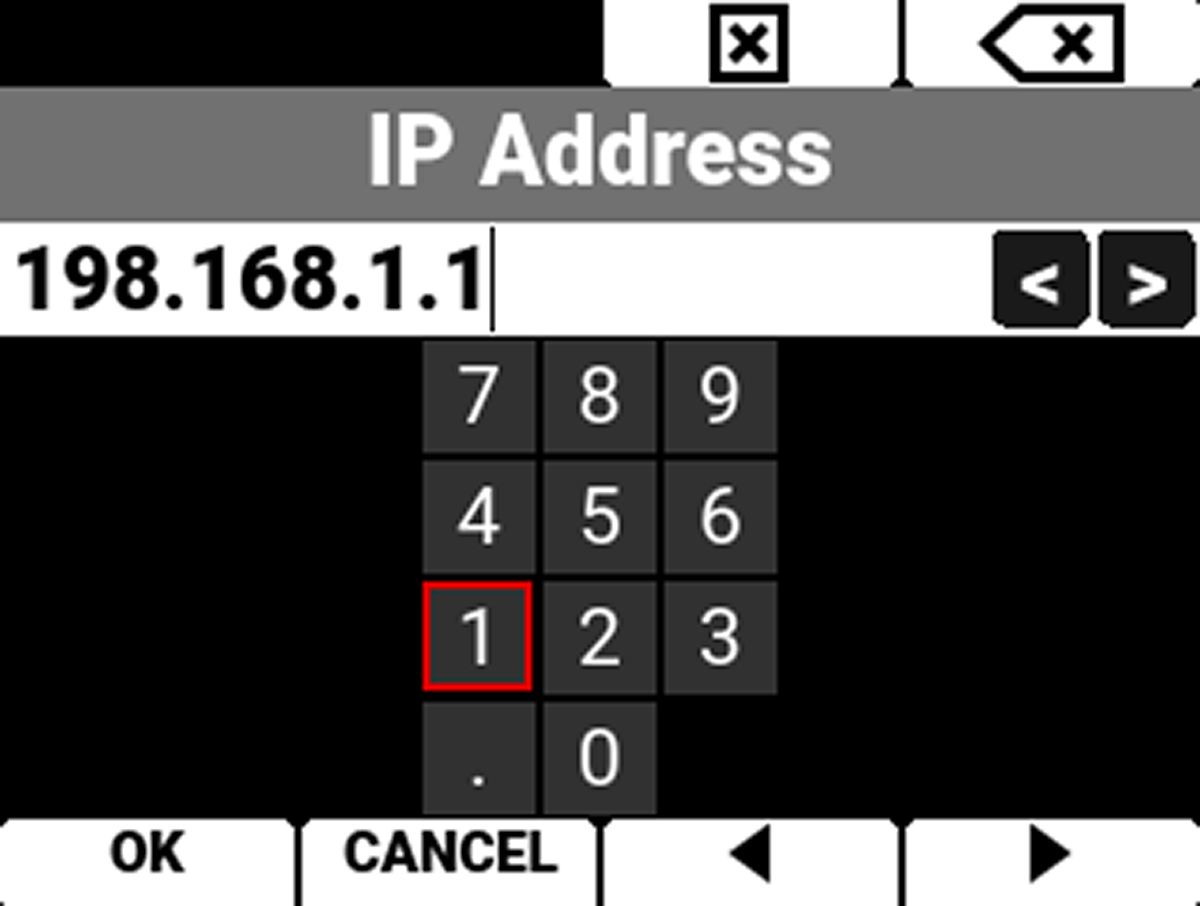
View or enter the GIG-E IP address |
|
|
|
View or enter the GIG-E Netmask |
|
|
|
View or enter the GIG-E Gateway |
|
|
|
Change the MTU size |
IP Assignment
Displays the selected IP Assignment mode.
Configure IP
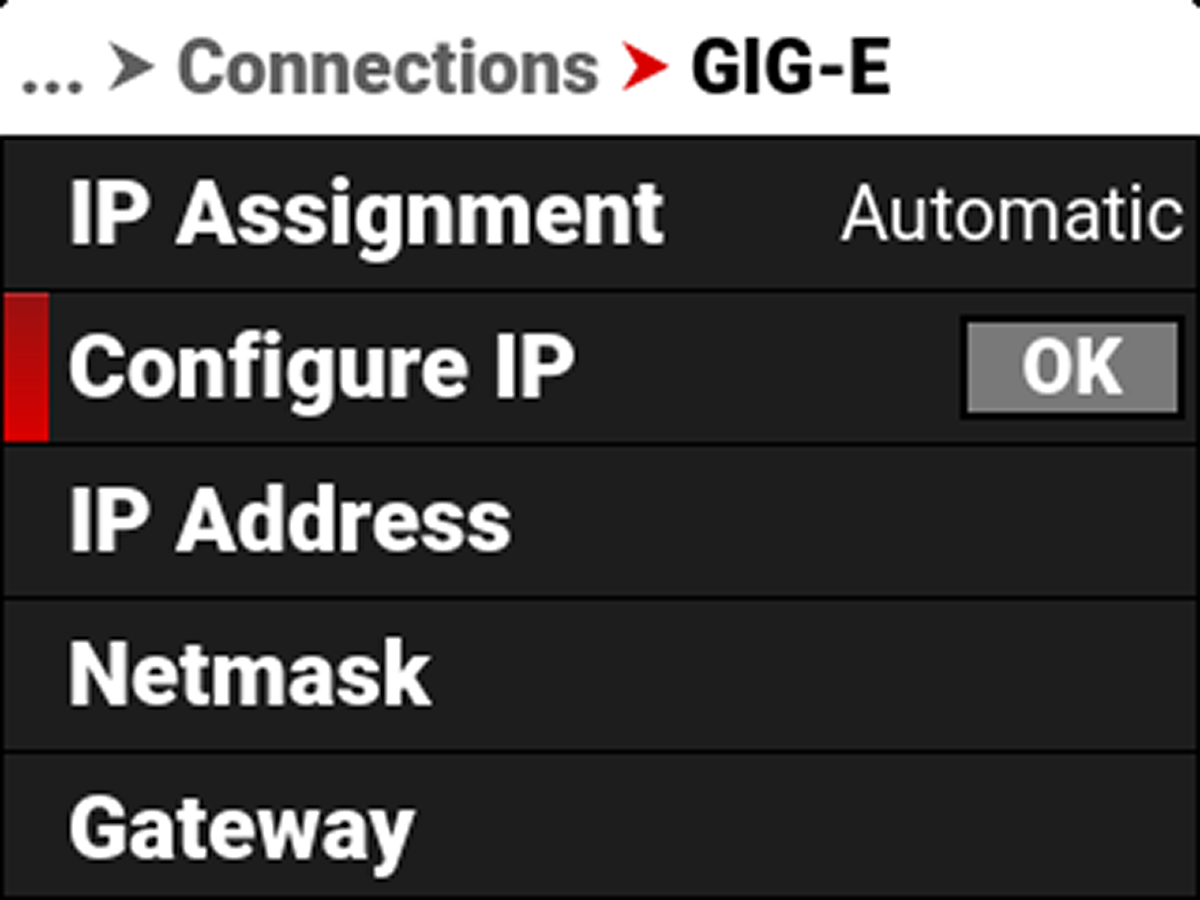
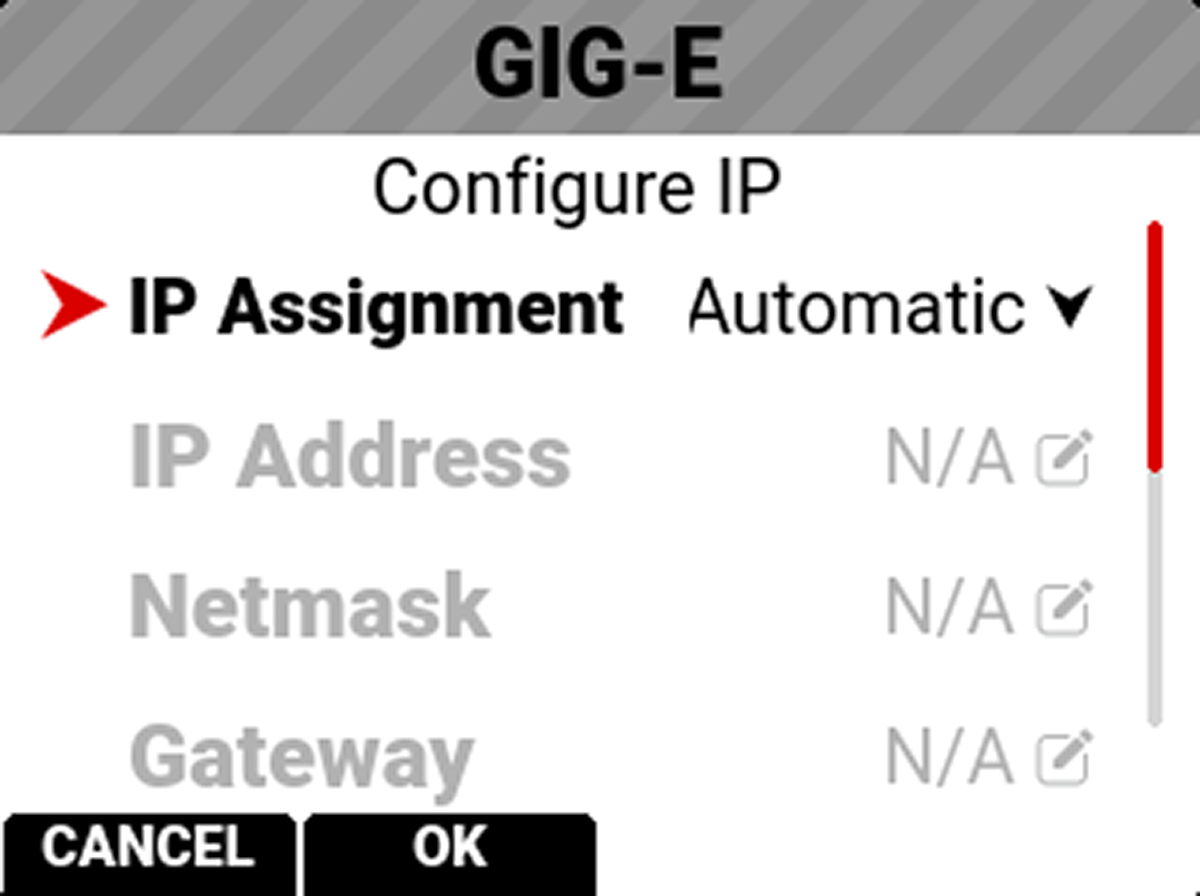
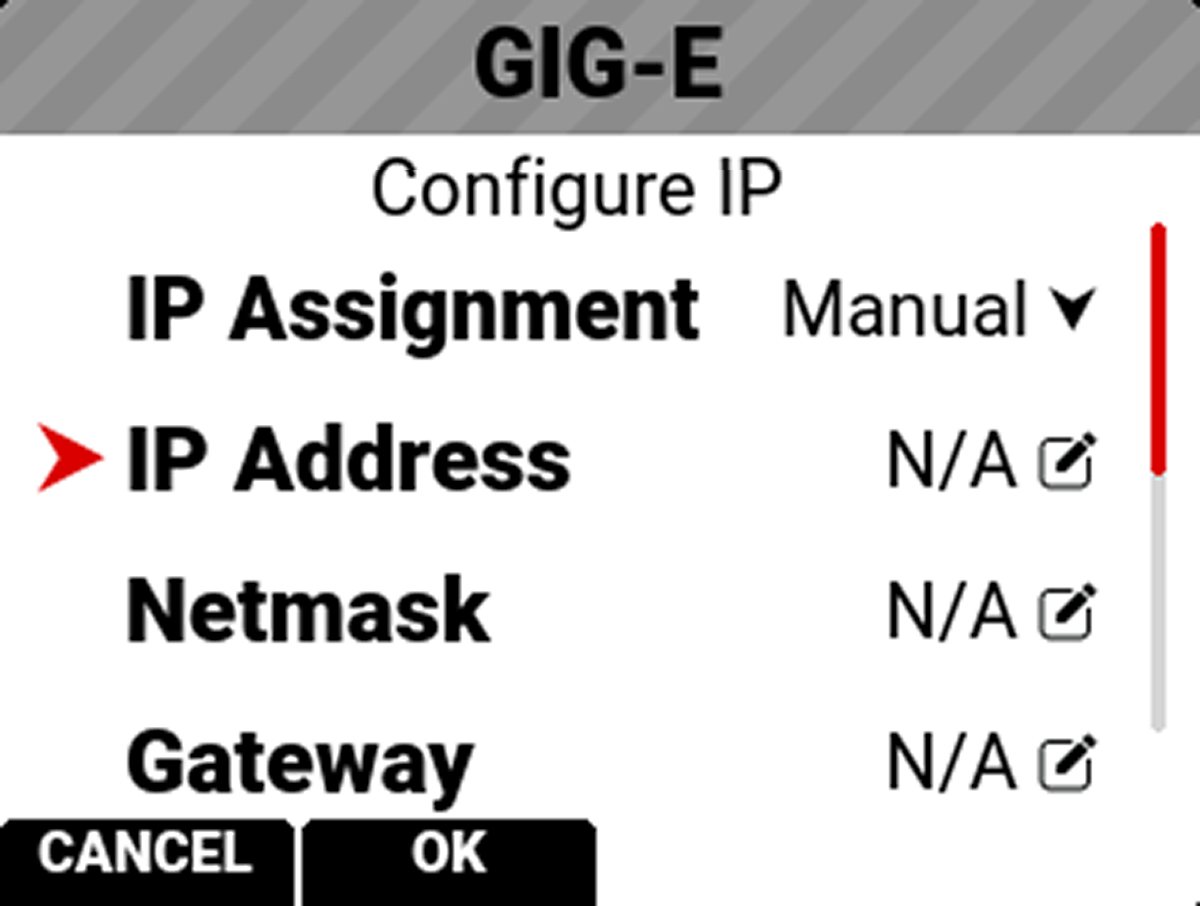
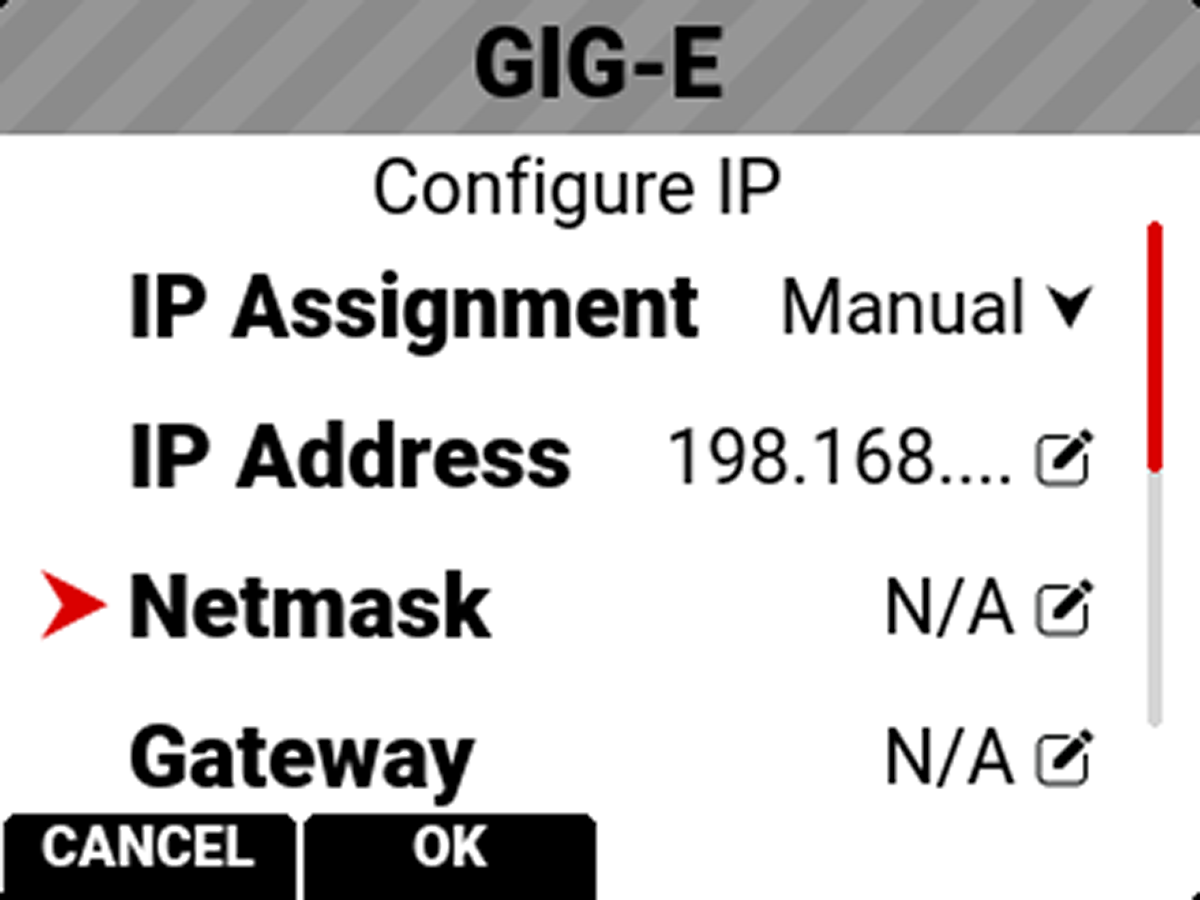
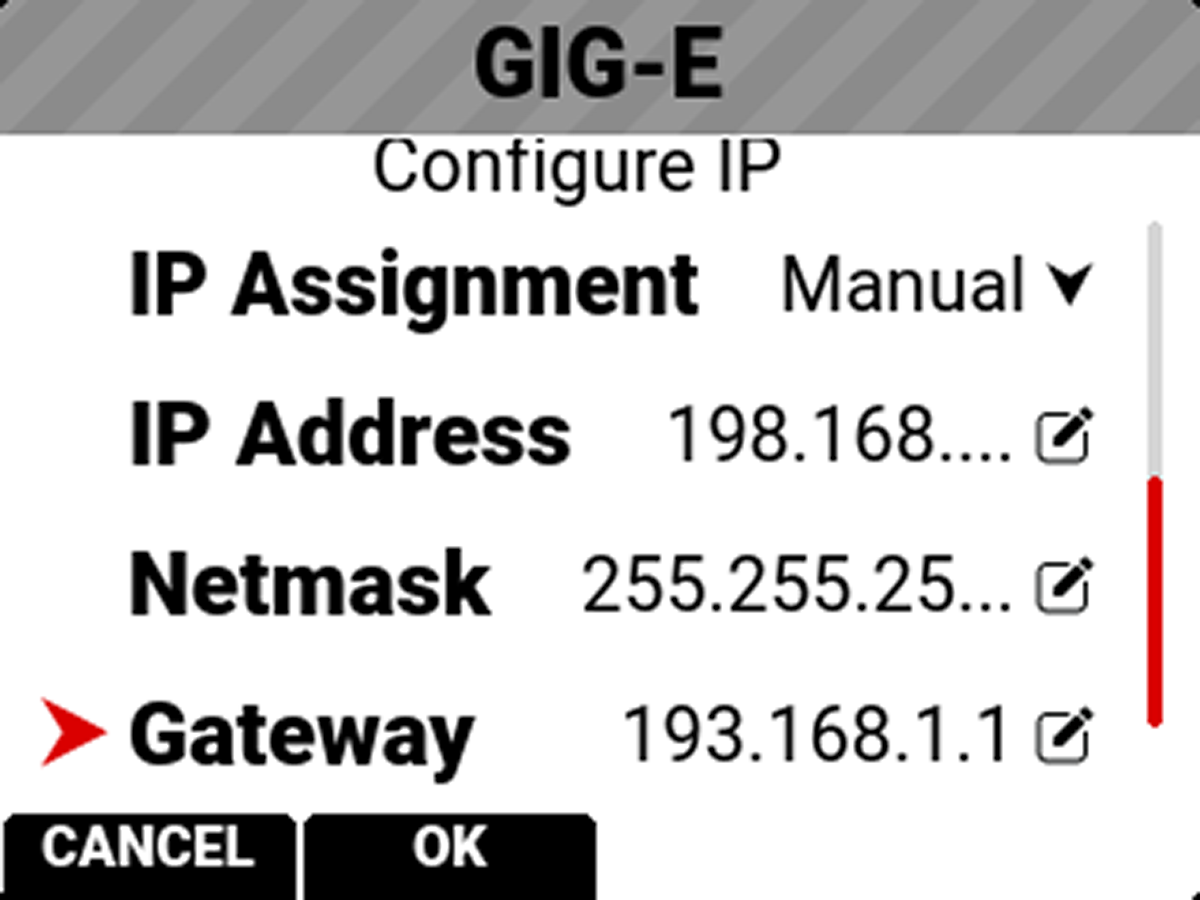
Use Configure IP to select the IP Assignment method, and to manually enter an IP address, Netmask address, and a Gateway (router) address.
When connected to a GIG-E network and Automatic IP Assignment is enabled, IP Address displays the GIG-E network IP address.
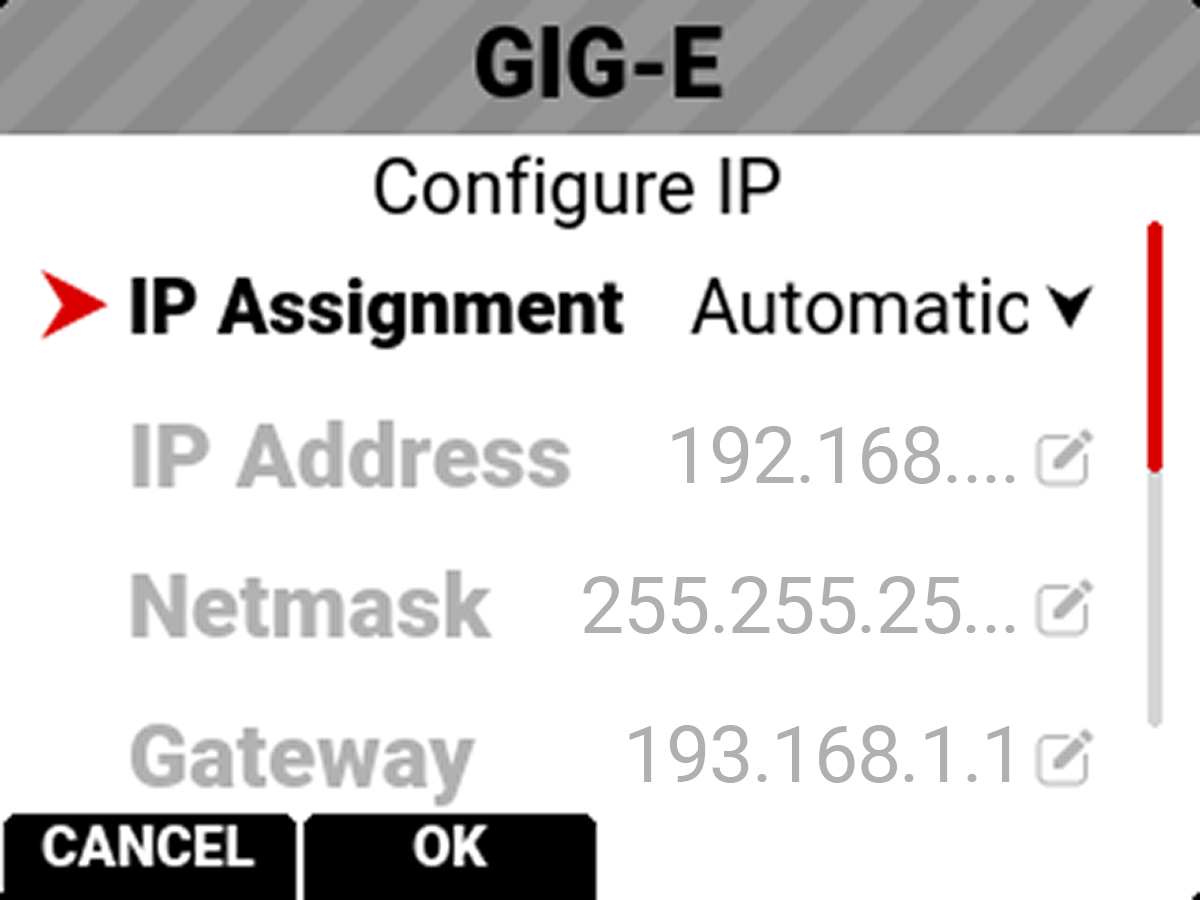
When Manual IP Assignment is enabled, you can manually enter a static IP address.
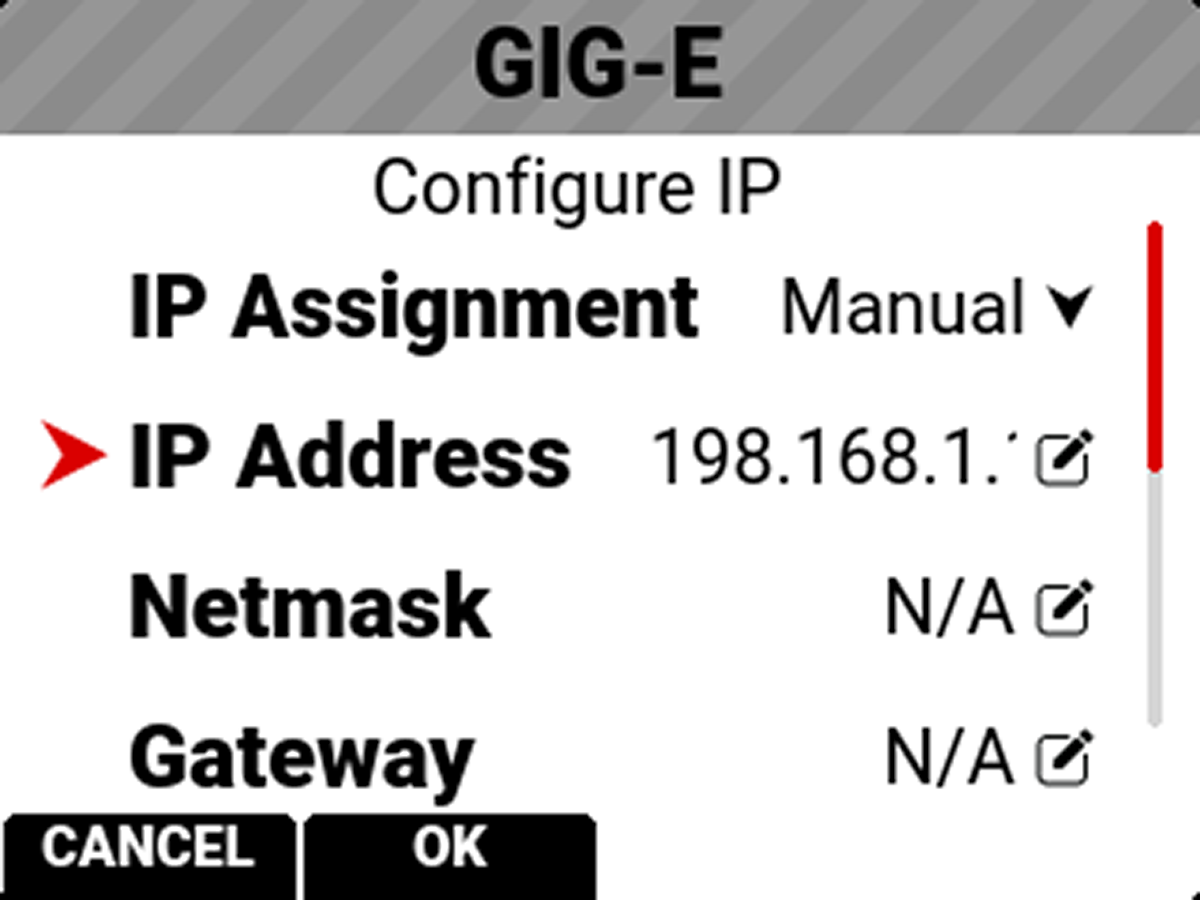
When connected to a GIG-E network and Automatic IP Assignment is enabled, Netmask displays the GIG-E network Netmask address.
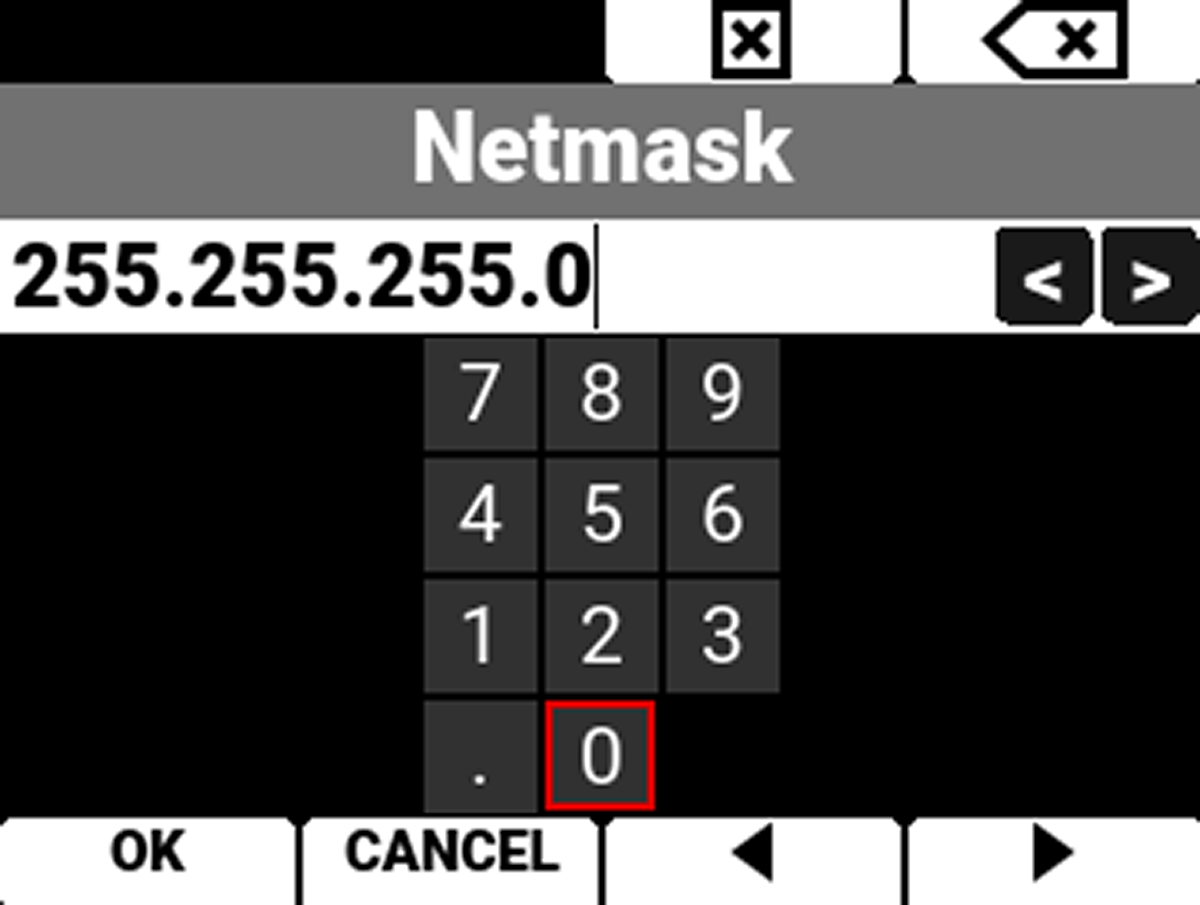
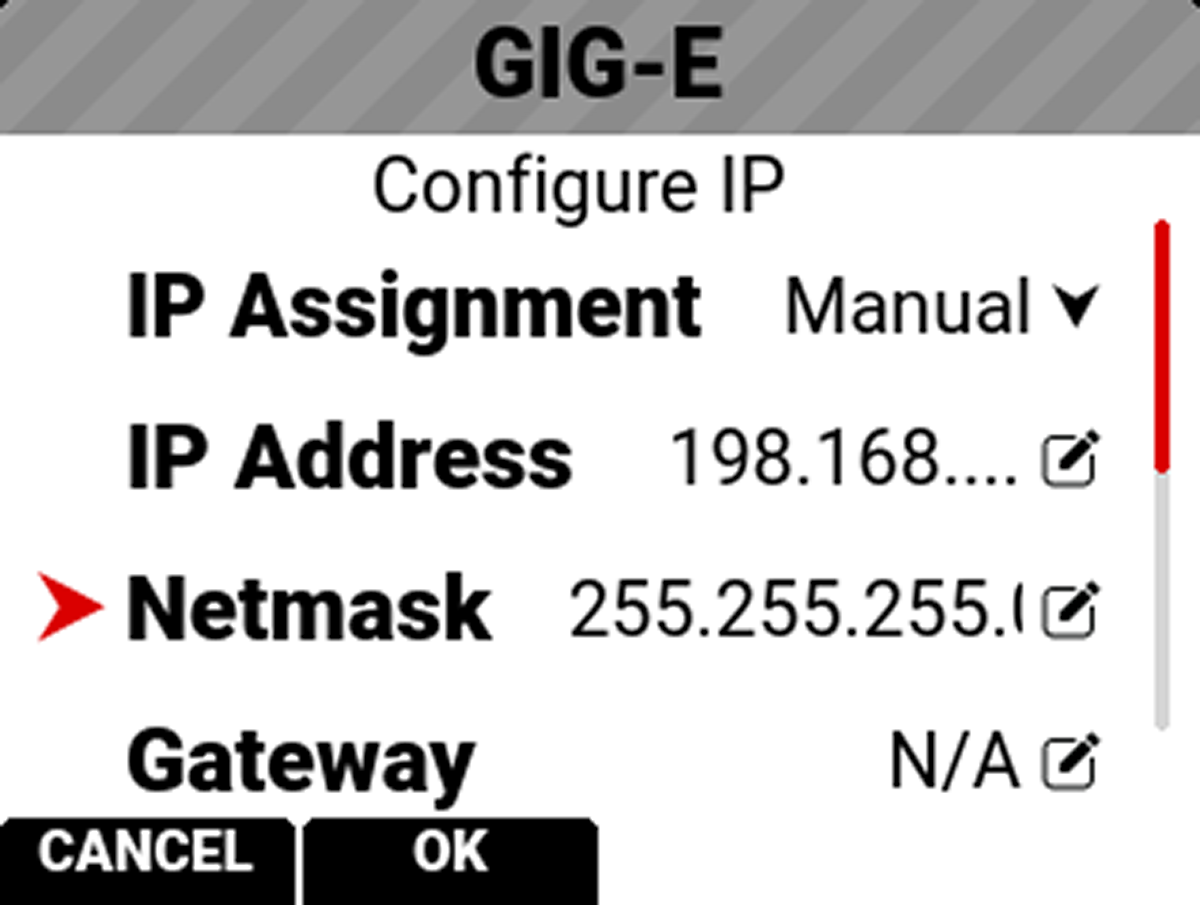
When Manual IP Assignment is enabled, you can manually enter a Netmask address.
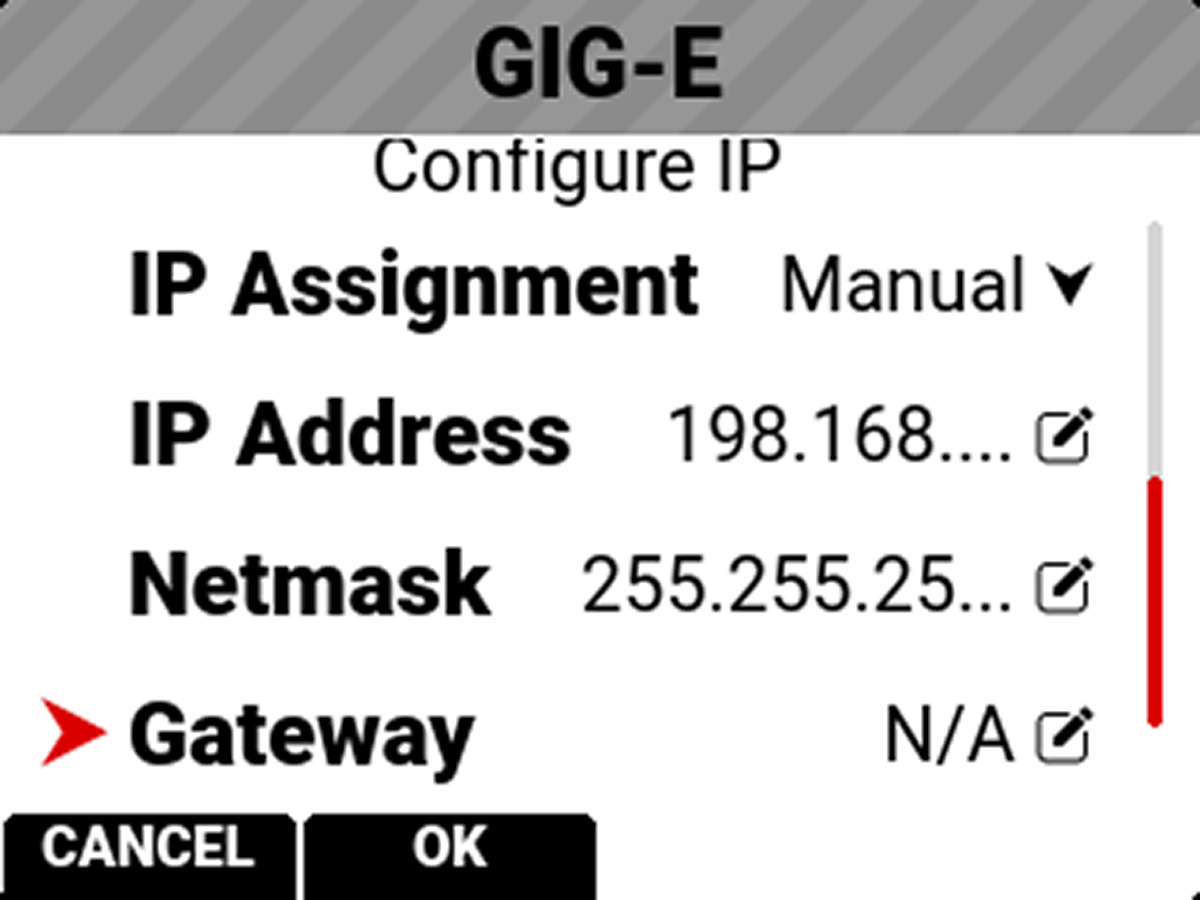
When connected to a GIG-E network and Automatic IP Assignment is enabled, Gateway displays the GIG-E network Gateway address (router address).
When Manual IP Assignment is enabled, you can manually enter a Gateway address.
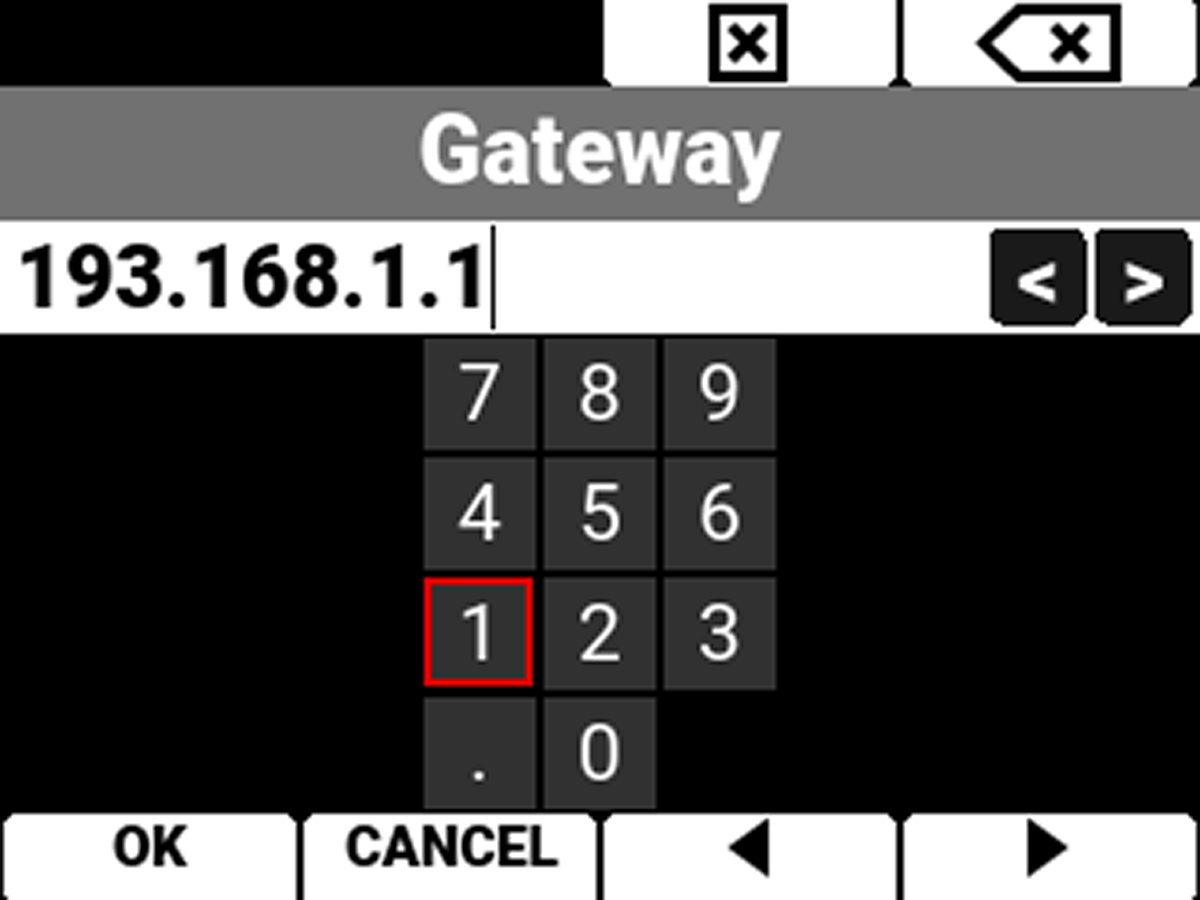
The GIG-E Advanced Settings menu allows you to change the MTU size.
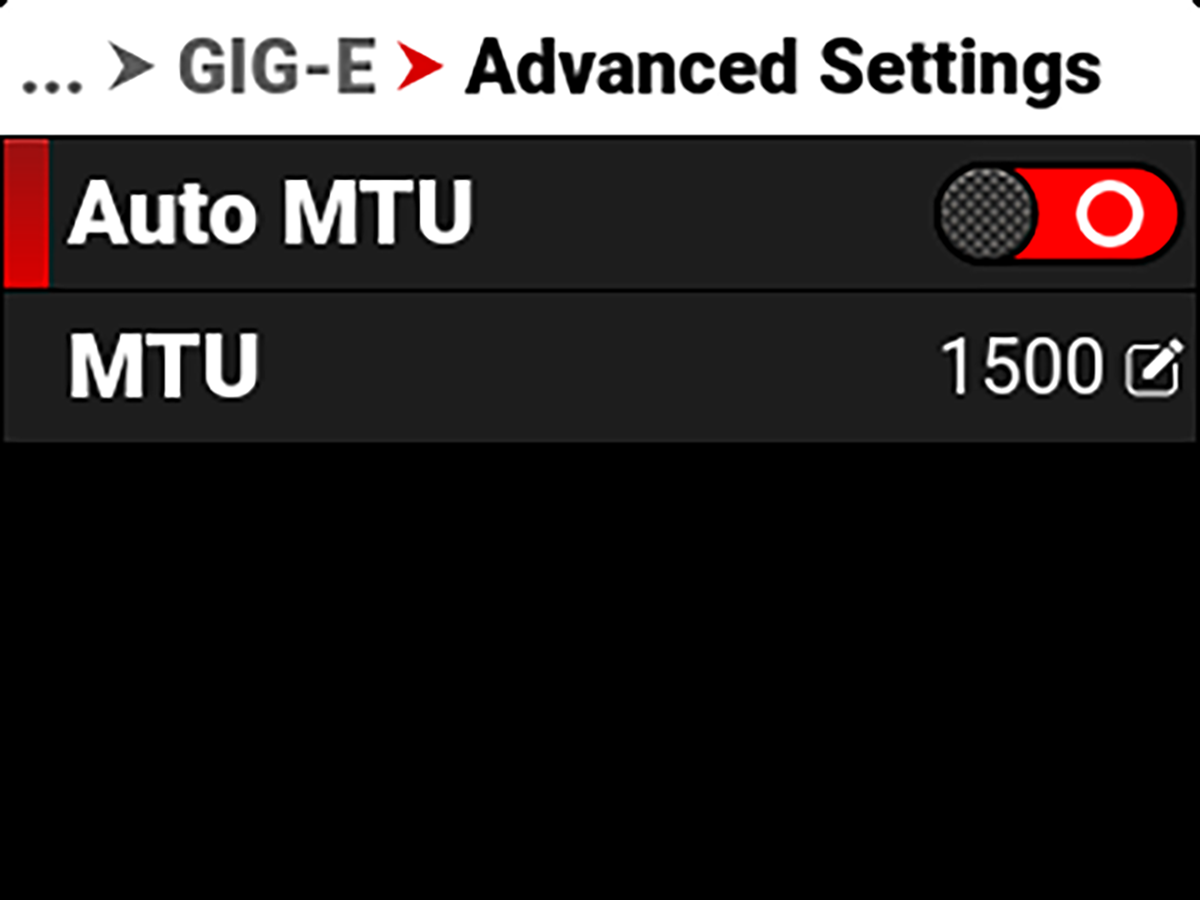
The Auto setting MTU size is 1500 bytes. You can set the MTU to a size larger than the standard 1500 bytes. This works best on Gigabit LAN. These large MTUs are known as Jumbo frames (as large as 9000 bytes) and they can increase data transmission efficiency and reduce overhead. However, Jumbo frame error correction is slower as a result of re-sending larger packets.