Pre-Record
Use the Pre-Record menu to Start/Stop Pre-Record, select the Pre-Record modes, and to adjust the length of the pre-recorded clips.

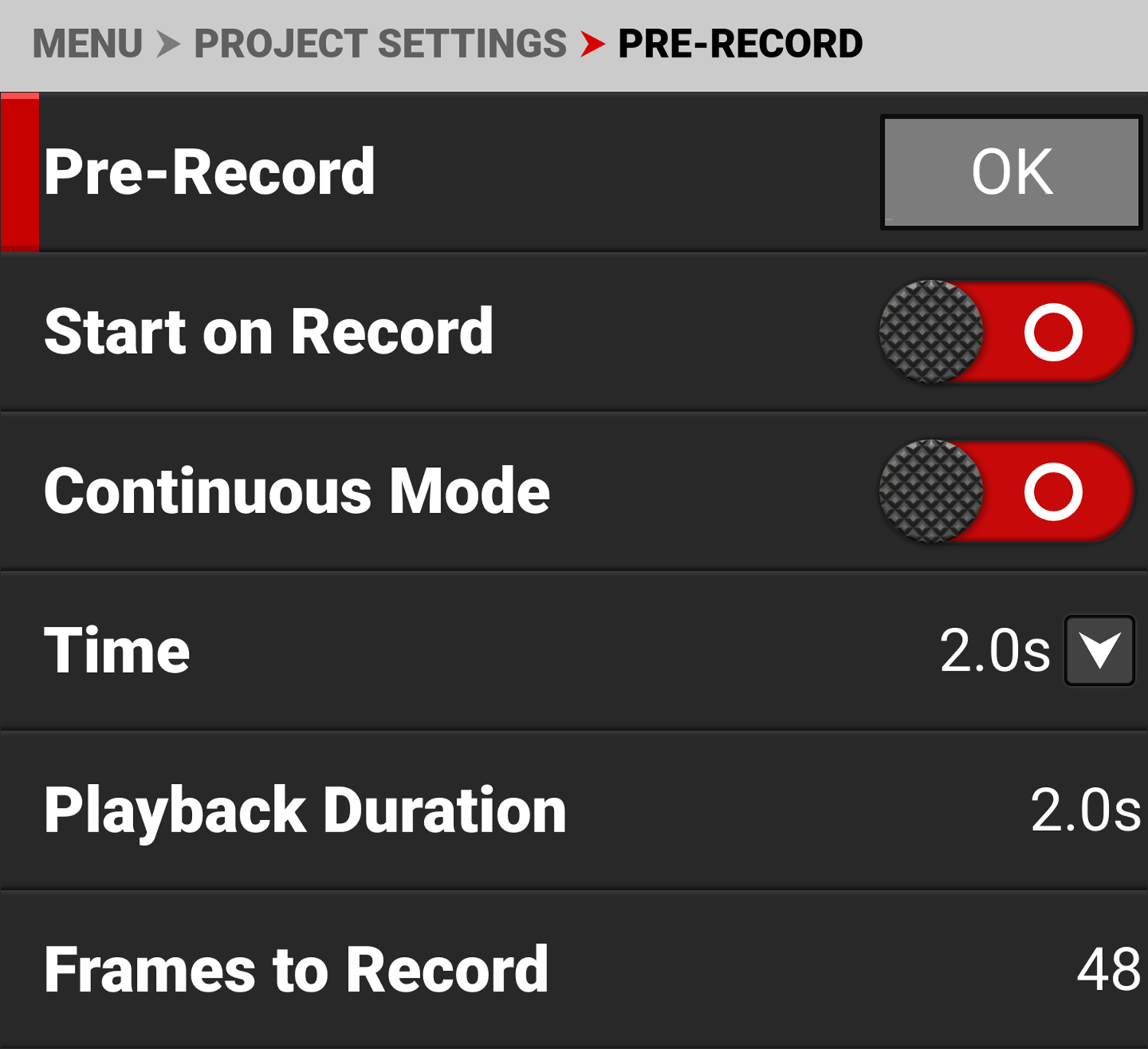
Pre-Record allows you to continually capture images to a small amount of memory while waiting to begin recording. This allows you to capture unexpected events such as, a whale breaching the water, or an athlete scoring a goal. When you finish recording, the pre-recorded clip is added to the beginning of the recording.
Pre-Record
Use Pre-Record to manually Start/Stop the Pre-Record feature by selecting OK . When Pre-Record is started, the menu is surrounded by a yellow border.
You can also assign the Pre-Record Start/Stop feature to the front button by using the User Buttons menu (refer to User Buttons).
Start on Record
Use the Start on Record toggle to Enable/Disable using the Record command to enter the Pre-Record state and an additional Record command to save the Pre-Record segment and begin recording. This feature is useful when you want to use Pre-Record while remotely triggering Record using a single simple Record switch.
When the new Pre-Record clip is created it will cancel Pre-Record without saving another clip.
The default for the Start on Record toggle is Off.
Continuous Mode
Use the Continuous Mode toggle to Enable/Disable automatic re-enabling of Pre-Record at the close of a completed Pre-Record clip. For this mode to work, the previous clip must include a Pre-Record segment, and the camera must return to a Record state without any errors.
When Pre-Record is Activated, then Deactivated, and then a clip is recorded without a Pre-Record segment, the Continuous Mode will not enable Pre-Record on the following clip.
The default for the Continuous Mode toggle is Off.
Time
Use Time to set the Pre-Record clip to record from half a second up to 30 seconds, depending on the format, file type, resolution, and quality.
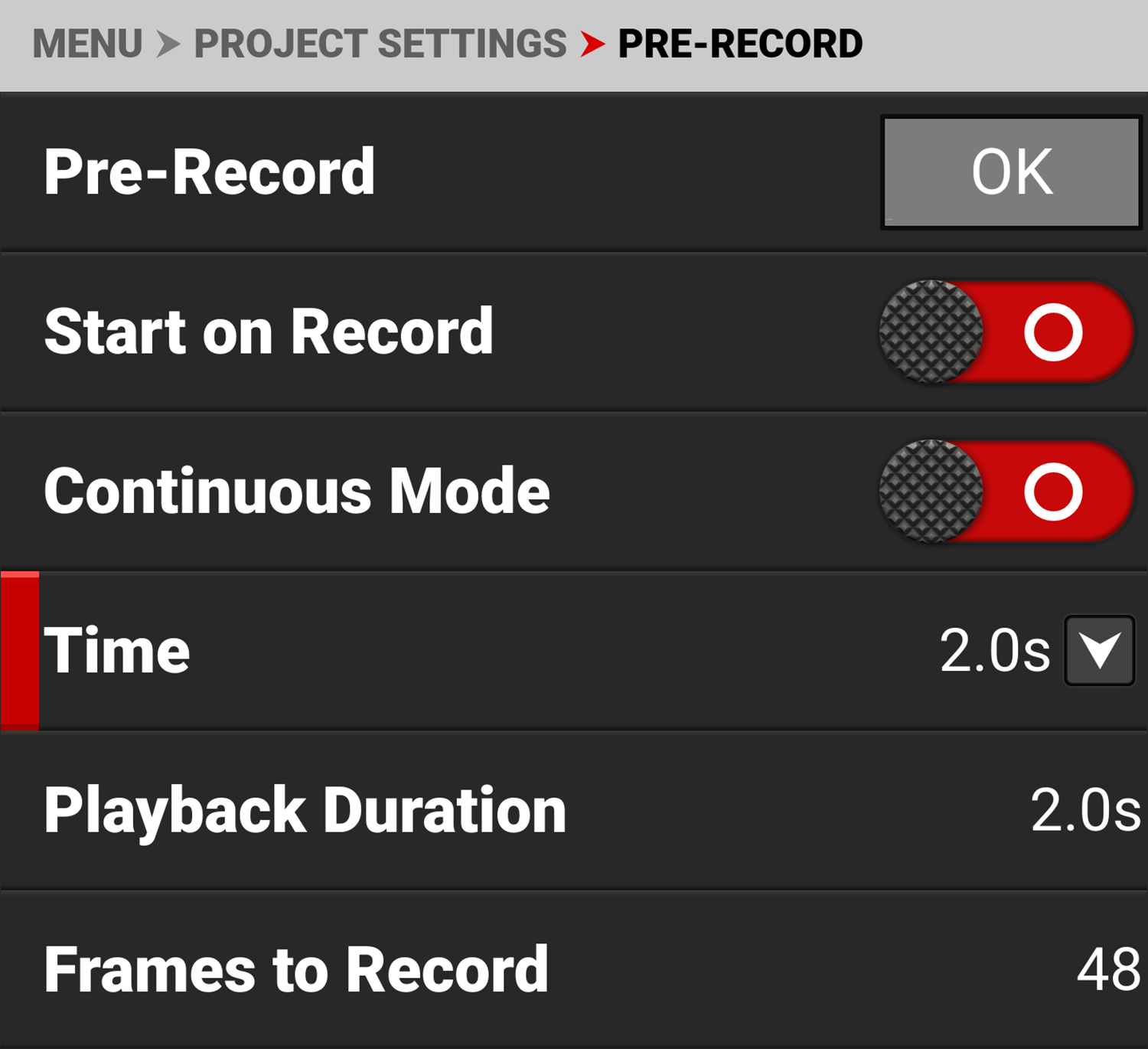
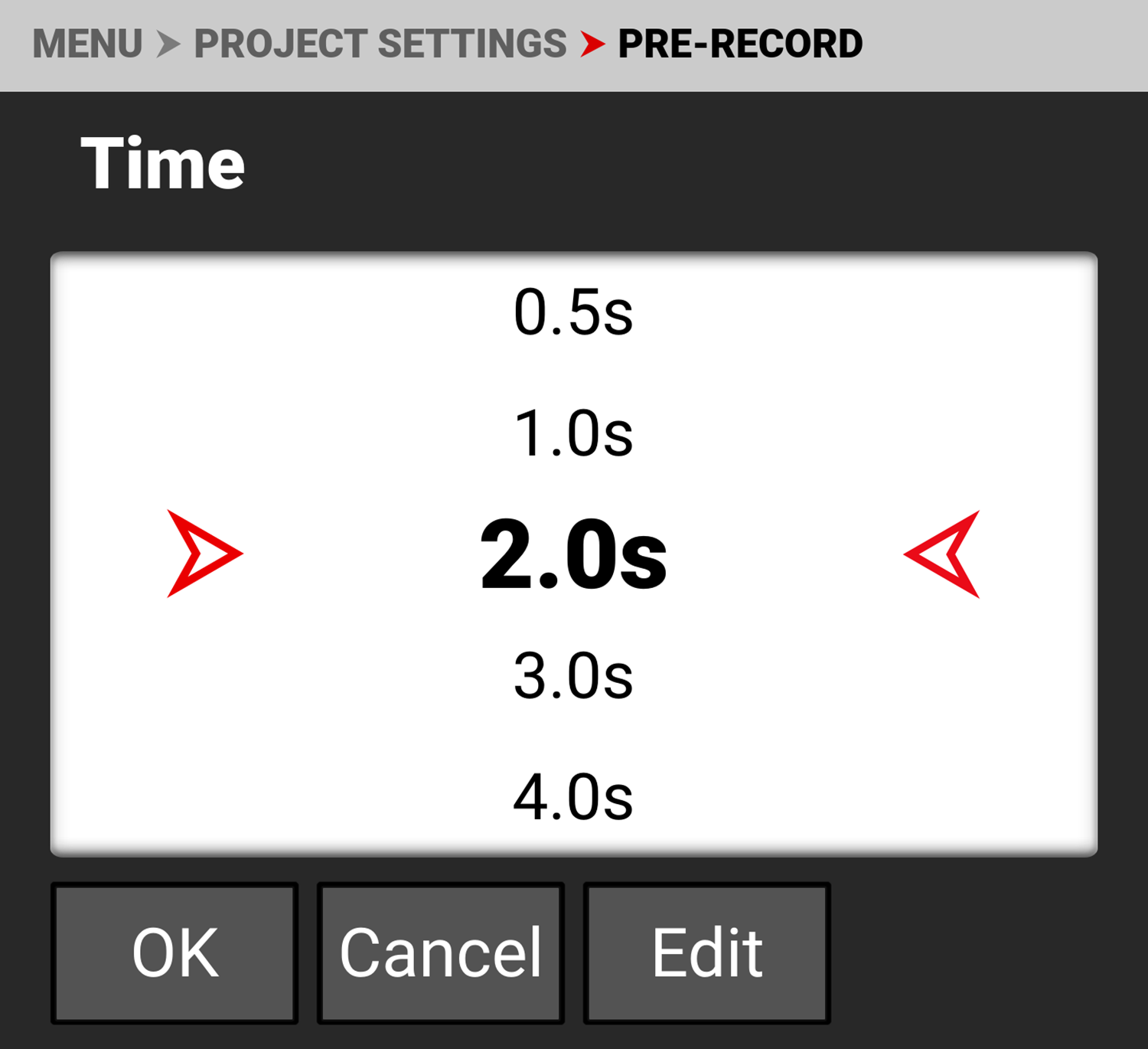
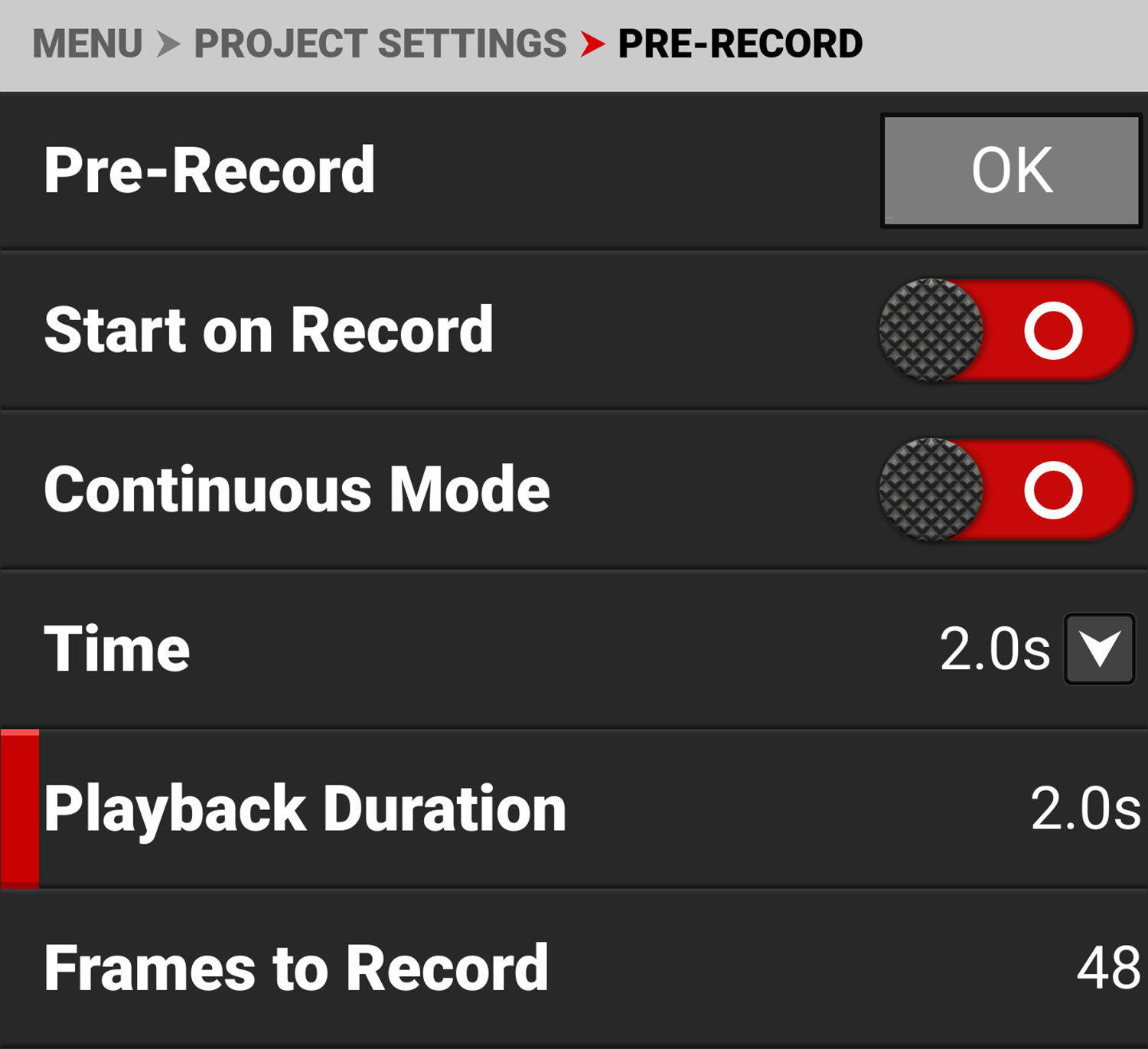
The default setting is 2 seconds (with the default Project Time Base of 23.98 FPS).
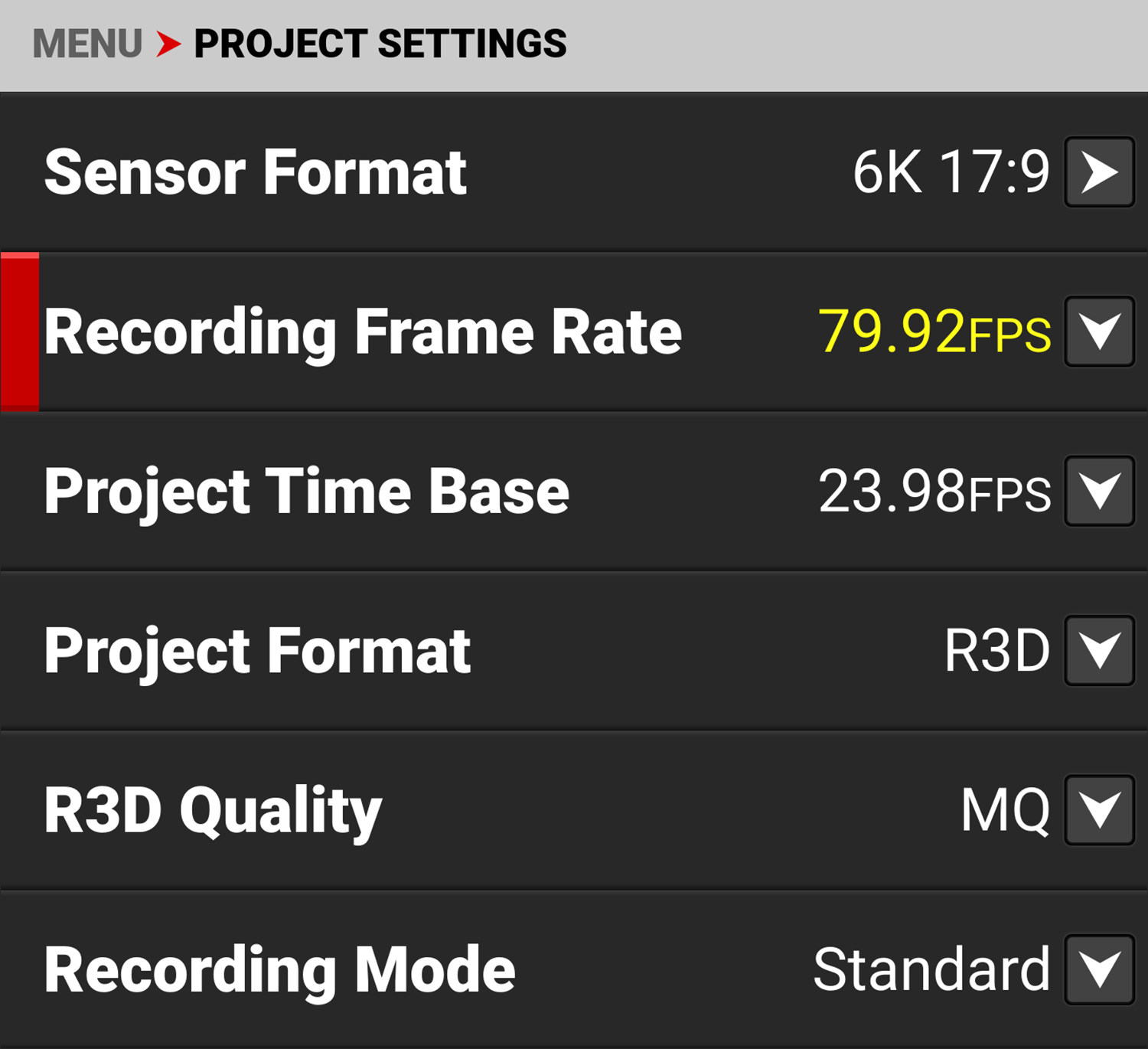
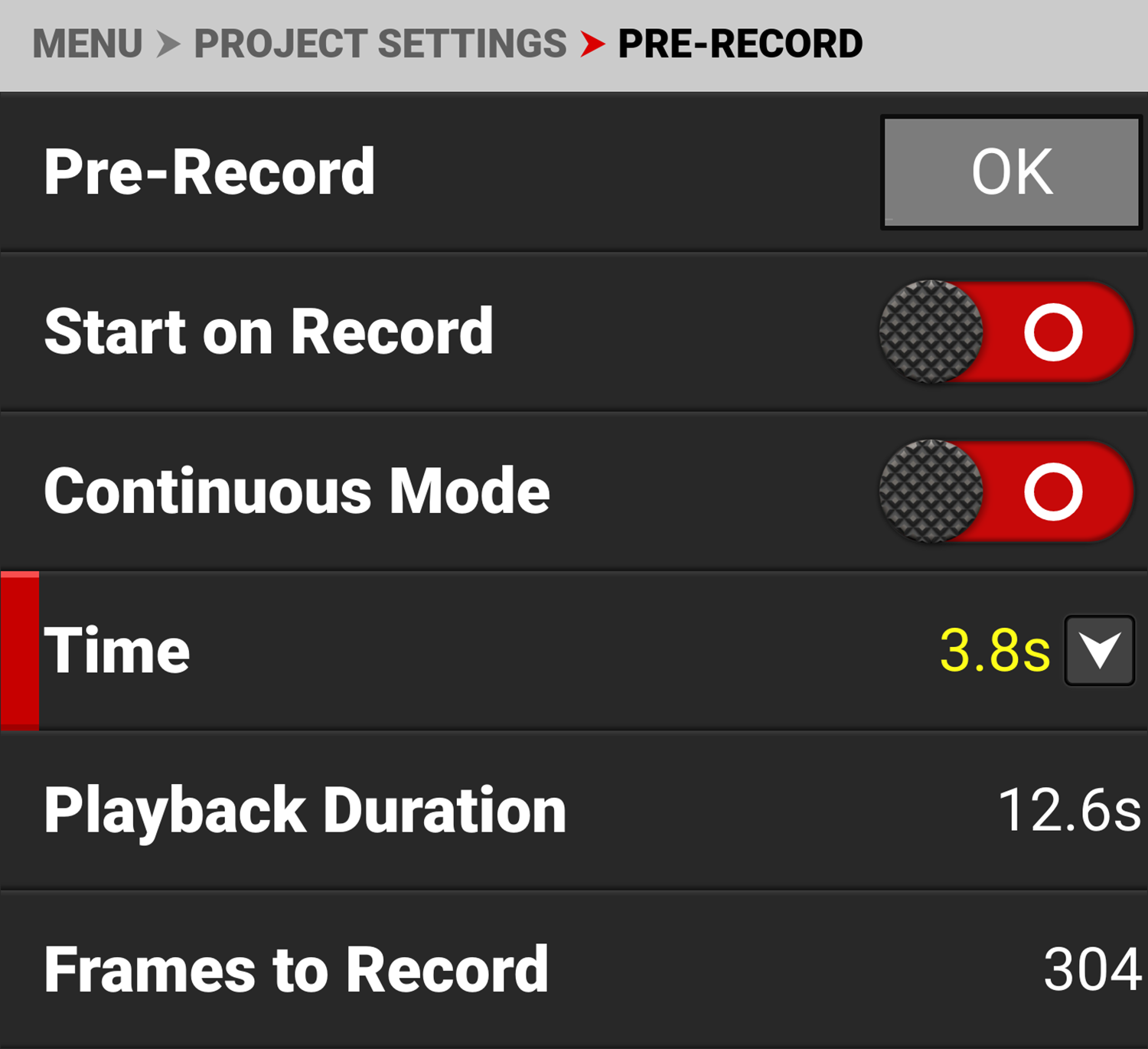
When the Recording Frame Rate and Project Time Base are set to unmatched rates, and the time interval excedes the camera limits, the time value is displayed in yellow.
For more information, refer to Pre-Recording Content.
Playback duration
Playback Duration displays the duration in seconds that the pre-record clip will last in playback.
Frames To Record
Frames to Record displays the number of frames the pre-recorded clip will contain at the current settings.
